A
B
C
D
E
F
G
H
L
M
N
P
section
D 5
591098/1098S - M.Y. 2007 - edition 00
Use and maintenance
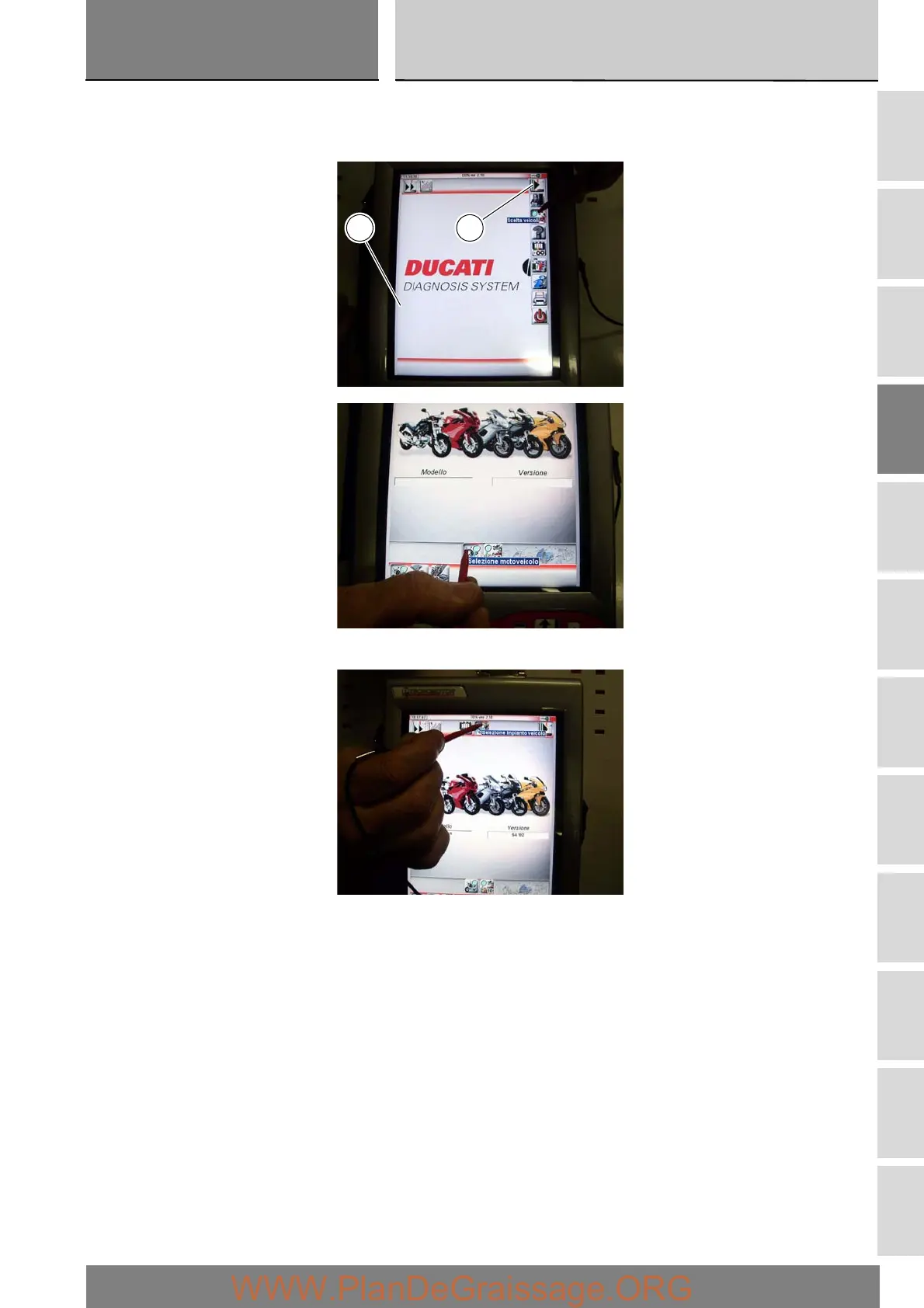
Enter the general functions menu by pressing the “Menu 1” icon (C).
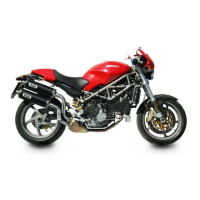
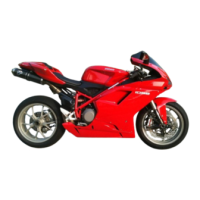
Press the “Select vehicle” icon and, on the next screen, press the “Select motorcycle” icon; select the motorcycle model and
confirm, then select the version and confirm.
Press the “Select system” icon to display a list of the bike’s systems that can be analysed.
C1






 To Next Page