A
B
C
D
E
F
G
H
L
M
N
P
section
D 5
811098/1098S - M.Y. 2007 - edition 00
Use and maintenance
Guided diagnosis
Notes
The on-screen icons used during this procedure are explained in a table at the end of this section.
The DDS tester guides the operator step-by-step through the various diagnostic procedures, providing descriptions and
documentation for motorcycle components, wiring diagrams for the electronic systems and information on the locations of
specific components.
Switch on the DDS tester (1); see paragraph entitled “Tester power supply”.
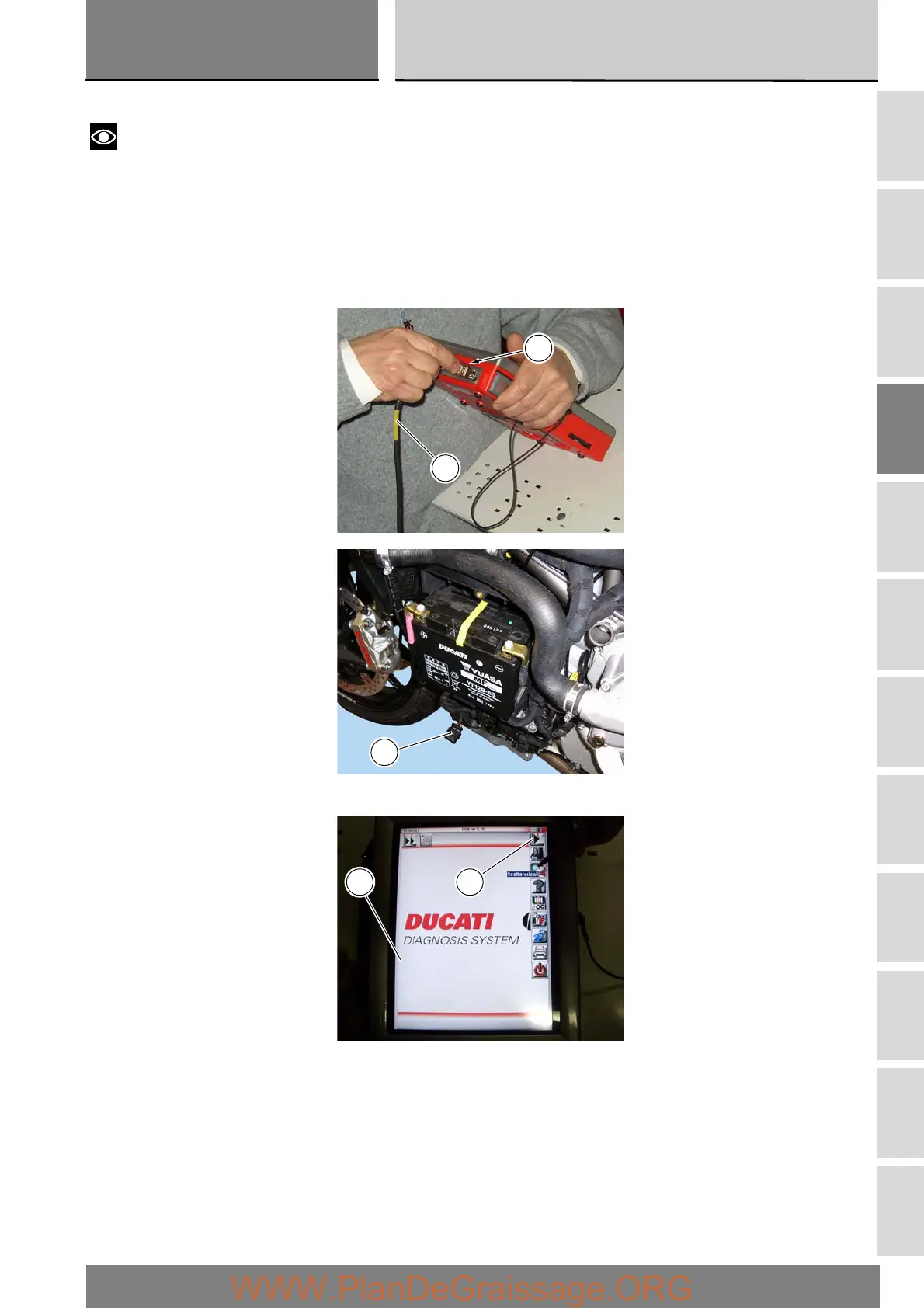
Connect the power and diagnostics cable (2) to the diagnostics connector (F) on the tester and to the diagnostics socket (G) on
the motorcycle.
Enter the general functions menu by pressing the “Menu 1” icon (A).
F
2
G
A1






 To Next Page