A
B
C
D
E
F
G
H
L
M
N
P
section
D 5
831098/1098S - M.Y. 2007 - edition 00
Use and maintenance
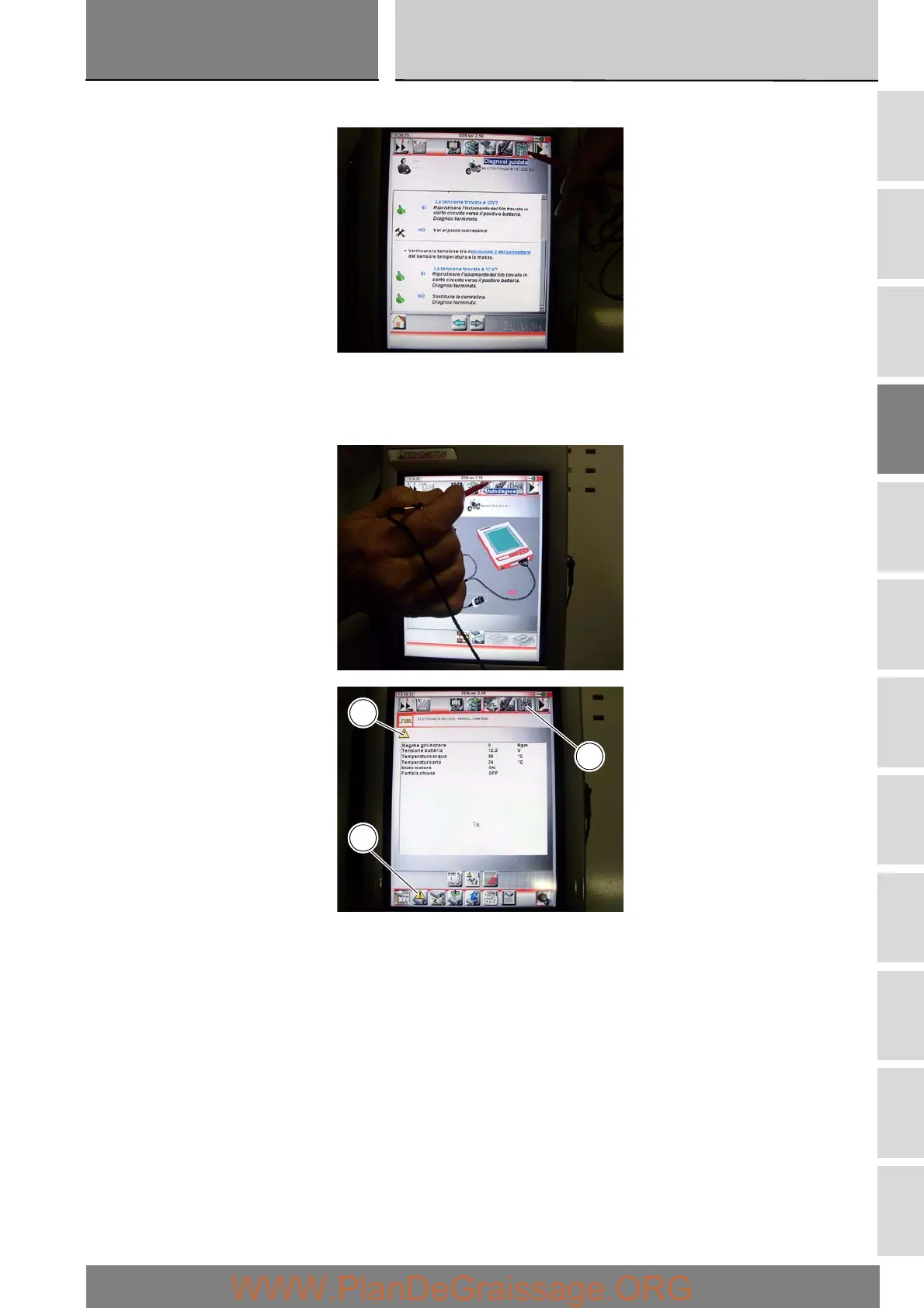
A series of screens are displayed indicating the operations required for correct diagnosis.
To determine whether the system has any internal problems, you can access the “Self-diagnosis” function by pressing the
corresponding icon. If any errors are present, the symbol (D) will be displayed. To determine the type of errors present, press the
“Errors” icon (E). Once errors have been detected, you can then resolve them through guided diagnostic procedure; press the
“Guided Diagnosis” icon.
The DDS tester will interrogate the electronic control unit and display the parameters analysed with their relative values.
E
C
D











 To Next Page