A
B
C
D
E
F
G
H
L
M
N
P
section
D 5
891098/1098S - M.Y. 2007 - edition 00
Use and maintenance
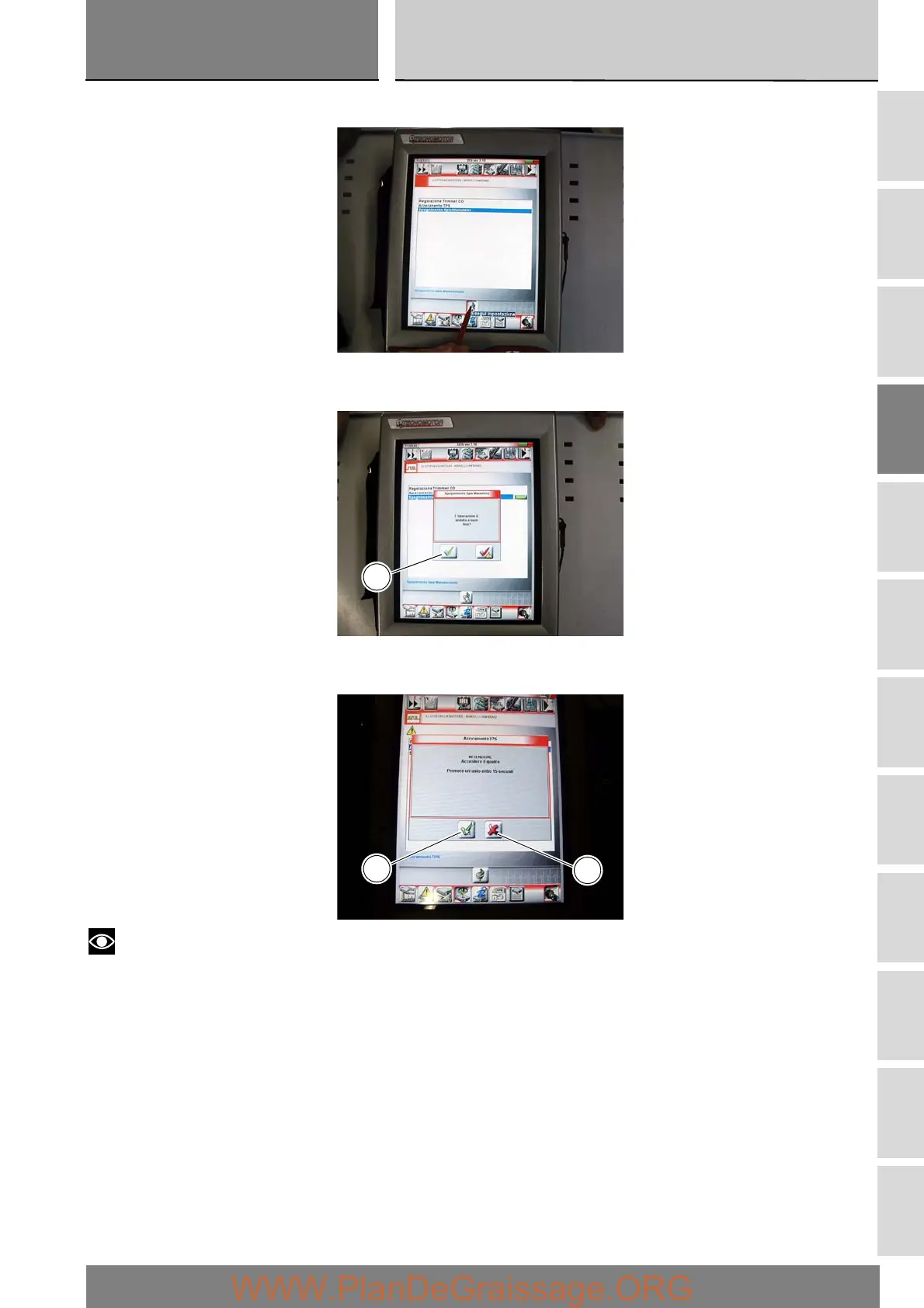
Select the option “Mainten. light OFF” and then press the “Apply” icon.
On completion of the operation, the message “Was the operation was completed successfully?” will appear; press
“Confirm” (C).
If any problems were encountered during the operation, the tester will display the relative error messages: each message must
be confirmed, (by pressing the “Confirm” icon (C)), or rejected (by pressing the “Exit” icon (D)).
Notes
Once the “maintenance” indication has been reset with the DDS tester, set the ignition switch to OFF and wait for at least
30 seconds before switching it ON again.
C
C
D











 To Next Page