Chapter 3 ’Web User Graphical Interface’ — Operating Instructions (Tutorial)
126 Electra VS
-
Version 05.10
User Manual - Rev. A
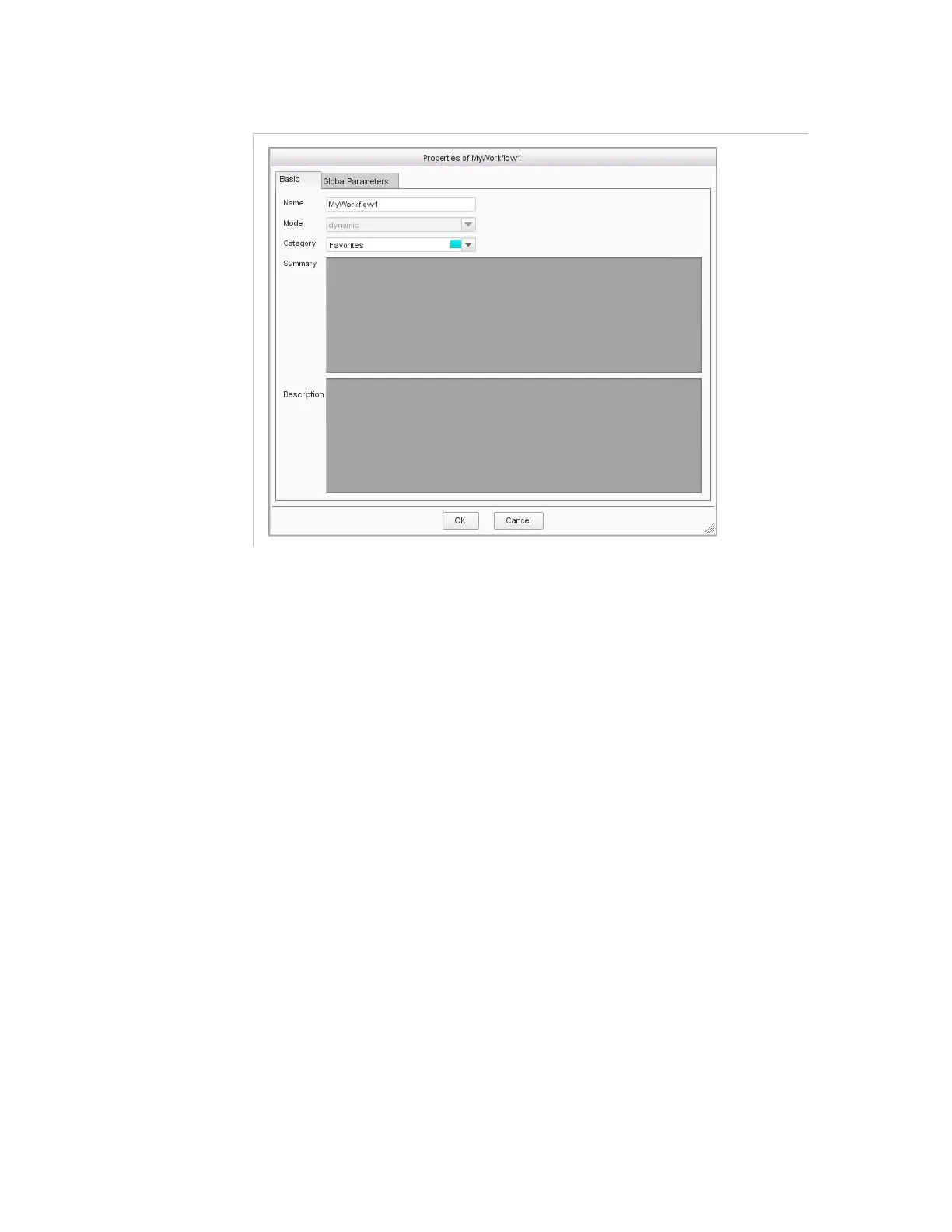
Figure 3-64. Creating a workflow
3.
Enter a name for your workflow.
4.
Assign a category.
Categories are used by Electra VS to classify the workflows (this will
be useful later to find a workflow more easily). A number of categories
are defined by default, but you can create your own categories (see
section
’Categories and Colors’
on page 196). A color is associated to
each category.



 To Next Page