Chapter 3 ’Web User Graphical Interface’ — Operating Instructions (Tutorial)
Electra VS
-
Version 05.10 127
User Manual - Rev. A
5.
Enter a summary (short description) and a description (detailed
description) to provide information on your workflow. This (optional)
information can be edited or changed after workflow creation.
6.
Click
OK
.
Adding Processing Components to the Workflow
Once the workflow is created, you need to fill it with processing
components.
1.
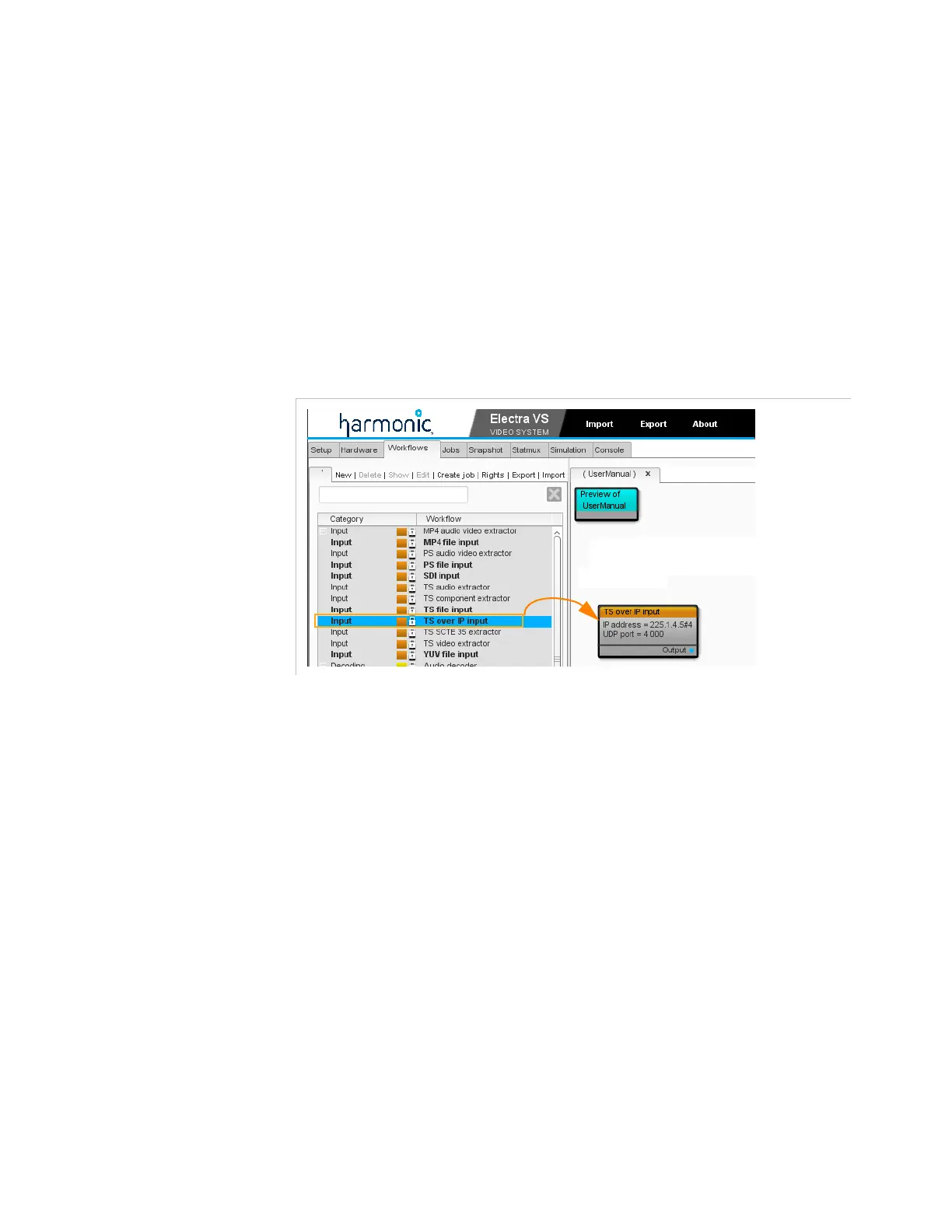
To add the first processing component, click a processing component
from the list in the left area, and drag it to the right area.
Figure 3-65. Adding a processing component to the workflow



 To Next Page