Chapter 3 ’Web User Graphical Interface’ — Operating Instructions (Tutorial)
Electra VS
-
Version 05.10 157
User Manual - Rev. A
Using an SDI Source in a Workflow
To select an SDI source in a workflow proceed as follows:
1.
Create a new workflow.
2.
Add an
SDI Input
processing component in the workflow.
3.
Edit the
SDI Input
processing component.
4.
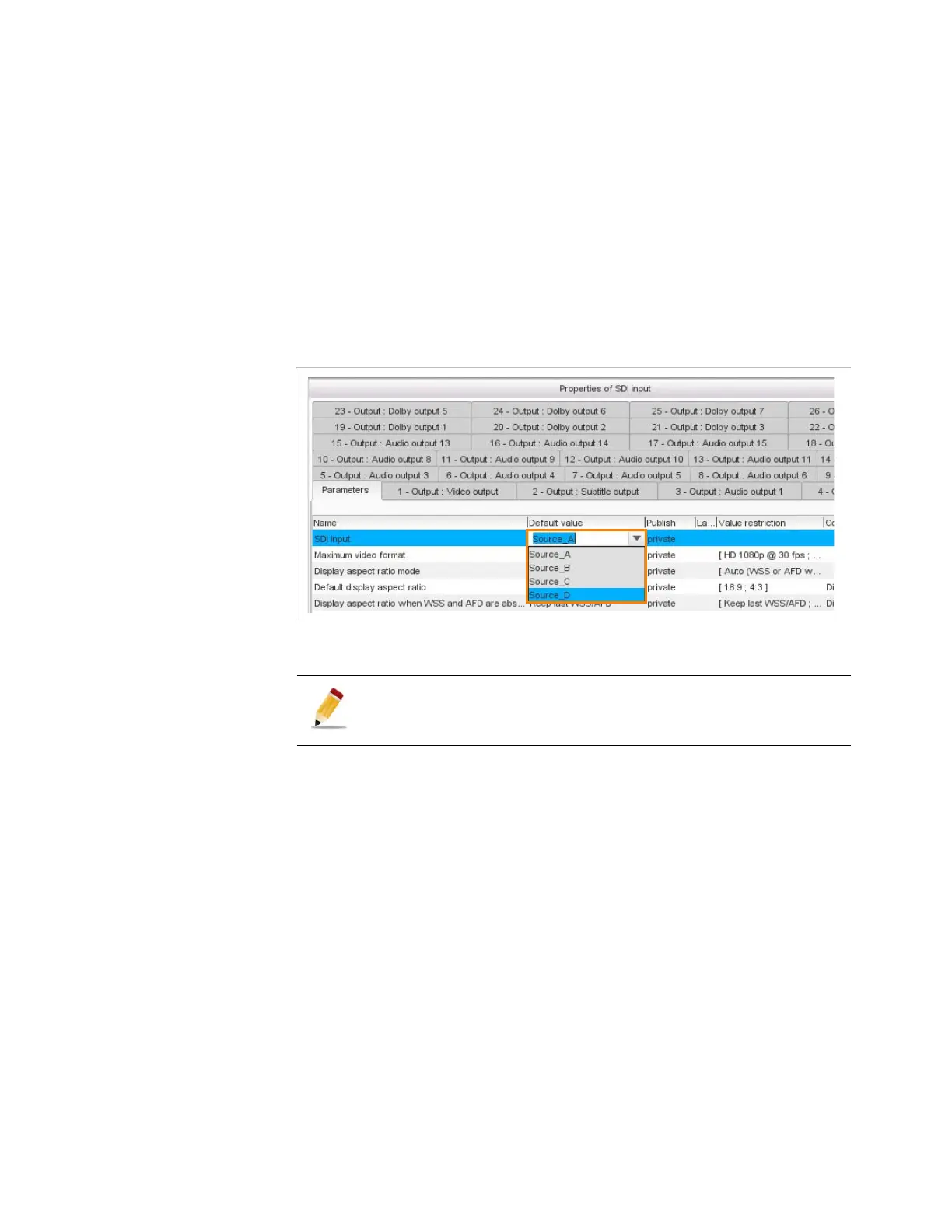
In the
SDI input
list, choose the SDI source you wish to use among
the sources you named previously.
Figure 3-112. SDI input processing component, select a SDI source
When you launch a job, if a matrix is used, it is automatically configured.
If static crosspoints have been previously created, they are not modified
(refer to section
’Configuring the Crosspoints of the Matrix’
on
page 154).
If the
SDI input
parameter is set to
public
it can be configured at
the job creating.



 To Next Page