Chapter 3 ’Web User Graphical Interface’ — GUI Description
Electra VS
-
Version 05.10 219
User Manual - Rev. A
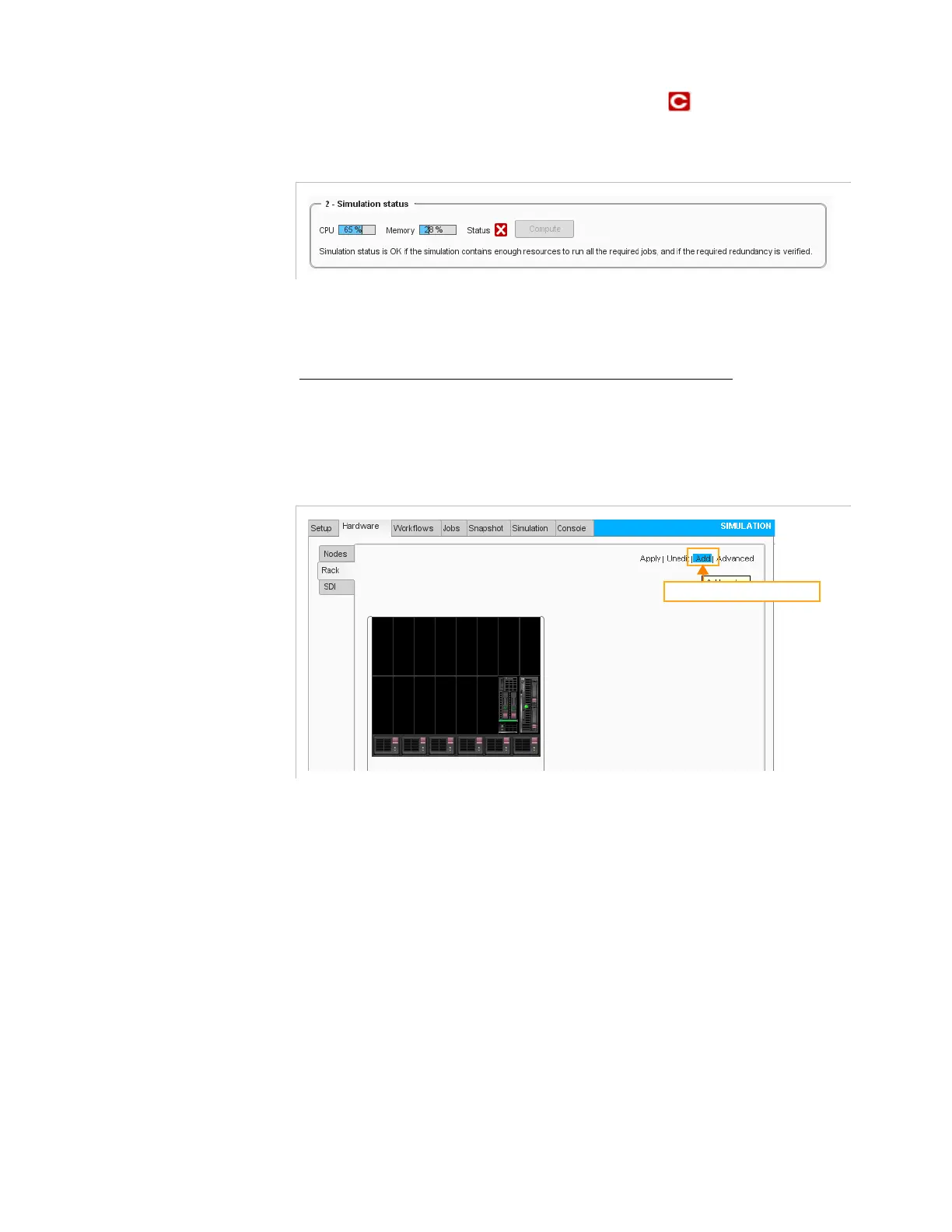
In this case the Simulation Status below will be .
Figure 3-183. Simulation status (failed)
1.
In the
Hardware
tab, select the
Rack
category.
2.
Enter the
Edit
mode.
To add node(s) to new blade center(s) or to add server(s)
3.
Click the
Add
button in the top-right area of the tab then define the
new resource characteristics.
Figure 3-184. Adding blade center(s) or server(s)
Add blade centers or servers



 To Next Page