Chapter 4 ’Servicing’ — Software Only Delivery
440 Electra VS
-
Version 05.10
User Manual - Rev. A
2.
Check that your license allow the addition of a new node
a.
In the GUI, point to the
Download
tab.
b.
In the license table check that you have the right to add new
nodes, i.e. that all the ELC-VS-SW-VOSFLEX are not currently
used.
c.
If it is not the case ask additional license to Harmonic.
Refer to section
’Requesting a new license File’
on page 411.
and section
’Declaring a new License File’
on page 412.
3.
Install the Electra VS software version in the node
Install the version from a USB Flash drive on the new node. Refer to
Chapter 2 ’Installation and Startup’
, section
’Creating the Bootable
USB Flash drive’
on page 58 and section
’Installing the Version on
the First Node (Master node)’
on page 439.
Reboot the node.
4.
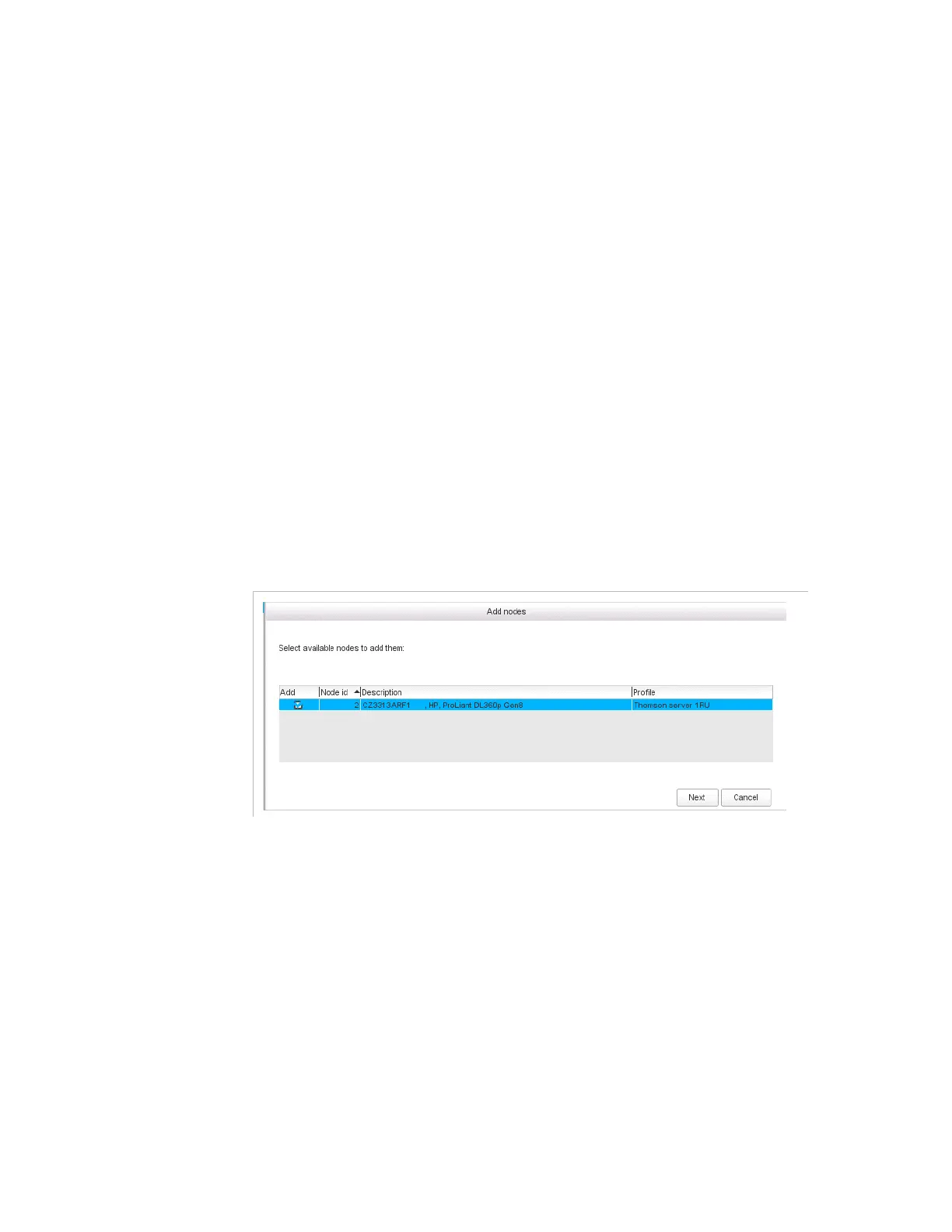
Add the node in Electra VS
a.
Go to the
Nodes
category.
b.
Select
Add Nodes
.



 To Next Page