Chapter 2 ’Installation and Startup’ — Hardware Delivery
Electra VS
-
Version 05.10 47
User Manual - Rev. A
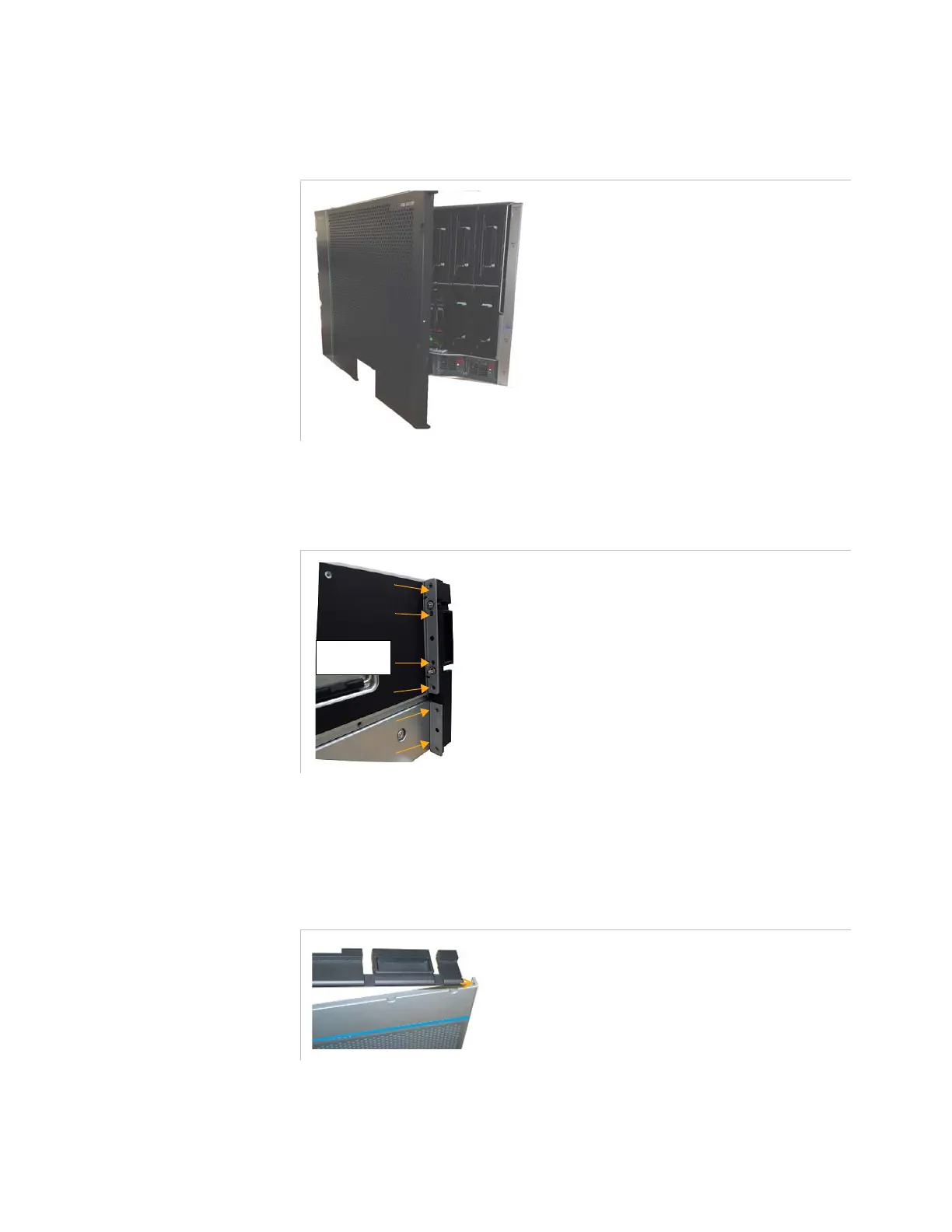
Procedure to Install a Left-Opening Front Panel (Hinges on Left)
Figure 2-22. Front panel with left-opening
1.
Remove the left hinge from the chassis (see below).
Figure 2-23. Removing the left hinge
2.
Install the front panel in the left hinge as follows:
Position the left hinge so that the top screw inserts into the hole
in the top part of the front panel.
Figure 2-24. Inserting the left hinge in the top part of the front panel
left side
Remove the
6 screws.



 To Next Page