Chapter 2 ’Installation and Startup’ — Hardware Delivery
48 Electra VS
-
Version 05.10
User Manual - Rev. A
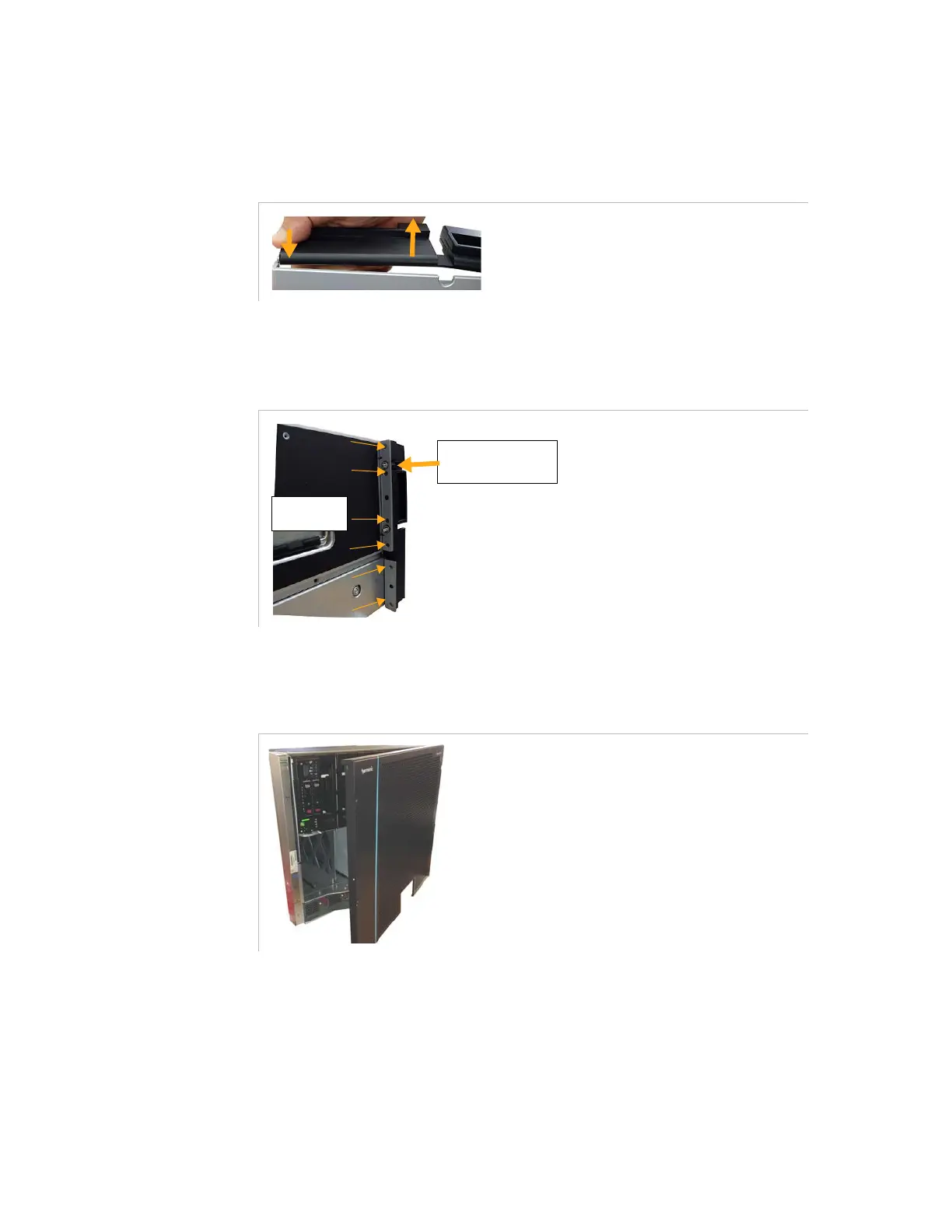
Bend (slightly) the hinge in order to insert the bottom screw into
the hole in the bottom part of the front panel.
Figure 2-25. Bending slightly the hinge to insert it in the bottom part of the front panel
3.
Re-mount the left hinge and front panel together on the chassis.
Figure 2-26. Fixing the left hinge
Procedure to Install a Right-Opening Front Panel (Hinges on Right)
Figure 2-27. Front panel with right-opening
1.
Remove the right hinge as shown in
Figure 2-23
(this time with the
right hinge).
left side
1. Push the left hinge
against the upright of
the chassis.
2. Fix with
6 screws.



 To Next Page