Chapter 3 ’Web User Graphical Interface’ — Operating Instructions (Tutorial)
Electra VS
-
Version 05.10 95
User Manual - Rev. A
9.
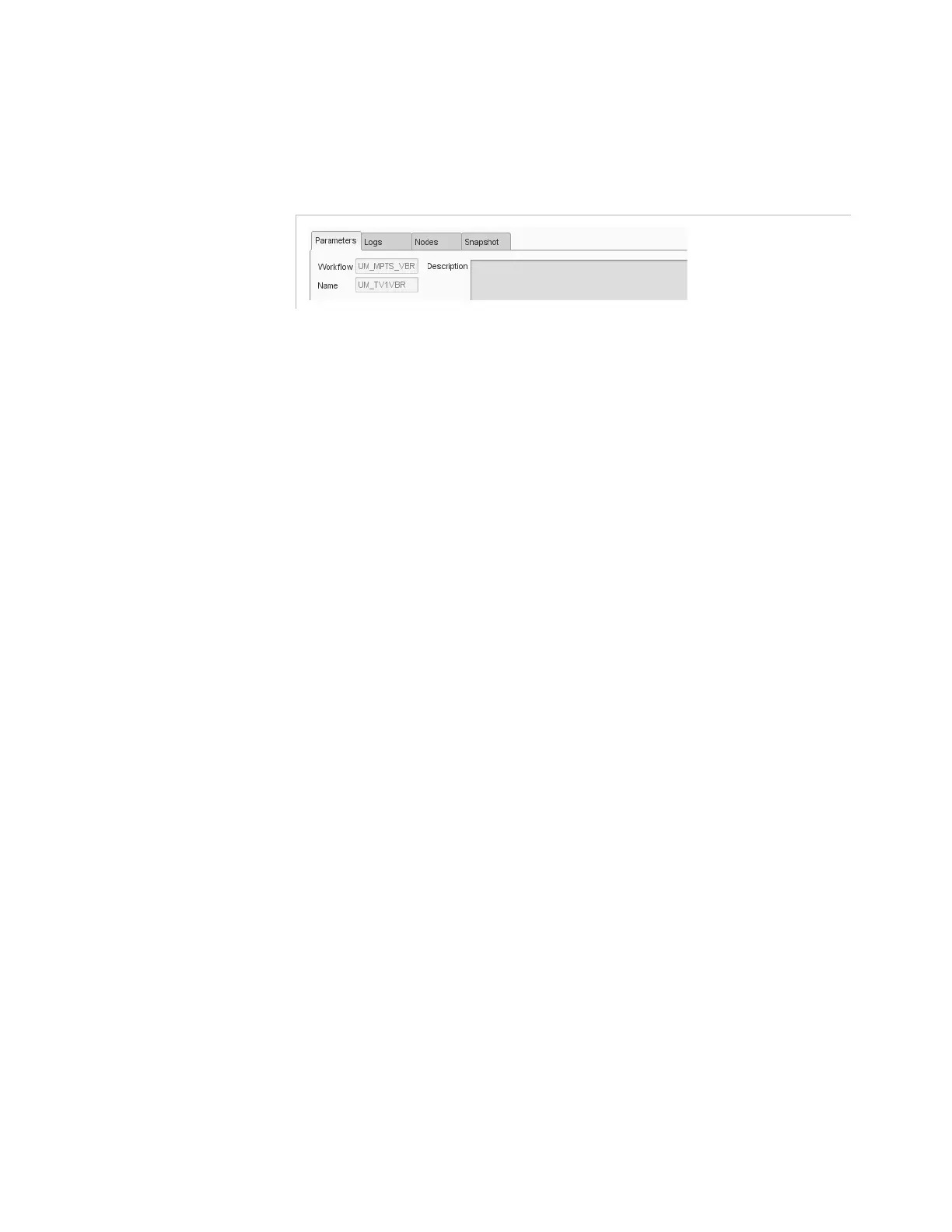
Double-click the job to gain access to the job monitoring panels:
Parameters
,
Logs
,
Nodes
,
Snapshot
Figure 3-17. Information on job
The
Parameters
panel allows you to show/edit the job parameters.
The
Logs
panel gives the alarms and events related to the selected
job.
The
Nodes
panel indicates the node(s) where the job is running.
The
Snapshot
panel shows the contents of input for the selected job
as a tree.



 To Next Page