Normal
Let´s assume, you will store cue 2.1 between cue 2 and cue 3 with tracking shield.
Cue
Fixture 1 (initial
situation)
Fixture 2 (initial
situation)
Fixture 1 (normal)
Fixture 2
(normal)
1 Dimmer At 50 Dimmer At 50 Dimmer At 50 Dimmer At 50
2 Dimmer At 0 Dimmer At 100 Dimmer At 0 Dimmer At 100
2.1 Dimmer At 33 Dimmer At 33
3 Dimmer At 0 (tracked) Dimmer At 80
Dimmer At 33
(tracked)
Dimmer At 80
1. Press Store Cue 2 . 1 and tap on the main executor in the executor bar view.
2. Tap Ok . Normal is selected by default.
Cue 2.1 is stored between cue 2 and cue 3. Cue 3 is tracking the dimmer value from fixture 1.
Cue Only
Let´s assume, you will store cue 2.1 between cue 2 and 3 without affect the following cues with tracking values.
Cue
Fixture 1 (initial
situation)
Fixture 2 (initial
situation)
Fixture 1 (cue
only)
Fixture 2 (cue
only)
1 Dimmer At 50 Dimmer At 50 Dimmer At 50 Dimmer At 50
2 Dimmer At 0 Dimmer At 100 Dimmer At 0 Dimmer At 100
2.1 Dimmer At 33 Dimmer At 33
3 Dimmer At 0 (tracked) Dimmer At 80 Dimmer At 0 Dimmer At 80
1. Press Store Cue 2 . 1 and tap on the main executor in the executor bar view.
2. Tap Cue Only and then Ok .
Cue 2.1 is stored between cue 2 and cue 3. Cue 3 has no tracking values from cue 2.1.
Merge
Let´s assume, you will add the current programmer values to the existing cue 1 on the main executor.
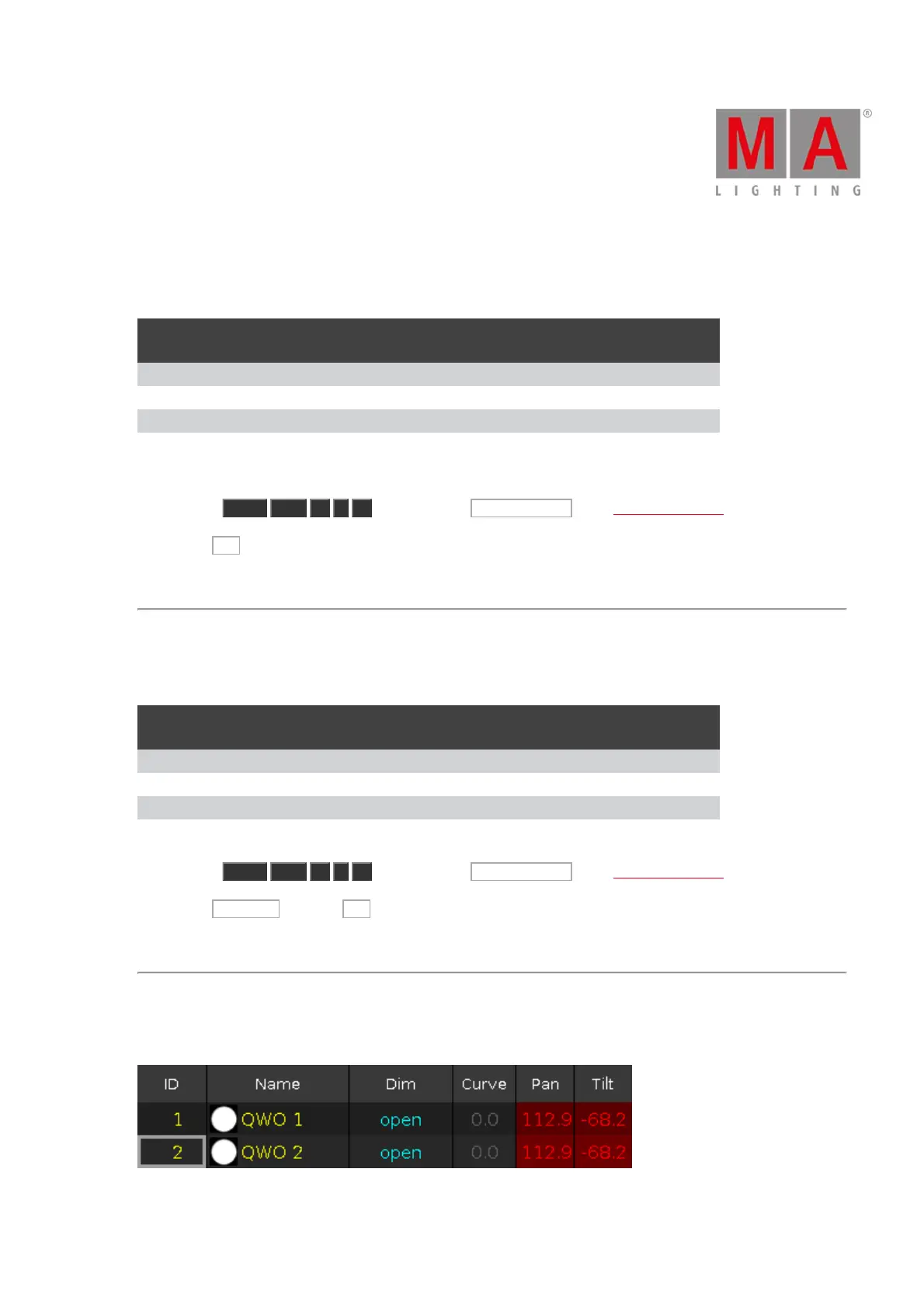
Figure 3: Values of cue 1 before store merge



 To Next Page