35. MAtricks Group 4:
Aligns the values across groups of 4 fixtures of the fixture selection.
- Select the MAtricks Group and then enter the align values.
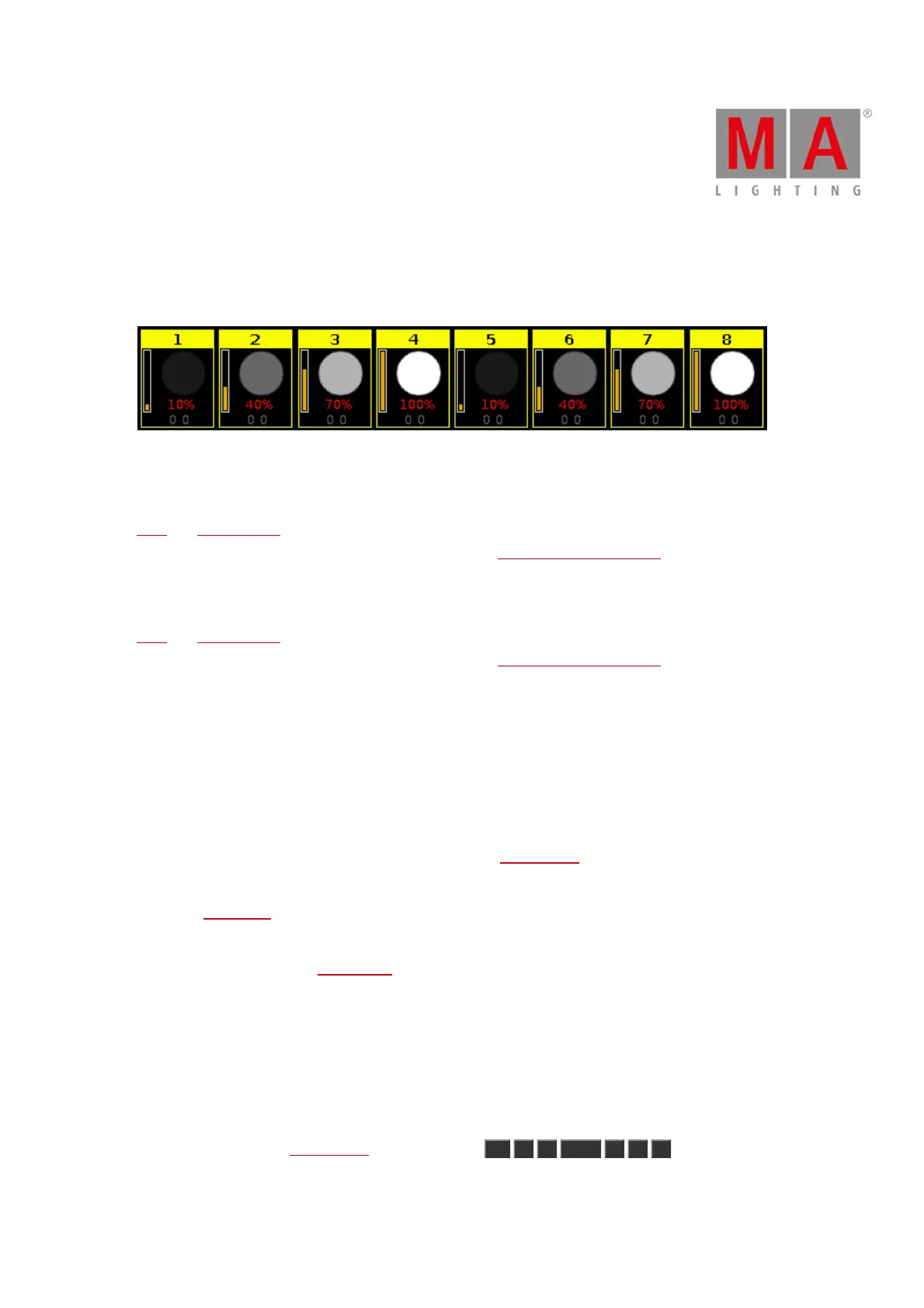
Figure 11: Fixtures use MAtricks Group 4
36. MAtricks Odd:
Selects every second fixture of the current fixture selection, starting with the first fixture.
Next and Previous Key function changes into a toggle function between even and odd.
Reset the Next and Previous Key back to default by using Macro 38 MAtricks RESET.
37. MAtricks Odd ID:
Selects only fixtures with an odd fixture ID of the current fixture selection.
Next and Previous Key selects next and previous odd fixture ID.
Reset the Next and Previous Key back to default by using Macro 38 MAtricks RESET.
38. MAtricks RESET:
Resets the Next and Previous key back to their default function.
This is necessary after using MAtricks macros.
39. Off all Executor:
Turns off all executors except the main executor.
40. Off Pages Minus Current:
Turns off every page except the current visible page in the executor bar.
41. Oops Menu:
Opens the Oops View on screen 1.
42. Quicksave the Show File:
Saves the show file. Refer to, Backup Key.
43. Shuffle Selection:
The dot2 remembers the order of how you select the fixtures, e.g. from fixture 1 to 10 or from fixture 10 to 1.
This necessary for e.g. effects or the highlight function.
The shuffle selection macro mixed-up the order of the fixture selection.
Example without Shuffle Selection Macro:
Select the fixtures in the fixtures view from 1 to 8, press At 1 0 Thru 1 0 0 .



 To Next Page