Creating a ShopTurn program
8.18 Example: Standard machining
Turning
Operating Manual, 01/2015, 6FC5398-8CP40-5BA2
277
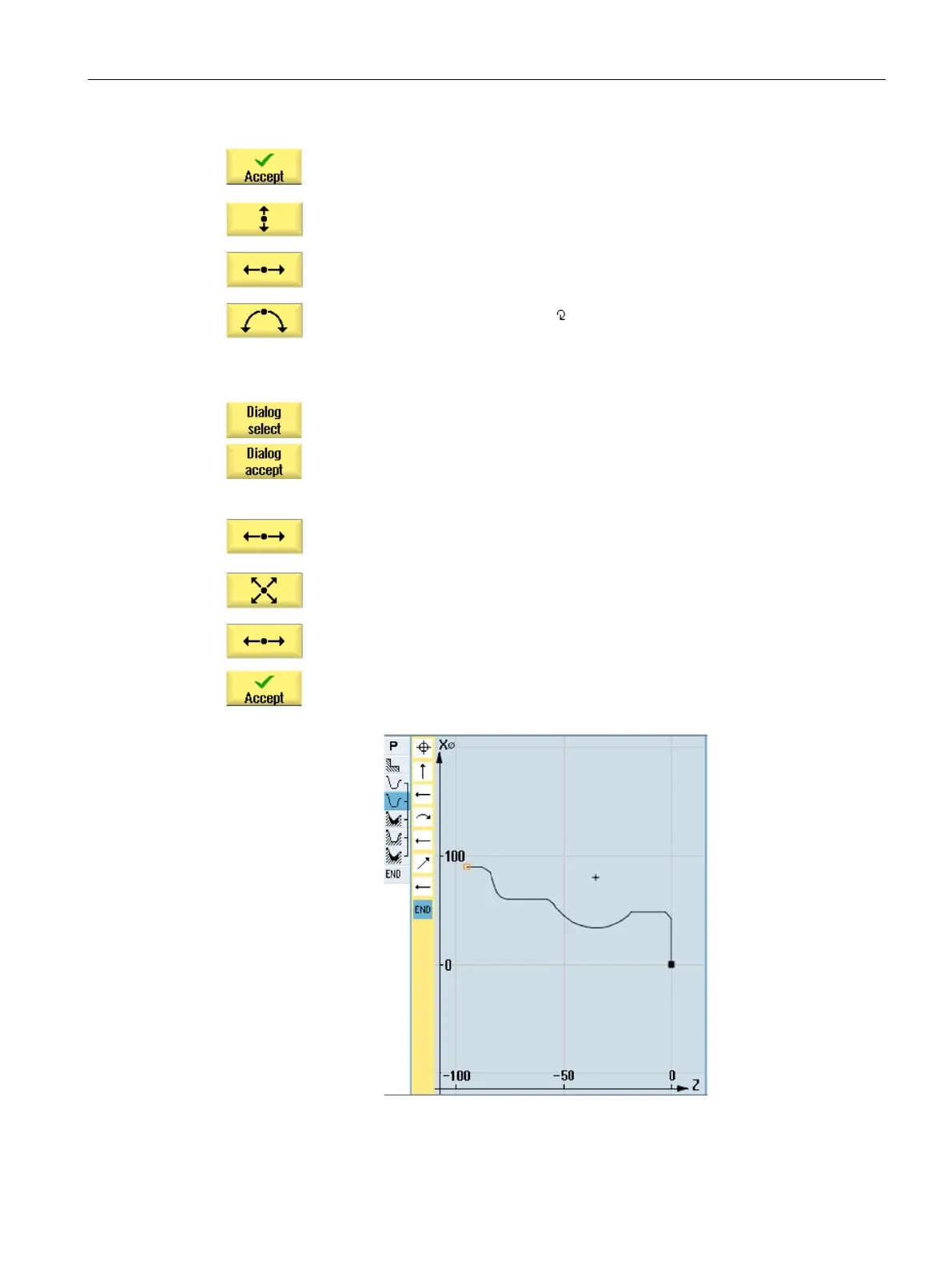
Enter the following contour elements and acknowledge using the "A
c-
Afterwards, entry fields are inactive.
Using the "Dialog selection" softkey, select a required contour element
and confirm using the "Dialog accept" softkey. The entry fields are a
c-
tive again. Enter the additional parameters.
-
-
abs
-
Press the "Accept" softkey.
















 To Next Page