Service Parts Disassembly
Phaser 3610, WorkCentre 3615 Service Manual 4-51
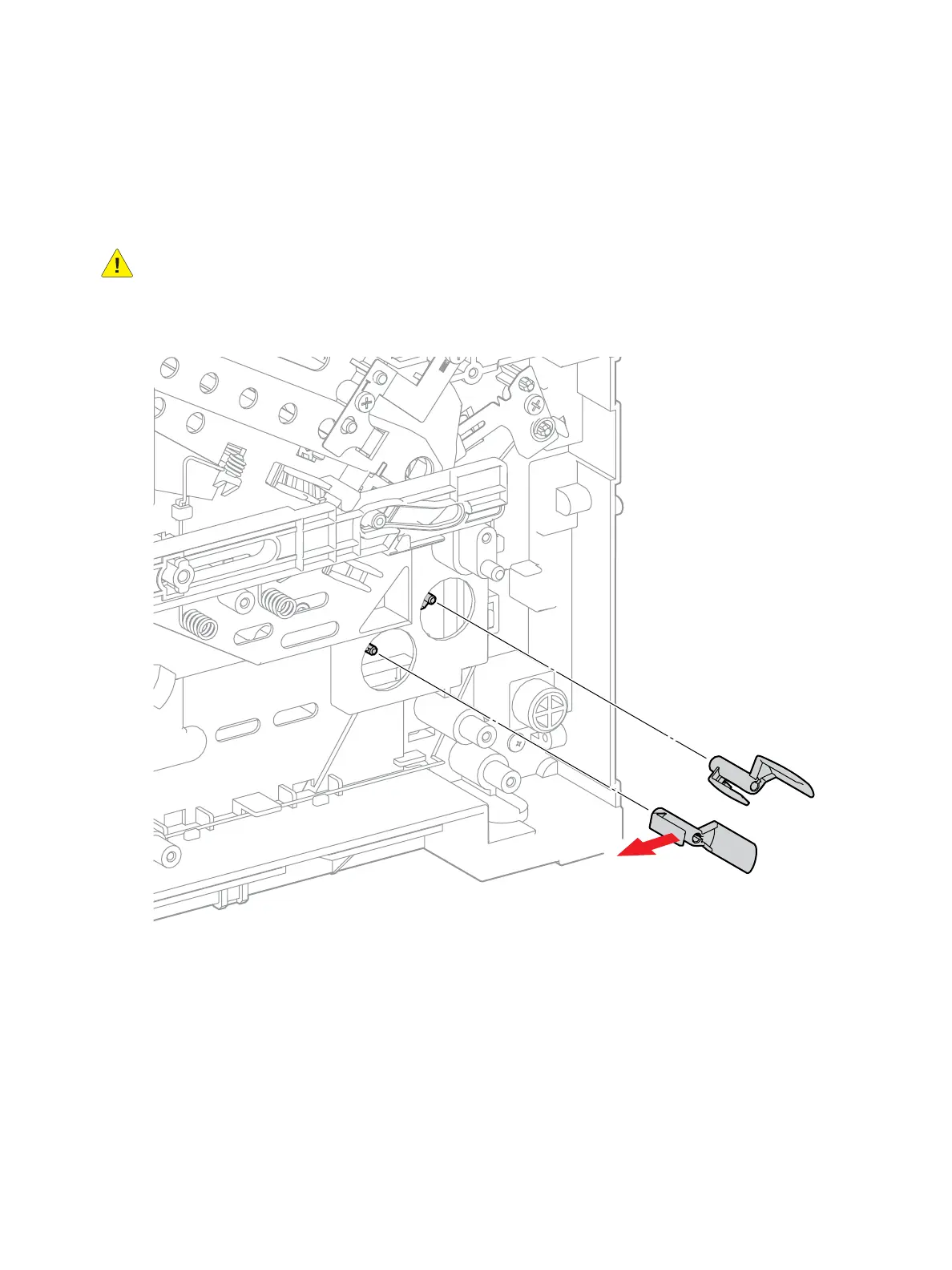
REP 2.8 Registration Sensor Shutter
PL 2.2 Transport Assembly
Removal
WARNING: Allow the Fusing Assembly to cool before servicing the product.
1. Remove (REP 5.7 HVPS (3610)) (REP 5.8 HVPS (3615)).
2. Release the clip that secures the Registration Sensor Shutter to the Actuator Shaft. (Figure 1)
Figure 1
Replacement
1. Replace in Reverse order.
s3610-01



 To Next Page
 Loading...