Humphrey Field Analyzer II-
i
series User Manual 2660021145640 A
EasyConnect RCT 1.0
G-11
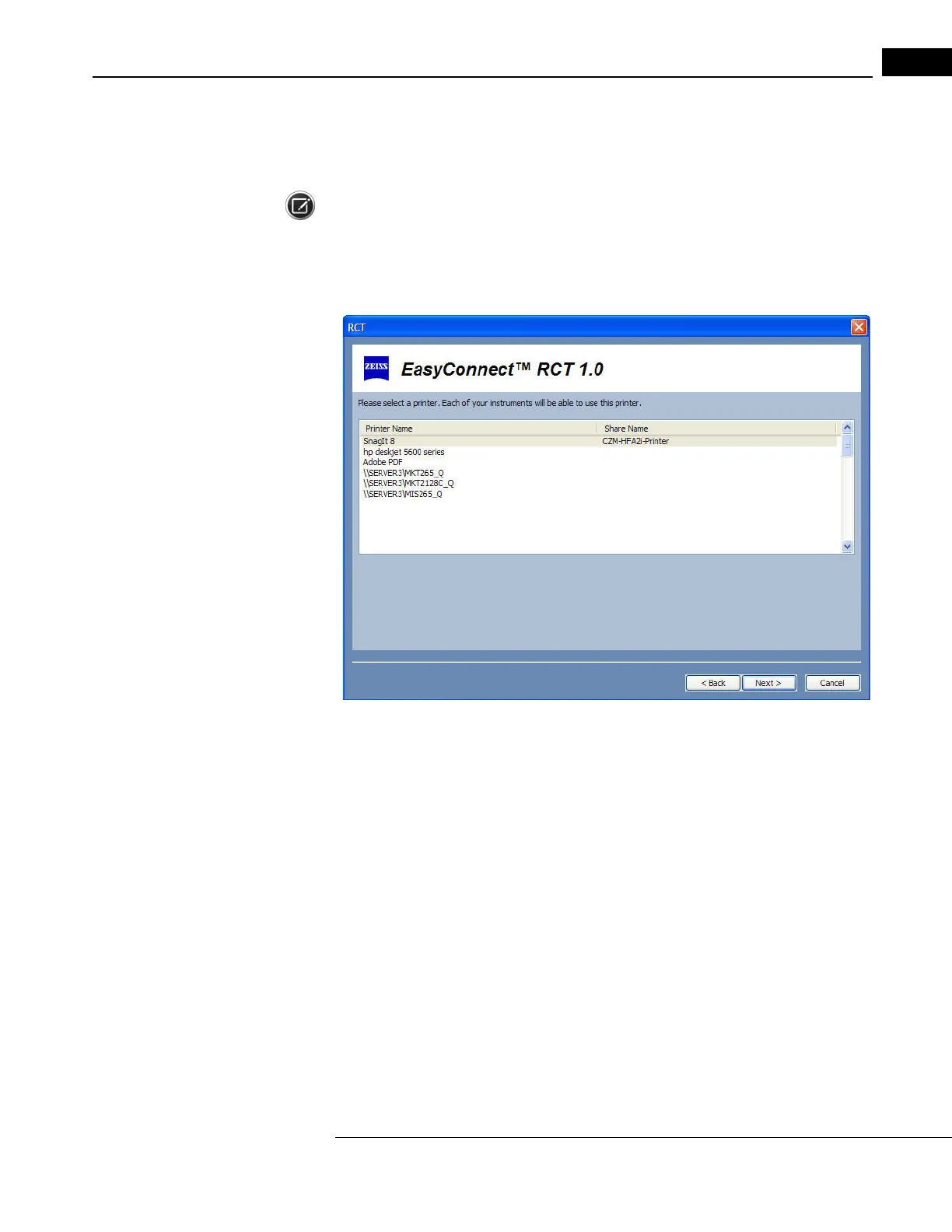
5 If you previously selected a shared printer type of HFA setup, select a printer you want to share
from the list of printers connected to the computer (Figure G.10). The first printer is selected by
default.
Note: You must designate the correct printer for the selected prin
ter on the HFA II-
i
to print
successfully (
Main Menu > System Setup > Printer > Shared
to select the shared printer). You need
to also select the correct printer type as PCL-5, LASERJET COMPATIBLE, or PCL-3, DESKJET
COMPATIBLE (
Main Menu > System Setup > Print Setup > Custom Print Setup > Print Type
).
Figure G.10 Select a Printer to Share
If you select a printer that is not currently shared, then the RCT will make it sharable.
A default share name for the printer will be created with the name “CZM
-HFA2i-Printer” if that
name is not already used. The RCT will obtain the computer's name and IP address to set up
the selected instruments.
Select
NEXT to continue.



 To Next Page
 Loading...







