R5905948 /12 Event Master Devices556
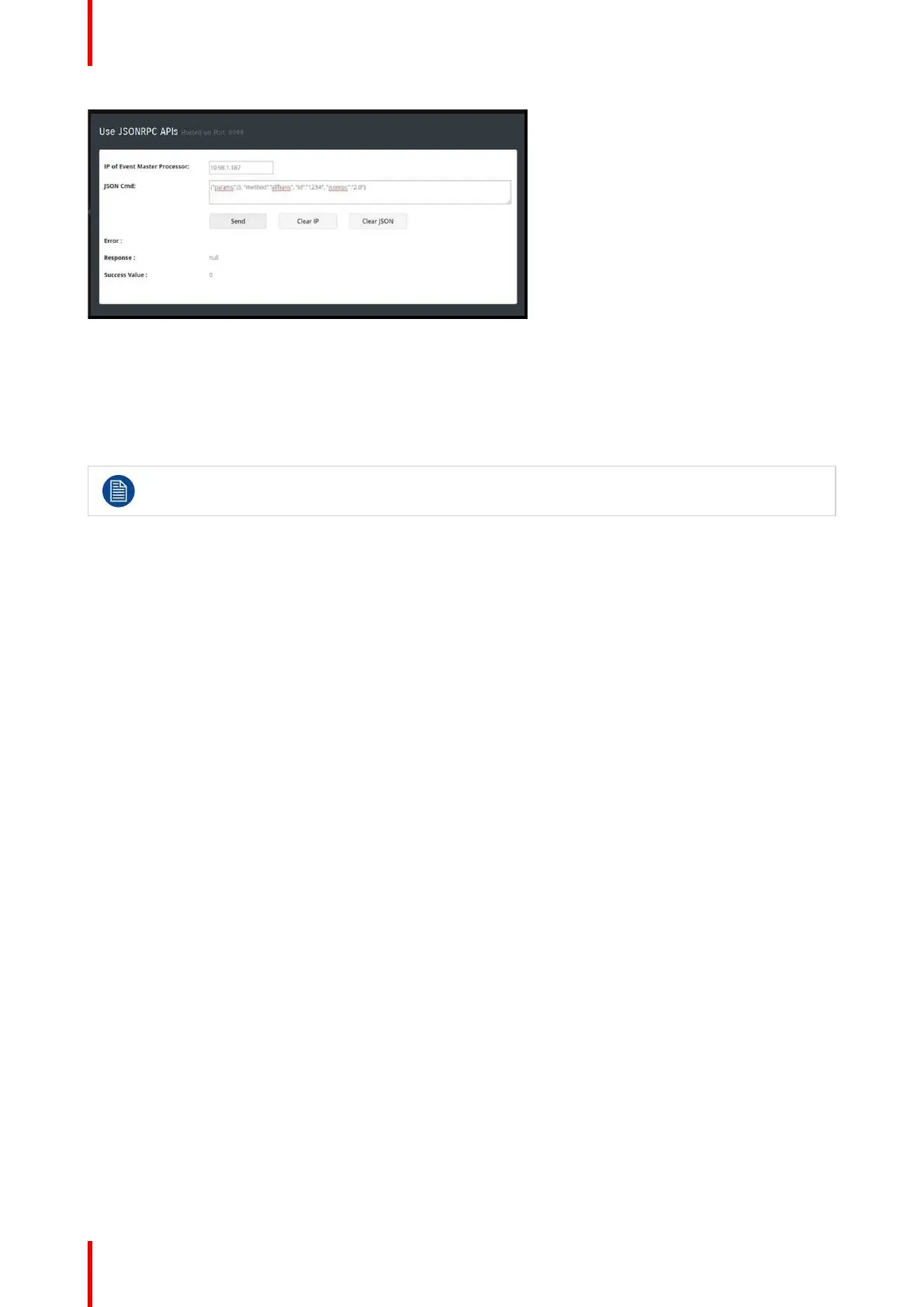
Image B-1: Use JSON from the web application
JSON APIs
Here are some of the JSON APIs defined for controlling the Event Master processor. If you have a master /
slave Event Master setup, JSON must be sent to the master unit. For all the requests, this section explains the
parameter passed or used in the RPC calls. If the params object is blank that means that API doesn’t require a
parameter.
Requests are case sensitive.
allTrans
• Definition:
- It executes the “allTrans” command.
• Request:
- params: {} - It doesn’t require any parameter.
• Response:
- response: null
- success: (0=success, anything else is an error)
• Example:
- {"params":{}, "method":"allTrans", "id":"1234", "jsonrpc":"2.0"}
cut
• Definition:
- It executes the “Cut” command.
• Request:
- params: {} - It doesn’t require any parameter.
• Response:
- response: null
- success: (0=success, anything else is an error)
• Example:
- {"params":{}, "method":"cut", "id":"1234", "jsonrpc":"2.0"}
resetFrameSettings
• Definition:
- Expose ALL reset types on Event Master processor with different options.
• Request:
- params: {"reset":x},
“x” can be 0 – 5
◦ 0: Soft reset.
◦ 1: Factory reset.
◦ 2: Factory reset (save IP).
◦ 3: Factory reset (save IP/EDID).
Remote Control Protocol


 To Next Page