A
B
C
D
E
F
G
H
L
M
N
P
section
D 5
751098/1098S - M.Y. 2007 - edition 00
Use and maintenance
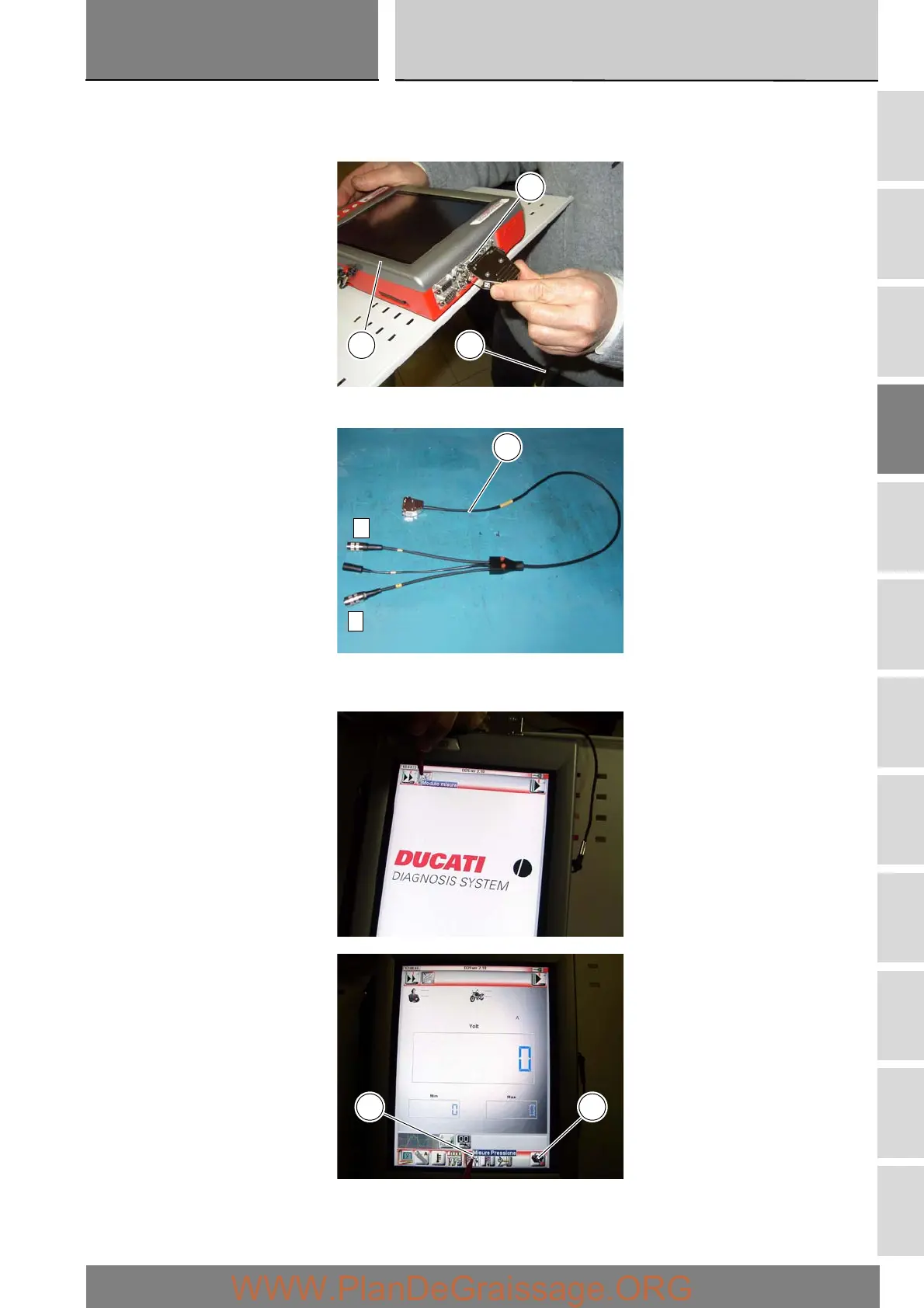
Switch on the DDS tester (1); see paragraph entitled “Tester power supply”.
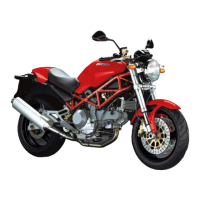
Connect the power and diagnostics cable (Measurement Module) (3) to the measurement module connector (E) on the DDS
tester (1).
Connect the pressure sensor (5) to socket (A) or (C) of the cable (3).
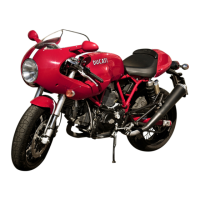
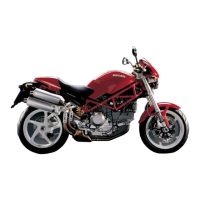
On the DDS tester (1), select the “Measurement module” function by pressing the corresponding icon; then press the
“Pressure Test” icon (F) followed by the “Start” icon (G).
E
1 3
A
C
3
GF





 To Next Page