Chapter 3 ’Web User Graphical Interface’ — Operating Instructions (Tutorial)
Electra VS
-
Version 05.10 131
User Manual - Rev. A
To organize the workflows parameters, proceed as follows:
1.
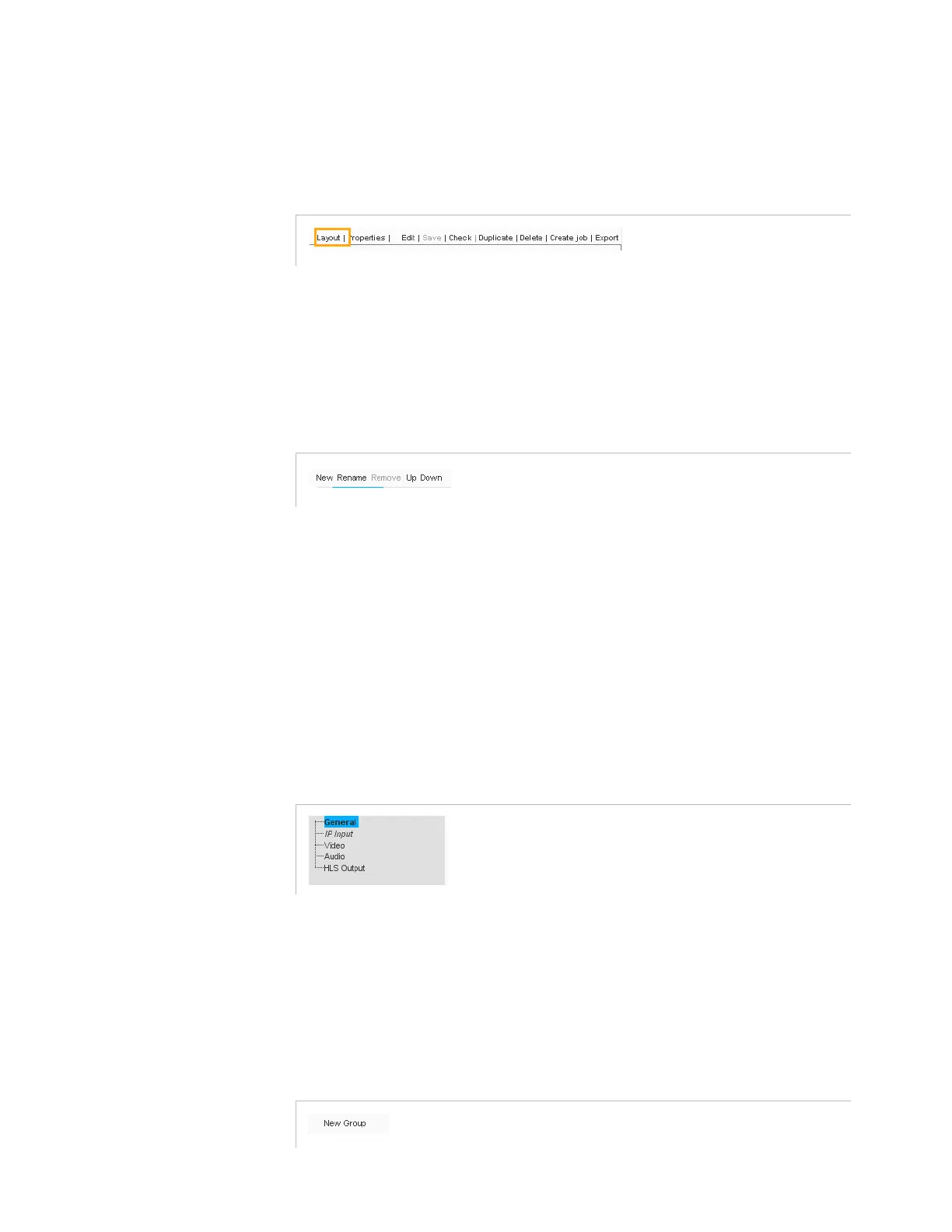
Click
Layout
.
Figure 3-71. Layout button
2.
Create each section (
New
button in the top area of the
Parameters
panel).
Sections are edited on the left part of the
Parameters
panel.
The following tools are available to edit the sections.
Figure 3-72. Section tools
a.
Click
New
to create a new section.
b.
Click
Rename
to give it a proper name.
c.
Repeat these two operations for all the sections to create.
d.
Adjust the sections sequencing by moving up or down the
sections (
Up
or
Down
buttons).
e.
Delete unnecessary sections if required (
Remove
button).
f.
Once edited, the
Parameters
panel may look like this:
Figure 3-73. Parameters panel after sections edition
3.
Create groups inside sections to refine parameter sorting (e.g.
Nominal input
,
Backup input
,
Others
groups under the
IP input
section).
Groups are edited on the right part of the
Parameters
panel.
The
New Group
tool is available to edit the groups.
Figure 3-74. Groups tools



 To Next Page