Chapter 3 ’Web User Graphical Interface’ — Operating Instructions (Tutorial)
Electra VS
-
Version 05.10 153
User Manual - Rev. A
IP address
and
TCP port
to connect to the SDI matrix remote
equipment.
5.
Click
OK
.
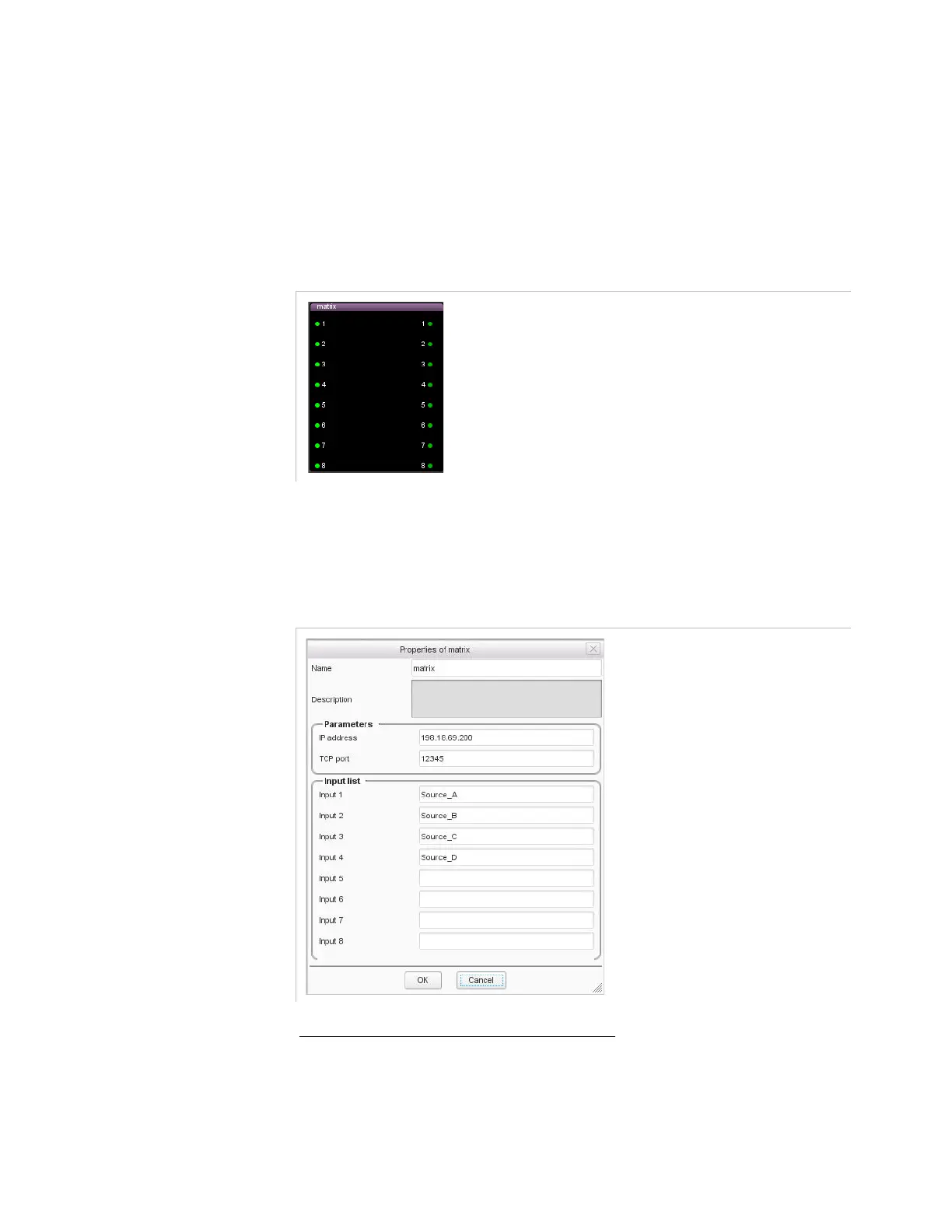
Once you have declared a matrix, the GUI displays a representation of
the matrix.
Figure 3-105. New SDI matrix representation
6.
Configure the name of the SDI sources connected to the SDI inputs of
the matrix. To do so, double-click the purple matrix bar to access its
parameters. Then enter a name for each source in the
Input list
area.
Figure 3-106. Naming the SDI source of the matrix
Connecting the Matrix Outputs to a Node



 To Next Page