R5905948 /12 Event Master Devices236
Complete vs Relative
The “Complete” and “Relative” radio buttons do not affect the recall process; they are used only during the
save process.
• To save a “Complete” preset, make sure the “Complete” radio button is selected, arm the Destinations to
be part of the Preset and press the “Save from PVW” or “Save from PGM” button. A “Complete” Preset is
marked with a “C” in the Presets list.
• To save a “Relative” preset, make sure the “Relative” radio button is selected, arm the Destinations to be
part of the Preset, hide/show the Background/Layers in the destinations and then press the “Save from
PVW” or “Save from PGM” button. A “Relative” Preset is marked with an “R” in the Presets list.
When a “Complete“ Preset is recalled, all Layers of the chosen Destinations are affected. When a “Relative”
Preset is recalled, normal layers are affected, but hidden Layers are not affected.
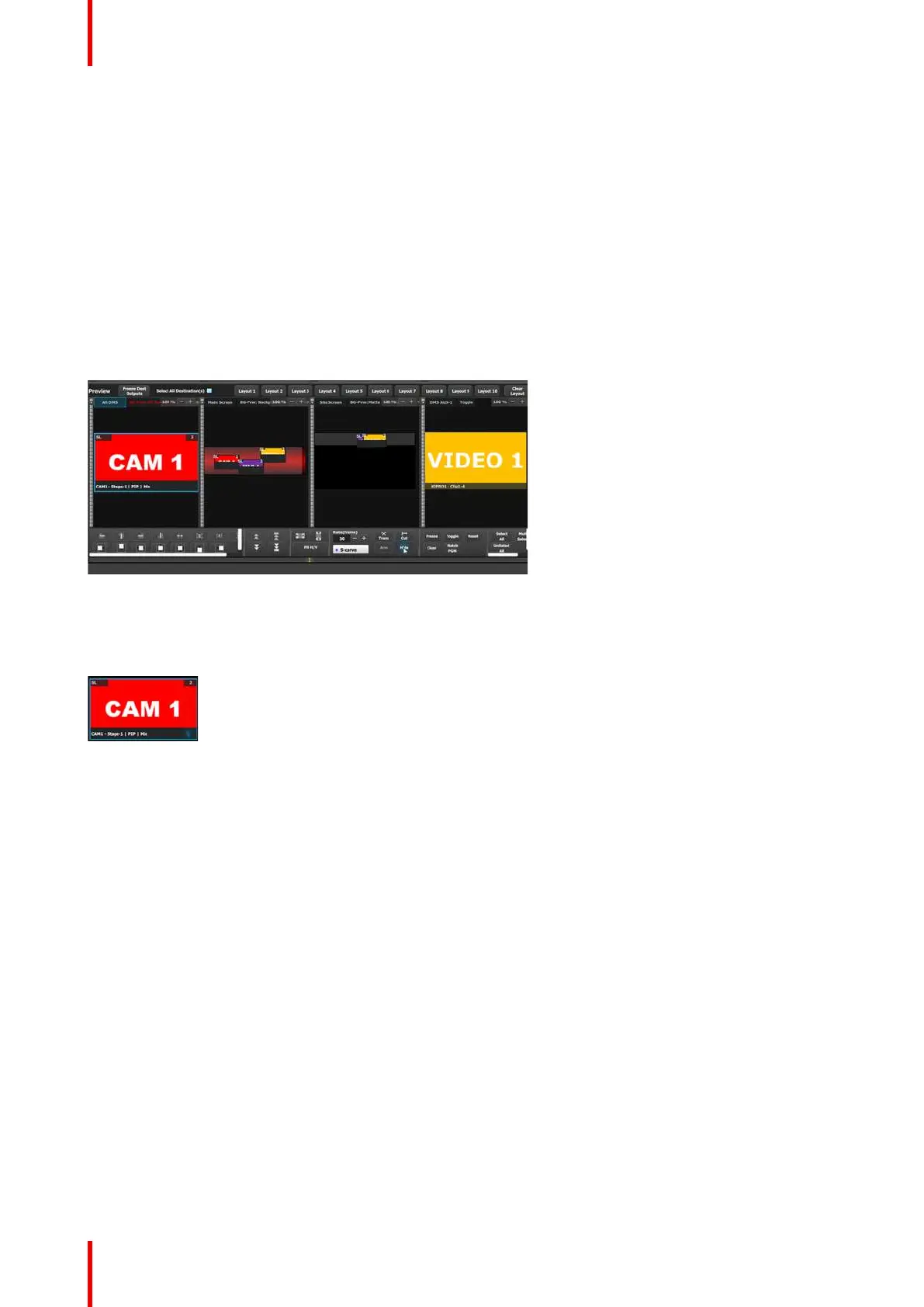
To hide a Layer, select the Layer in the Programming Diagram area of the Workspace, then select Hide in the
Layer Modification area of the workspace. See Image 6-96.
Image 6-96: Hiding a Layer
A Layer can also be hidden using the Hide icon in the Programming > Adjust > Layer configuration menu. See
“Programming Menu > Adjustment area > Layer configuration”, page 218.
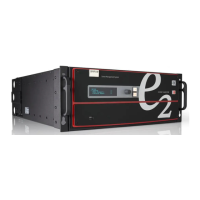
A hidden Layer shows a “hidden” symbol in the lower right-hand corner of the Layer. See Image 6-97.
Image 6-97: Hidden Layer with “hidden” symbol
Save From PVW
Saves the current look on Preview into a new Preset. Only Destinations that are active or selected will be
saved. For example: There are 3 Destinations. User enables Dest1 and Dest 3 and presses “Save to new
Preset.” Only Dest1 and Dest3 looks are stored. Dest 2 is not part of this Preset.
Save From PGM
Saves the current look on PROGRAM into a new Preset. Only Destinations that are active or selected will be
saved. For example: There are 3 Destinations. User enables Dest1 and Dest 3 and presses “Save to new
Preset.” Only Dest1 and Dest3 looks are stored. Dest 2is not part of this Preset.
Overwrite From PVW
This button allows the override of a selected, unlocked Preset from the Preview, if the destination is active.
The name of the preset is not updated, unless the Creation Option is set to "Rename" or "Rename-Lock."
Overwrite From PGM
This button allows the override of a selected, unlocked Preset from the Program, if the destination is active.
The name of the preset is not updated, unless the Creation Option is set to "Rename" or "Rename-Lock."
EM GUI orientation


 To Next Page