Using lists
Manpack Transceiver 2110 series Reference Manual 115
1 Press .
A copy of the original entry, with the new name, is created and the List Manager
remains open.
1 If you want to view the entry you have created, press to close the List Manager.
Editing an entry in a list
To edit an entry in a list:
1 Go to the entry you want to edit.
1 Press to view the settings for the entry.
1 Scroll to the setting you want to edit, then hold .
1 When you have edited the settings, press until you return to the entry.
Deleting an entry from a list
To delete an entry from a list:
1 Go to the entry you want to delete.
1 Hold to open the List Manager.
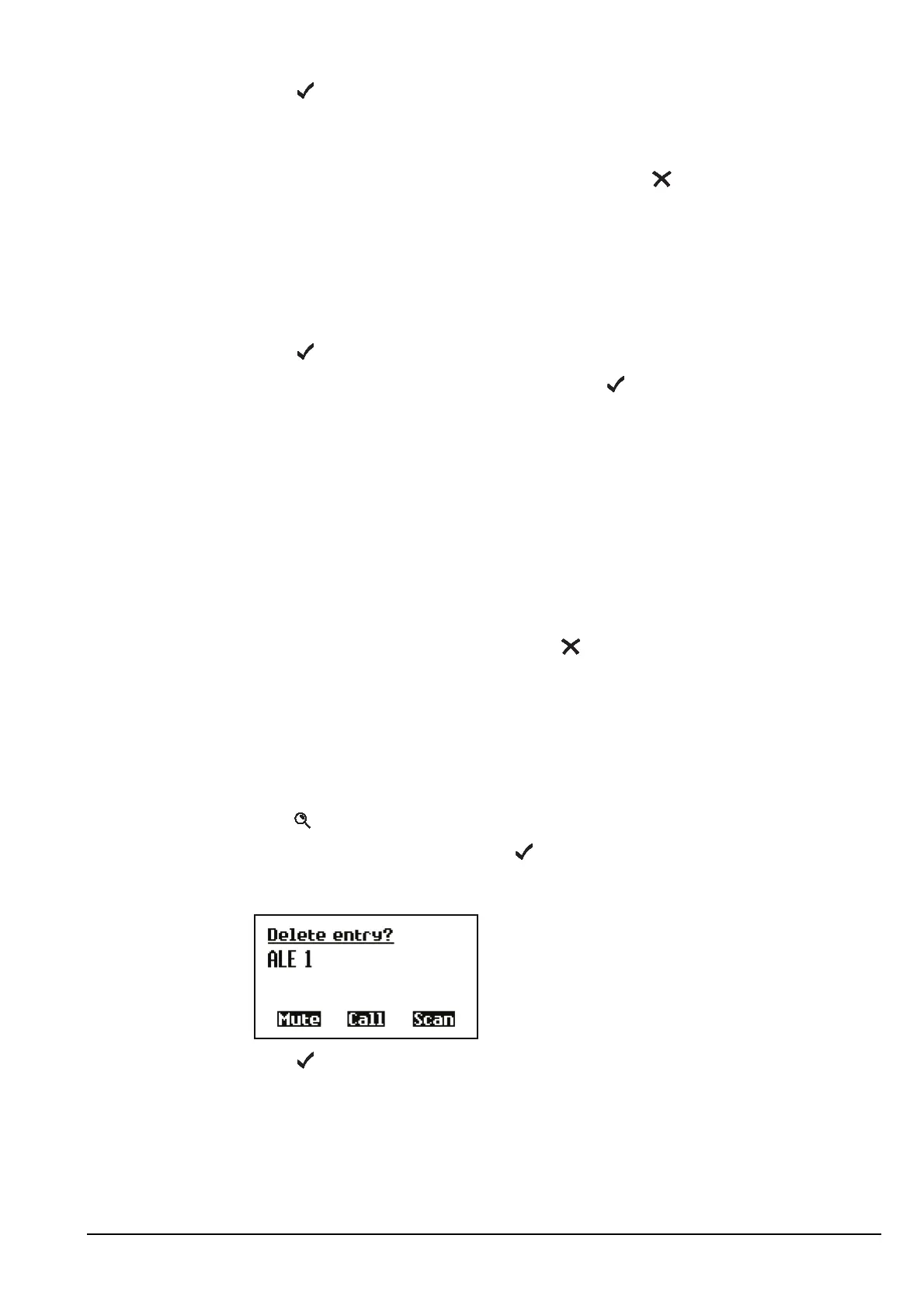
1 Scroll to Delete entry, then press .
The transceiver asks you to confirm that you want to delete the entry.
1 Press .
The entry is deleted and the List Manager remains open.
For information on settings in the... See...
Channel List page 136
Network List page 144
NET List (MIL-STD-188-141B ALE option, 2110 only) page 158
Phone Link List page 166
Address List page 171



 To Next Page