AES-256 digital data encryptor option
318 Manpack Transceiver 2110 series Reference Manual
Using the AES-256 digital data encryptor
Using the AES-256 digital data encryptor
To use the AES-256 digital data encryptor:
1 Launch the RC50-C HF Email Gateway software to activate the RM50 HF Data
Modem.
The transceiver responds with a beep and displays Modem info: Connected.
1 Press SEC.
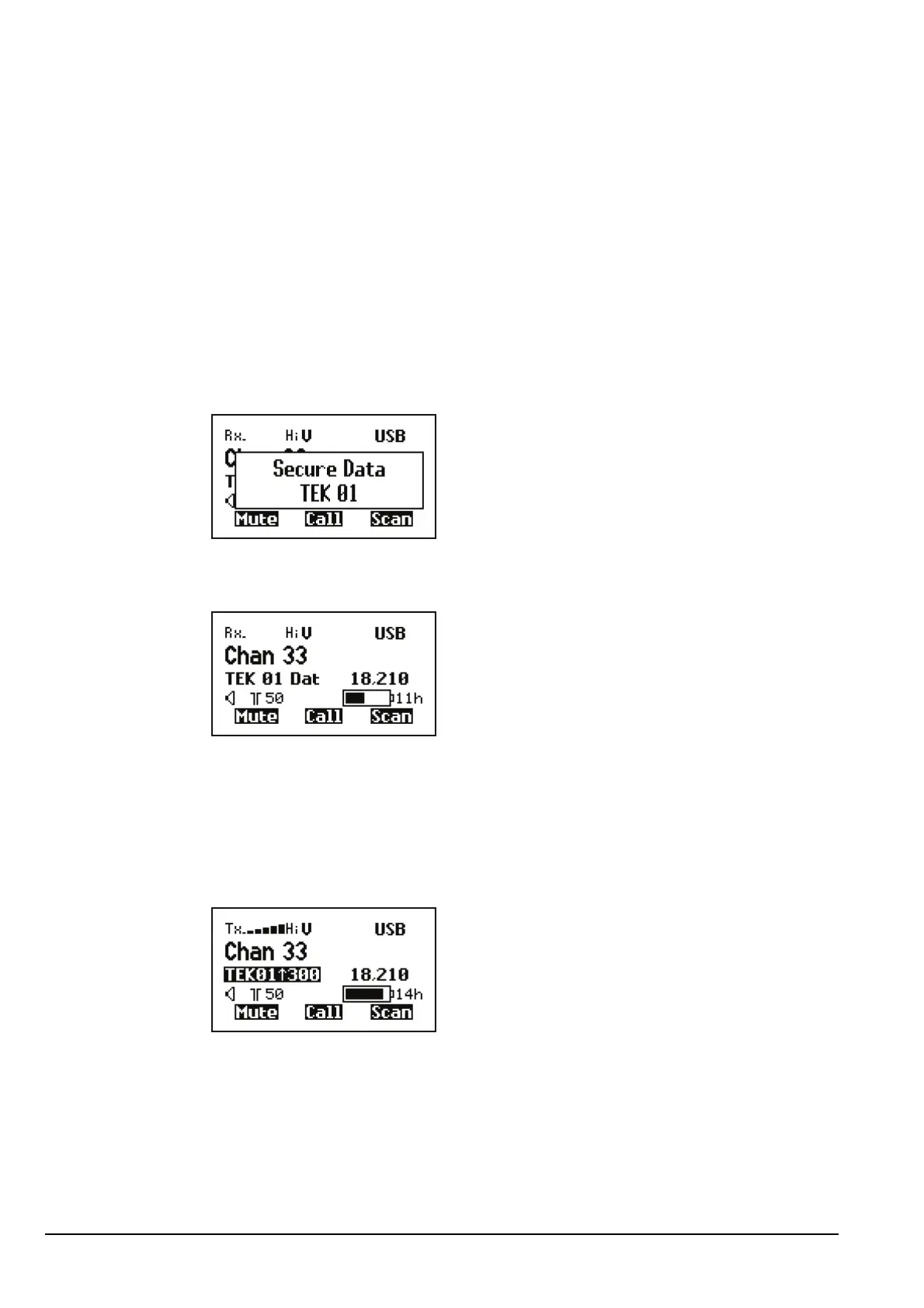
The transceiver responds with two high short beeps, and displays Secure Data
with the secure index used. For example:
If you are in the Channel List, the active AES-256 digital data encryptor is indicated
by the text TEK <index> Dat at the left of the channel screen. For example:
When a digitally encrypted signal is transmitted or received via the data modem, the
index is highlighted. The current transmit or receive data rate is indicated on the
right-hand side of the secure index.
NOTE
If you are using a user-defined prefix for the AES secure key, this is
displayed instead of TEK.
NOTE
If the transceiver is not in secure mode when a signal is transmitted or
received via the data modem, TEK<index> is replaced by Clr.



 To Next Page