VP-116 voice encryptor option
Manpack Transceiver 2110 series Reference Manual 309
Using the VP-116 unit
To use the VP-116:
1 Switch off scanning.
1 Press SEC to enter Private Mode on the most recently used encryption key.
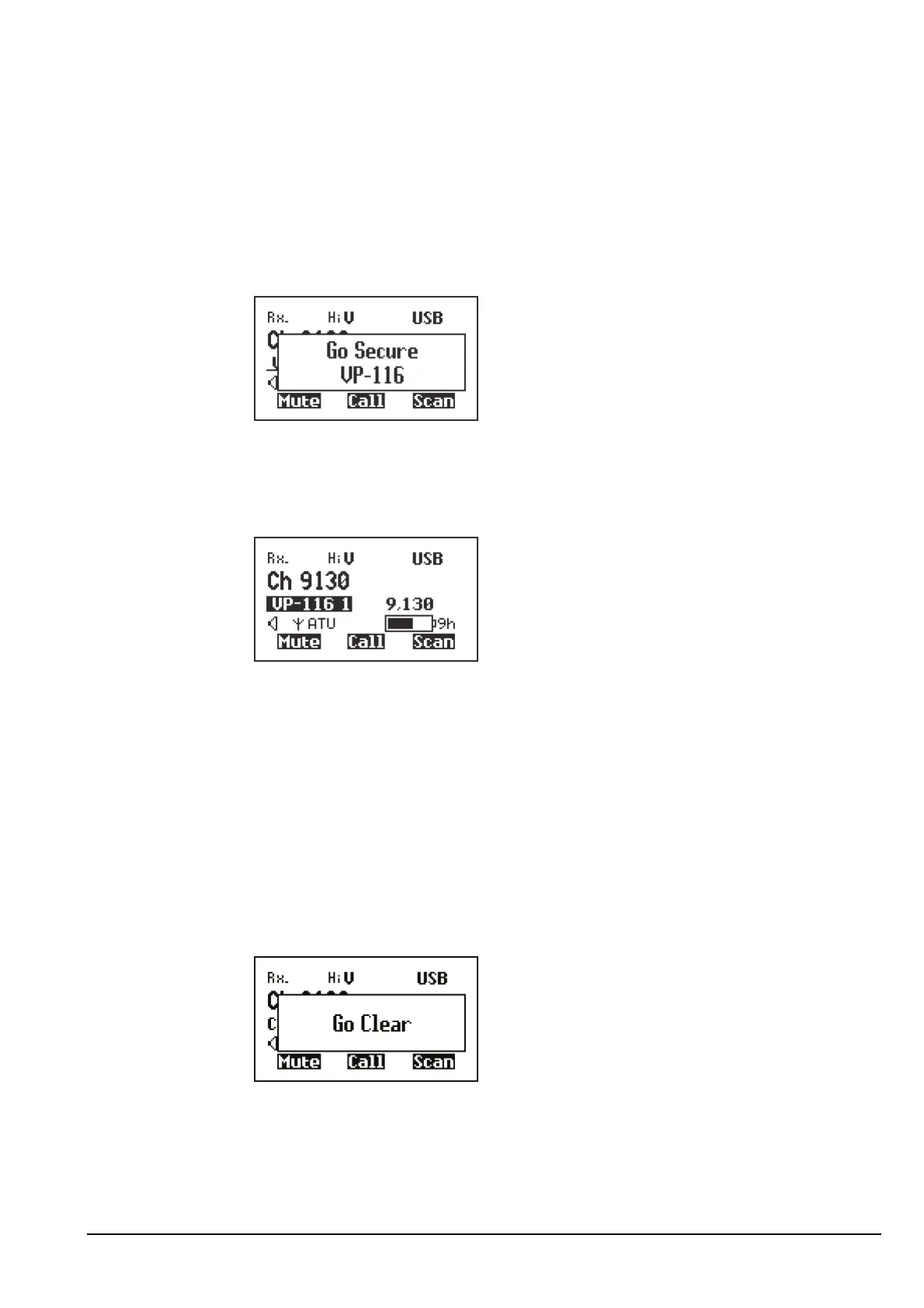
The transceiver responds with two high short beeps and displays Go Secure
VP-116. For example:
If you are in the Channel List, Private Mode is indicated by the text VP-116 <key>
highlighted at the left of the channel screen while an encrypted transmission is in
progress. When the transceiver is receiving a clear transmission, the text is
underlined. The number of the encryption key selected is also shown. For example:
1 Hold down PTT then speak.
Switching off the VP-116 unit
To switch off the VP-116:
1 Press SEC.
The transceiver responds with two low short beeps and displays Go Clear. For
example:
CAUTION Do not speak while the tone is sent at the beginning of each PTT.



 To Next Page