104
6-2. AES AUDIO Settings (AES AUDIO)
Allows you to set the DIGITAL AUDIO IN/OUT settings.
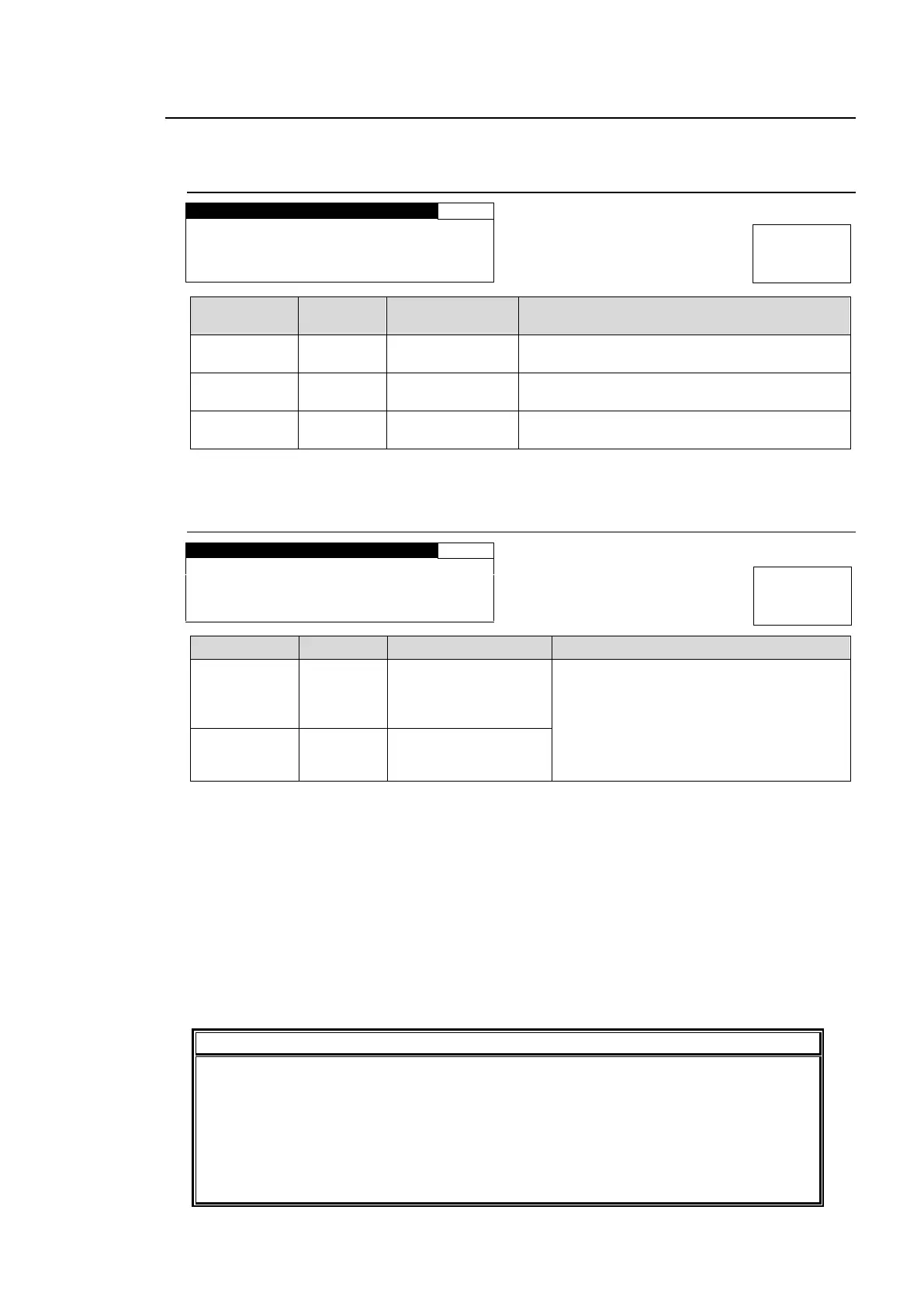
6-2-1. AES IN GAIN
G A I N S E T : 0 . 0 d B
Selects an AES audio channel for which to
adjust the gain from channels CH1 through 8.
-20.0 - +20.0 dB
(0.1 dB)
*1
Sets the input gain for the AES audio channel
that is selected under CH SEL.
-20.0 - +20.0 dB
(0.1 dB)
Sets the offset to the input gain for all channels
CH1 to 8 of AES inputs.
*1 The total value of GAIN SET and MASTER should not exceed the setting range. If the
range is exceeded, the alert will be displayed as *20.0 dB or *-20.0 dB.
6-2-2. AES HYSTERESIS
A E S H Y S T E R E S I S
CH 1/2
CH 3/4
CH 5/6
CH 7/8
Synchronizes the AES input signals in
group A or B per group.
These settings are effective when using
AES audio signals to output
multi-channel audio signals such as
surround sound.
The channel pair with the smallest channel numbers within a group is used as the reference
pair and other channel pairs are synchronized to it. If there is no audio signal in the channel
pair, the next channel pair will be the reference. Audio signals with a phase difference relative
to the reference within ±0.25 of a sample period can be synchronized.
Setting Examples:
When setting all channel pairs CH 1/2 to 7/8 to GROUP A
CH 1/2 will be the reference. Other channel pairs will be synchronized to the word clock of
CH1/2.
When setting channels CH1/2 to 3/4 to GROUP A, and channels CH5/6 to 7/8 to
GROUP B
CH 1/2 will be the reference pair for GROUP A, and CH 5/6 the reference pair for GROUP B.
Channel pairs in an audio group must be synchronous and must have the same
sampling rate. Changing the audio assignment of the reference channel pair may
cause noise on other channel pairs in the same audio group.
Also, changing the assignment may affect the phase alignment of the reference and
other channel pairs. If the alignment is turned off, set MASTER MUTE (see
section 6-4-1 “MASTER OUT GAIN”) on and off, or turn the unit power off and on to
regain the alignment.



 To Next Page