39
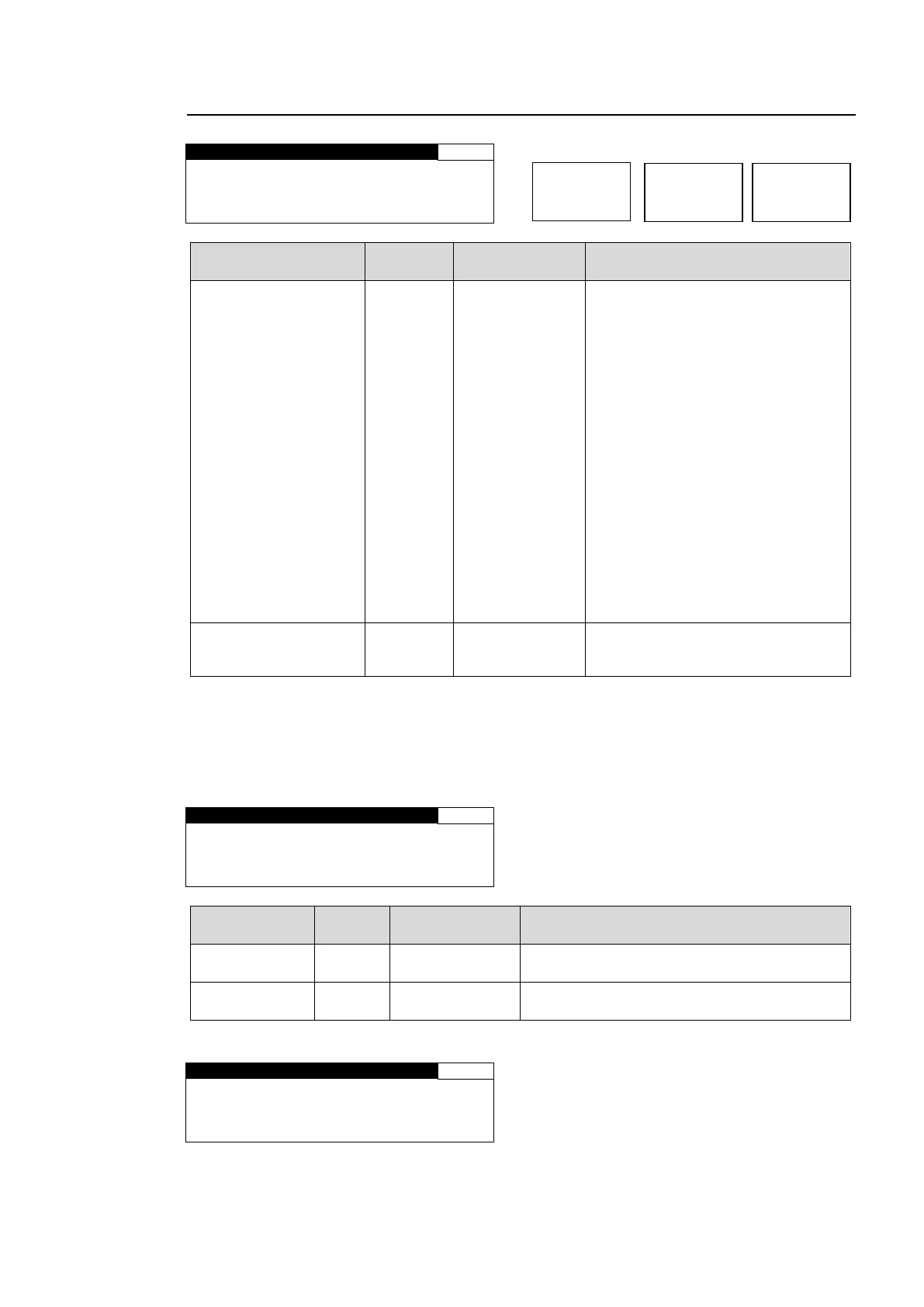
5-2-4. COLOR CORRECT (C.C.)
MODE
(Correction on Mode)
BALANCE
DIFFERENTIAL
SEPIA
*1
Selects a correction mode from
BALANCE (RGB), DIFFERENTIAL
(YPbPr), or SEPIA.
BALANCE: RGB signal correction
mode
Allows you to adjust the white
balance. Gray scale can be
changed by adjusting R, G and B
levels.
DIFFERENTIAL: Color difference
signal mode
Allows you to adjust contrast
without changing white balance.
R, G and B levels can be changed
without affecting gray scale. This
adjustment is effective for images
with different color saturation
levels.
SEPIA: Sepia mode
Useful for creating black and white
images.
Selects a gamma curve type.
* Settings can be set for FS1 and FS2, separately.
*1 SEPIA is unselectable when LINK setting mode is enabled in the FA-9520 or a connected
FA-95RU. To select SEPIA, disable LINK setting mode. See section 4-2-8. “Switching
Between 2-Channel Frame Synchronizers” for details on LINK settings.
If MODE is set to SEPIA, the menu as shown below will be displayed.
S E P I A L E V E L : 2 5 . 0 %
S E P I A C O L O R : - 1 6 0 . 0 °
Adjusts the color level in the SEPIA mode.
Adjusts the color in the SEPIA mode.
If AVO is enabled, the menu as shown below will be displayed.
M O D E : N O T A D J U S T
C U R V E : N O T A D J U S T



 To Next Page