79
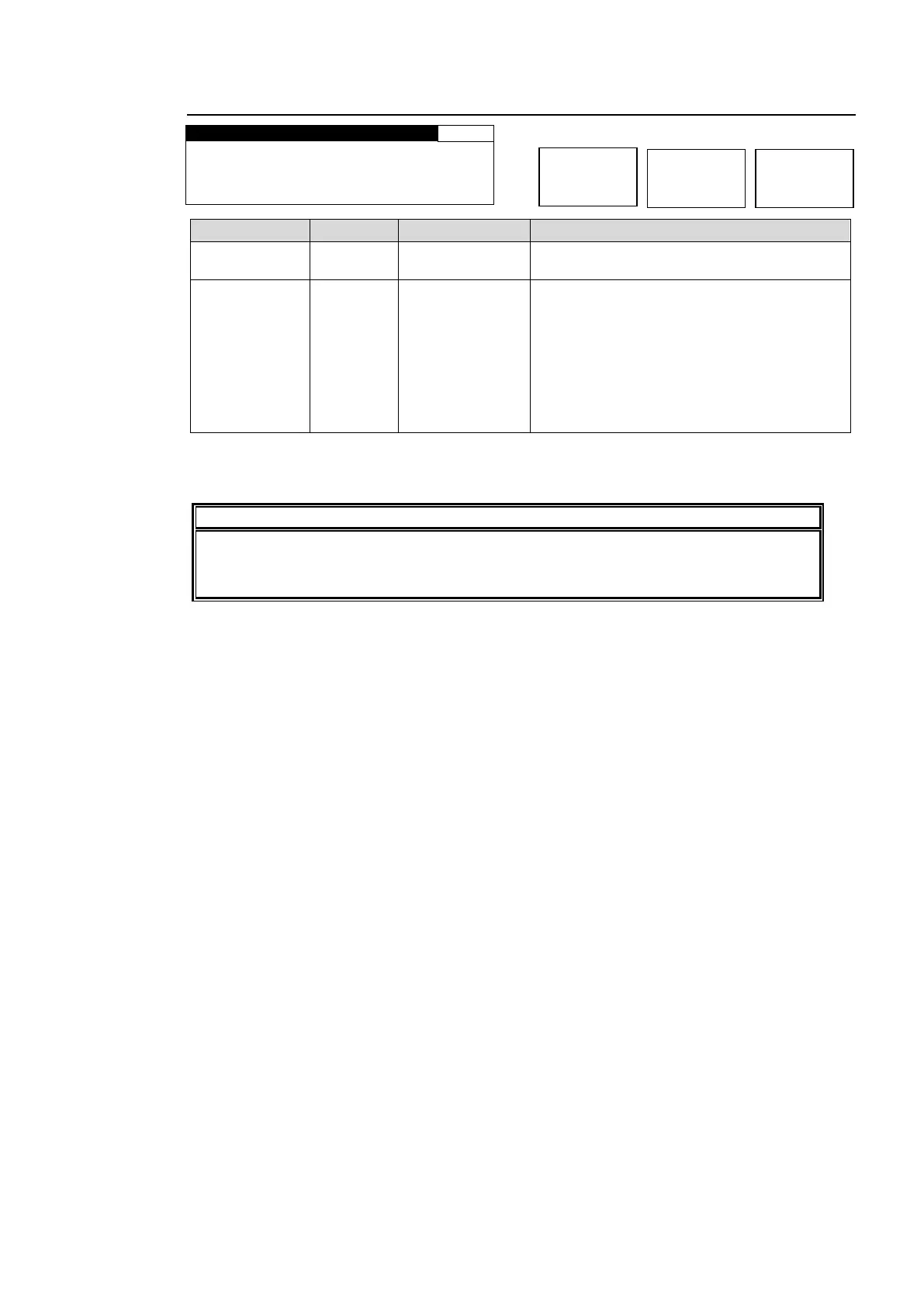
5-9-13. SD LINE MASK
L I N E S E L : L I N E 6
Selects a line from lines 6 through 23 of an
SD-SDI or COMPOSITE output signal.
Sets the line selected in LINE SEL to PASS
or BLANK.
PASS: Outputs a line of the composite, Y/C
*1
, SD-SDI input signal that is the same
number as the selected output signal line to
a composite, Y/C
*1
, SD-SDI output signal
without processing.
BLANK: Masks the selected composite, Y/C
*1
, SD-SDI output signal line.
* Settings can be set for FS1 and FS2, respectively.
*1 Selectable only if FA-95AIO option is installed.
Ancillary data insersion line settings specified under the ANC DATA EMBED (sec.
5-7-4) and ANC EMBED LINE (sec. 5-7-5) menus take priority over the line settings
specified under the SDI LINE MASK menu and take effect.



 To Next Page