120
6-8-1. DOWN MIX2 ASSIGN
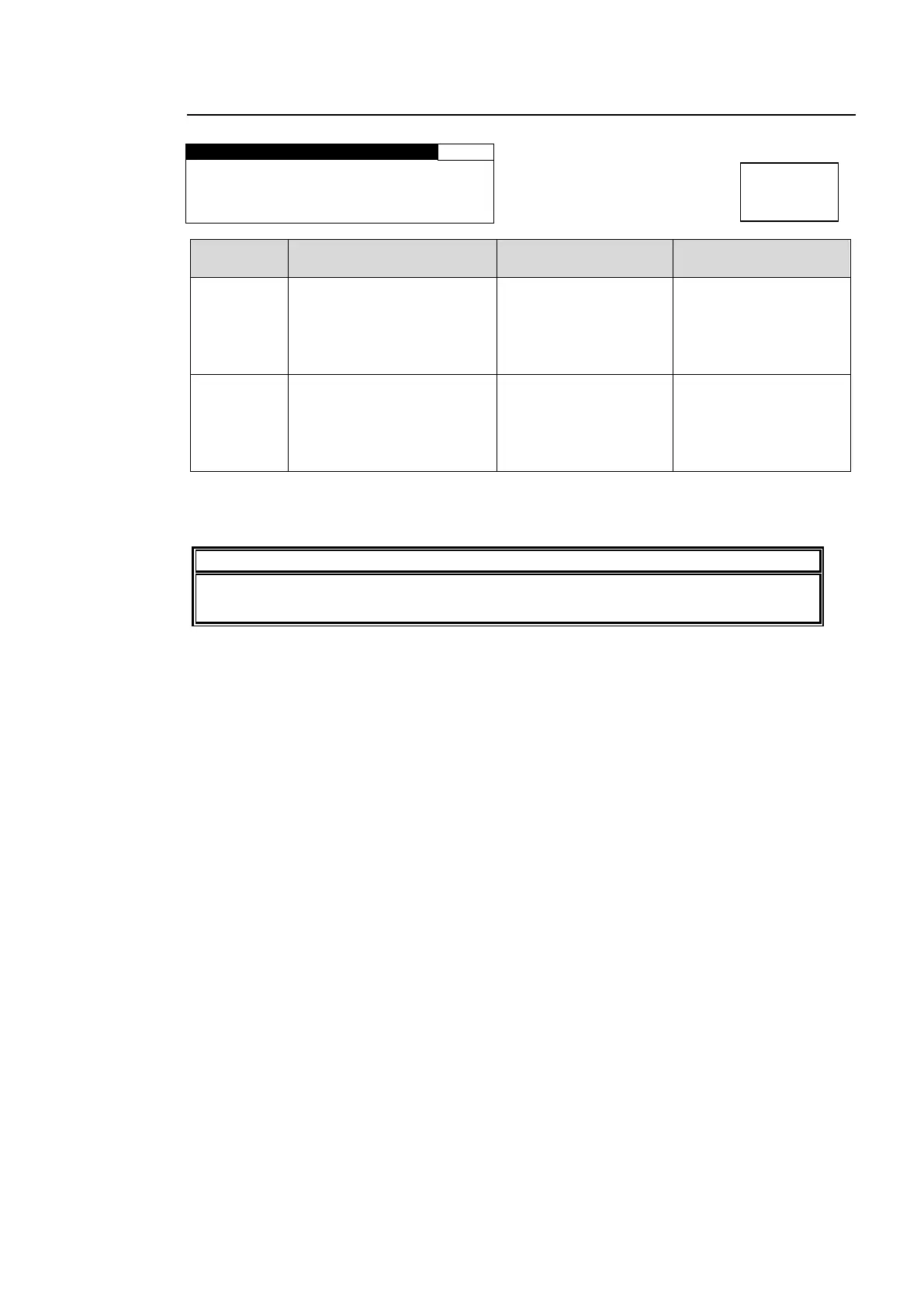
D O W N M I X 2 A S S I G N
ASSIGN:LEFT: E M B 2 C H 1
LEFT(L)
RIGHT(R)
CENTER(C)
LEFT SRRND(LS)
RIGHT SRRND(RS)
Selects a channel to be
downmixed in downmix
1 for which to assign a
source audio.
LEFT:EMB2 CH1
RIGHT:EMB2 CH2
CENTER:EMB2 CH3
LEFT SRRND: EMB2 CH5
RIGHT SRRND: EMB2 CH6
EMB1 CH1 - 16
EMB2 CH1 - 16
AES CH1 - 8
ANALOG CH1 - 4
Selects an audio signal
to be assigned to the
channel that is selected
under CH SEL.
If the same audio signal is selected for multiple CH SEL channels, or a NON-PCM signal is
assigned to an audio channel, the menu will be indicated with an “*“, i.e. “*EMB1 CH1“, and
DOWNMIX-L and DOWNMIX-R will be muted.
To output downmixed audio signals, see sections 6-5-1 “EMB1 OUT REMAP” to 6-5-4
“ANALOG OUT REMAP”.



 To Next Page