141
7. Other Settings & Information (OTHER)
Allows you to set other settings other than video and audio settings.
Also, information on the various versions and installation states of FA-9520 option items can be
viewed.
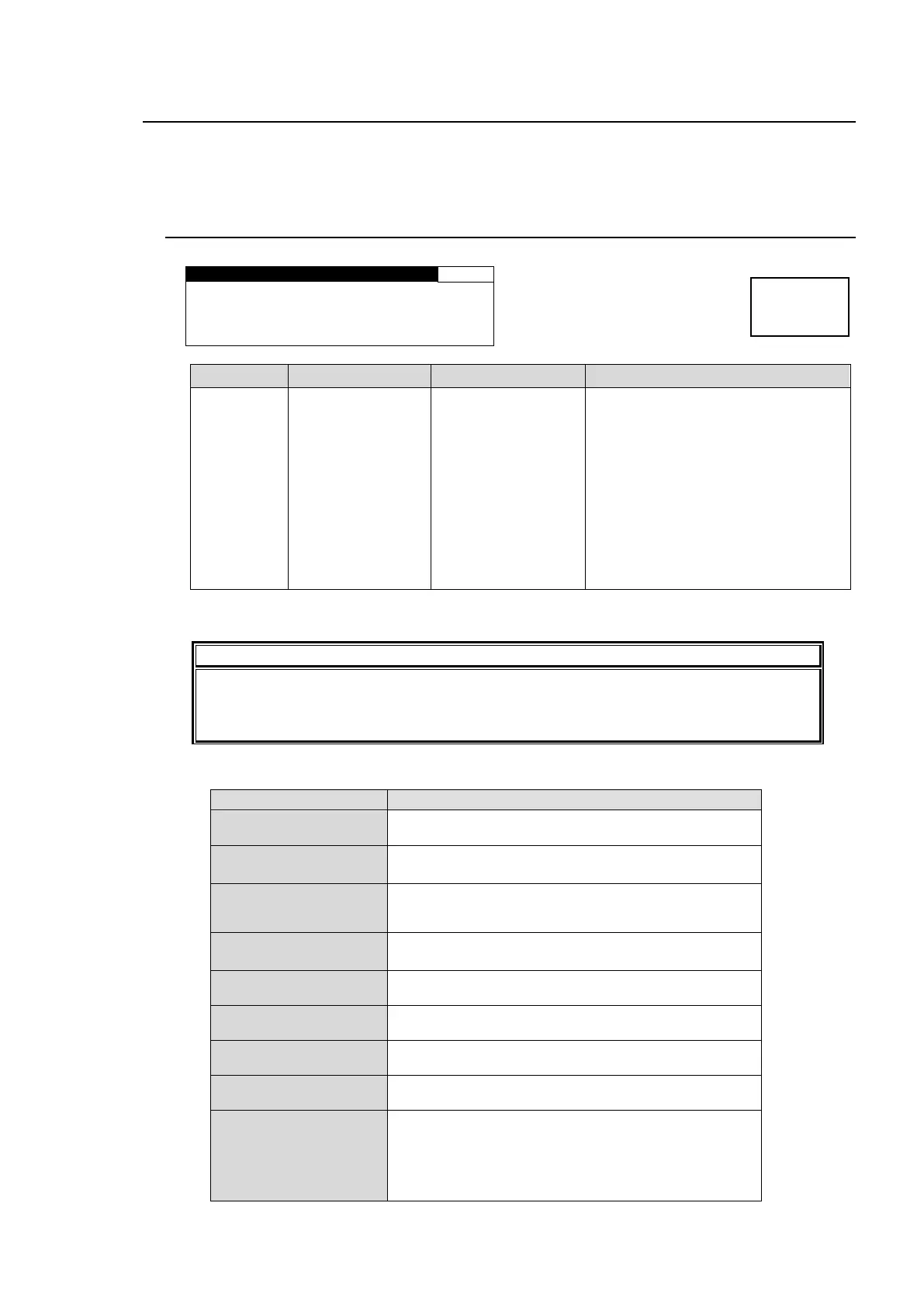
7-1. FS1/FS2 COPY
M O D E : C O P Y F S 1 - F S2
F 2 U N I T Y C O P Y S T A R T
COPY FS1->FS2
COPY FS2->FS1
COPY FS1<->FS2
Allows you to copy settings between
FS1 and FS2. Select a mode and
press the F2 UNITY button to copy.
COPY FS1->FS2: Copies FS1
settings to FS2. (FS1 and FS2
settings will become the same.)
COPY FS2->FS1: Copies FS2
settings to FS1. (FS1 and FS2
settings will become the same.)
COPY FS1<->FS2: Copies FS1
settings to FS2 and FS2 settings to
FS1. (Exchanged)
Refer to the “Menus of Which Settings are Copied” for the settings that will be copied.
* This menu cannot be accessed from the FA-95RU.
It is better to save settings to an event memory before copying. Doing so enables you
to recall the settings, in case the copying fails.
See section 8. “Event Memory” for details on Event memory.
Copy Settings Menus
WHITE LEVEL,
BLACK LEVEL,
GAMMA LEVEL,
COLOR CORRECT
U/D MODE,
SIZE/POS SET,
CROPPING,
AVO SETTING,
USER1-5 LEVEL SET,
USER1-2 AREA SET,
AVO SETUP
VIDEO INPUT SET,
ANC DETECT LINE,
FS MODE SET HD PHASE
SET,
SD PHASE SET,
VIDEO POSITION,
FREEZE SET,
ANC SET,
ANC LOSS SET,
WSS AFD ERROR,
AUDIO GRP,
TEST SIGNAL,
SD LINE MASK



 To Next Page