148
7-9. OPTION A Ver.
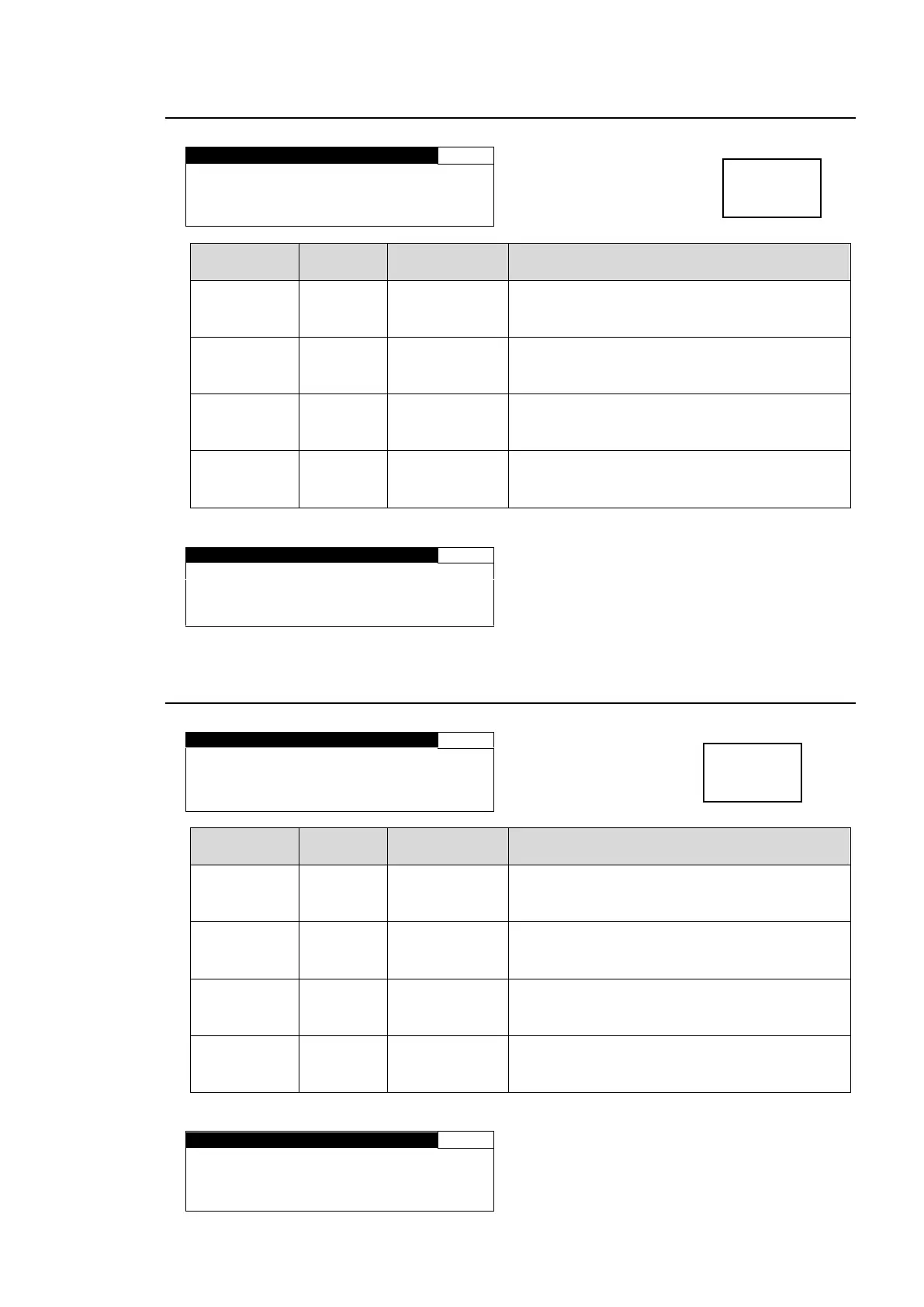
Displays the name of the optional device that is
installed in OPTION SLOT A.
Displays “NONE” if no device is installed.
Displays the FPGA1 version information in
OPTION SLOT A.
Displays “--.—“ if the version is not supported.
Displays the FPGA2 version information in
OPTION SLOT A.
Displays “--.—“ if the version is not supported.
Displays the version information of SOFT in
OPTION SLOT A.
Displays “--.—“ if the version is not supported.
Display when FA-95DACBL is installed
7-10. OPTION B Ver.
Displays the name of the optional device that is
installed in OPTION SLOT B.
Displays “NONE” if no device is installed.
Displays the FPGA1 version information in
OPTION SLOT B.
Displays “--.—“ if the version is not supported.
Displays the FPGA2 version information in
OPTION SLOT B.
Displays “--.—“ if the version is not supported.
Displays the version information of SOFT in
OPTION SLOT B.
Displays “--.—“ if the version is not supported.
Display when FA-95DACBL is installed



 To Next Page