219
9-6-4. Event Data Backup
The Event Memory data (Events1 through 100) saved in FA-9520 mode can be saved in a file
on the computer as a backup. You can also move the data to another FA-9520 (in FA-9520
mode).
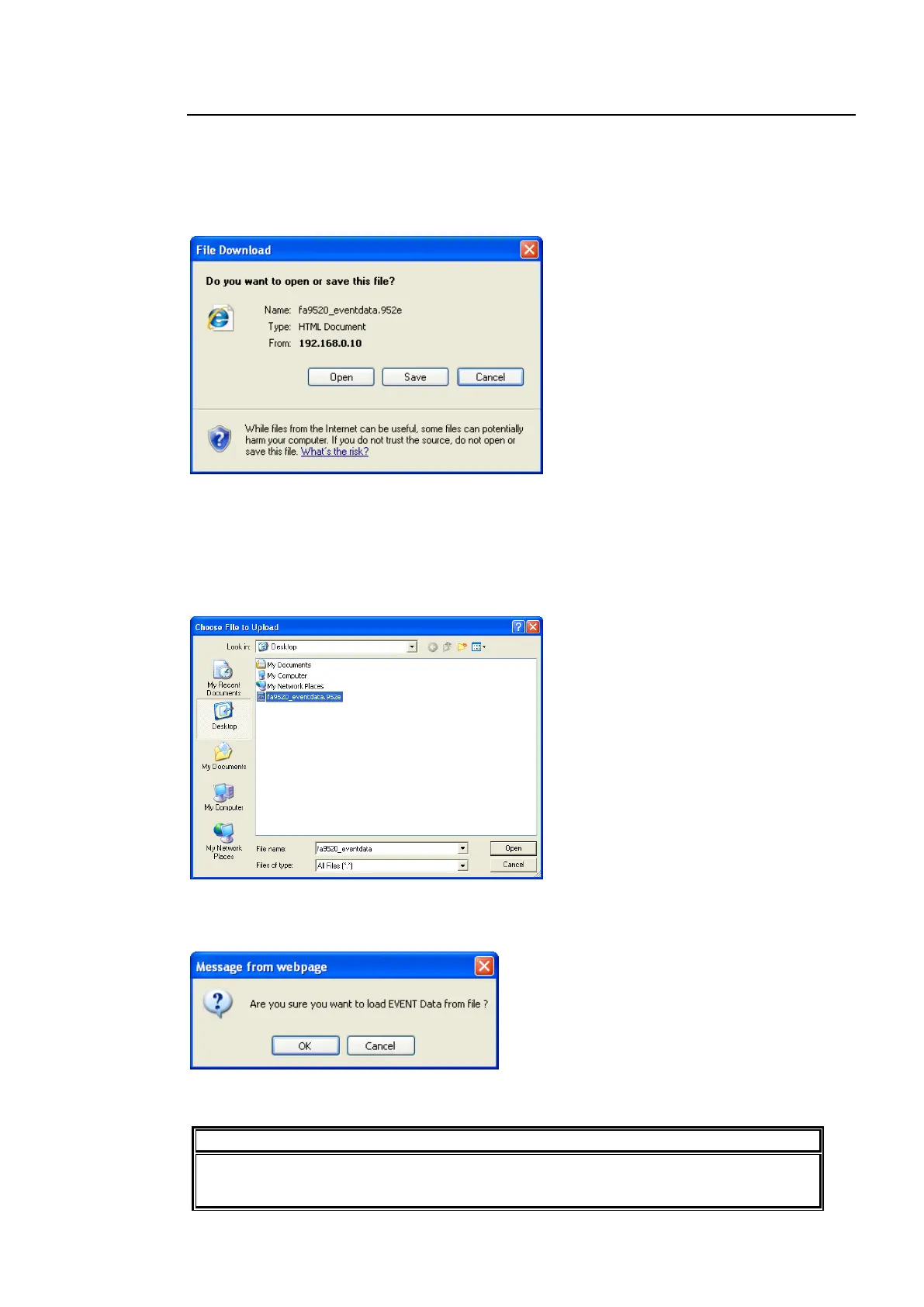
Save File
Click Save.
Click OK. The event data will be saved to the destination directory with the file name
“fa9520_eventdata.952e”.
Restore
To load the backup file on the computer, click Browse. The Choose file to Upload dialog
appears.
Specify the directory and the file name and click Open. The destination path will be displayed
on the screen.
Click Load. The confirmation dialog appears.
Click OK to start loading the data. To cancel loading the data, click Cancel.
The data saved in FA-9500 mode cannot be loaded.
Do not attempt to load the data saved in FA-9500 mode.



 To Next Page