149
7-11. OTHER OPTION
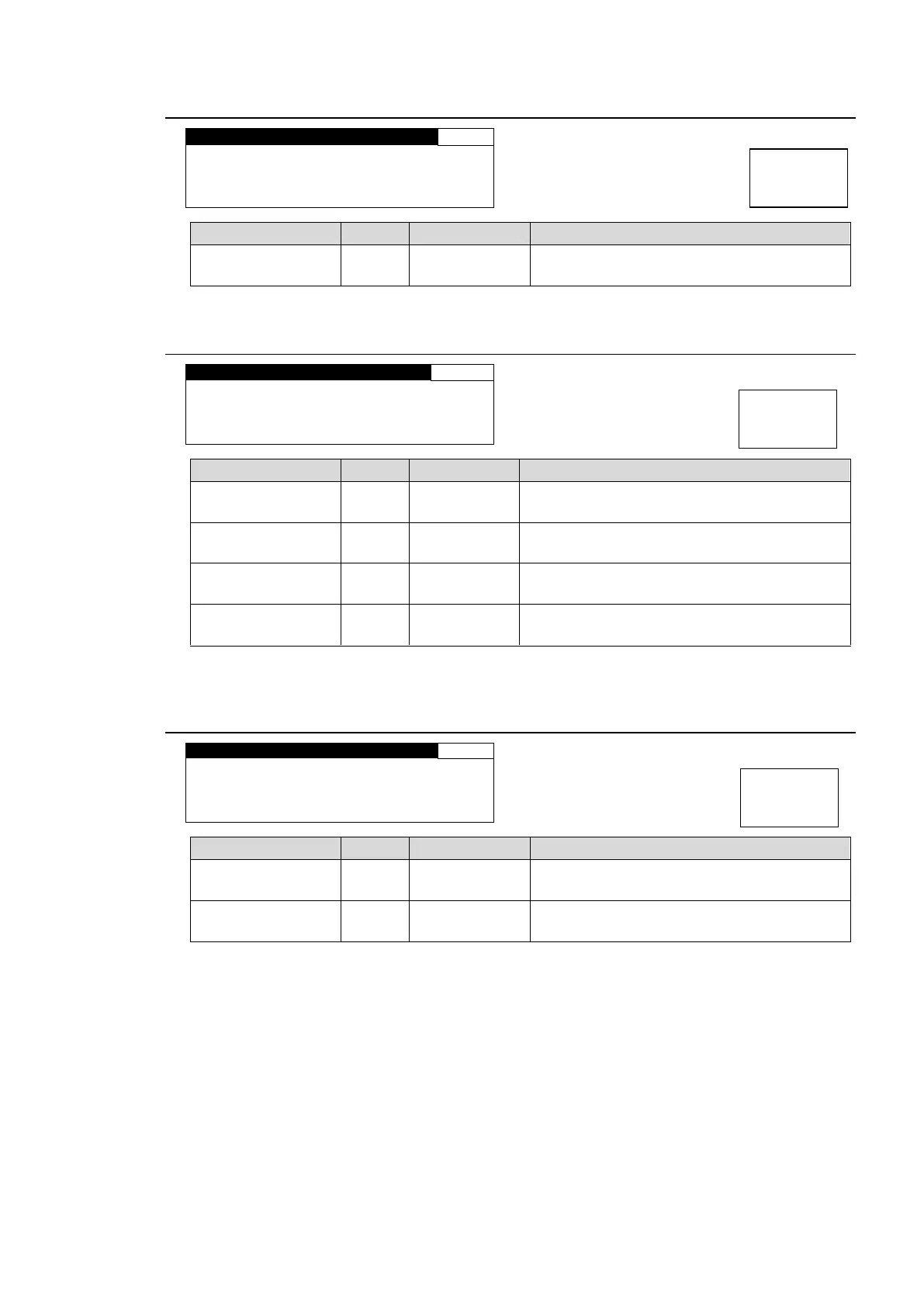
FA- 9 5 P S : I N S T A L L ED
INSTALLED: FA-95PS option is installed.
NONE: FA-95PS option is not installed.
7-12. SOFT OPTION1
FA- 9 5 S C N V : I N S T A L L ED
INSTALLED: FA-95AVO is installed.
NONE: FA-95AVO is not installed.
INSTALLED: FA-95SCNV option is installed.
NONE: FA-95SCNV option is not installed.
INSTALLED: FA-95-3G option is installed.
NONE: FA-95-3G option is not installed.
INSTALLED: FA-95FRC option is installed.
NONE: FA-95FRC option is not installed.
* FA-95AVO comes standard (optional in Japan).
* FA-953G comes standard (optional in Japan).
7-13. SOFT OPTION2
FA- 9 5 C O : I N S T A L L ED
INSTALLED: Logo Generator is installed.
NONE: Logo Generator is not installed.
INSTALLED: FA-95CO option is installed.
NONE: FA-95CO option is not installed.



 To Next Page