40
5-2-5. Color Corrector and AVO Modes
Auto Video Optimizer and Color Corrector use the same circuit. The color corrector settings
are not fully changeable when AVO mode is set to Auto. (See section 5-4-1 “AVO SETTING”.)
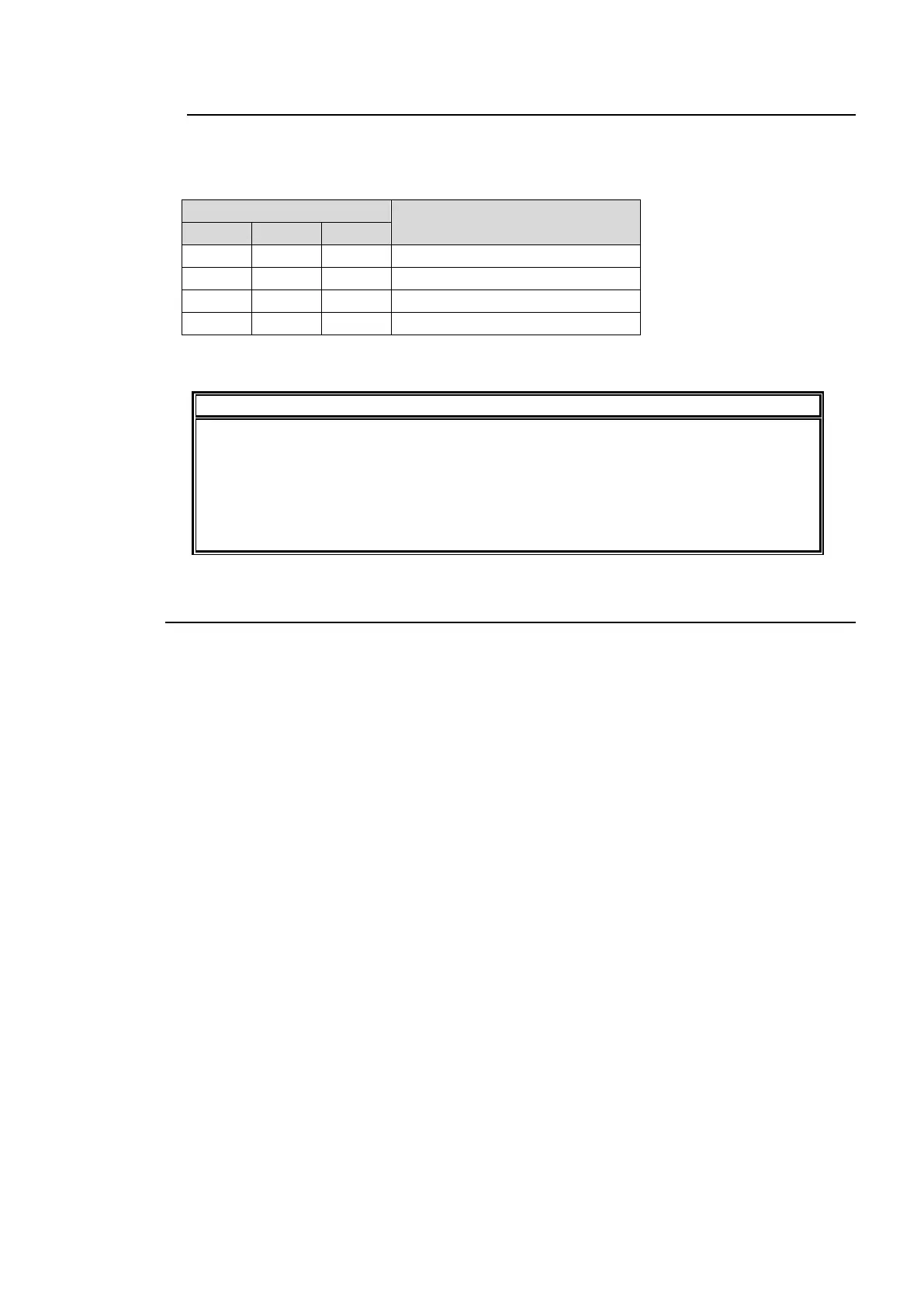
Changeable Color Corrector menus according to AVO modes
✓: Enabled setting
-: Disabled setting
DIFFERENTIAL and SEPIA mode settings under COLOR CORRECT will
automatically change to BALANCE mode whenever AVO is enabled.
While AVO is being used, the color corrector performs correction as if MODE is set to
BALANCE and CURVE is set to BLACK in the COLOR CORRECT menu.
Color correction enabled by setting AVO Control to HOLD is also performed in the
above state.
5-3. CONV (UP/DOWN/CROSS CONVERTER)
Both FS1 and FS2 are supported in up/down/cross conversions, as well as aspect ratio
conversion according to S2016, VI, or WSS AFD (Active Format Description) data.
Input signals that are assigned to FS1 and FS2 under IN SEL in the FS INPUT SELECT menu
(section 5-6-1) will be synchronized and input to an FS1 or FS2 UP/DOWN/CROSS
CONVERTER, respectively. The signals will then be processed in the respective converters, and
output to output connectors according to the output assignments set in the VIDEO OUT SELECT
(OUT SEL) menu (section 5-7).



 To Next Page