44
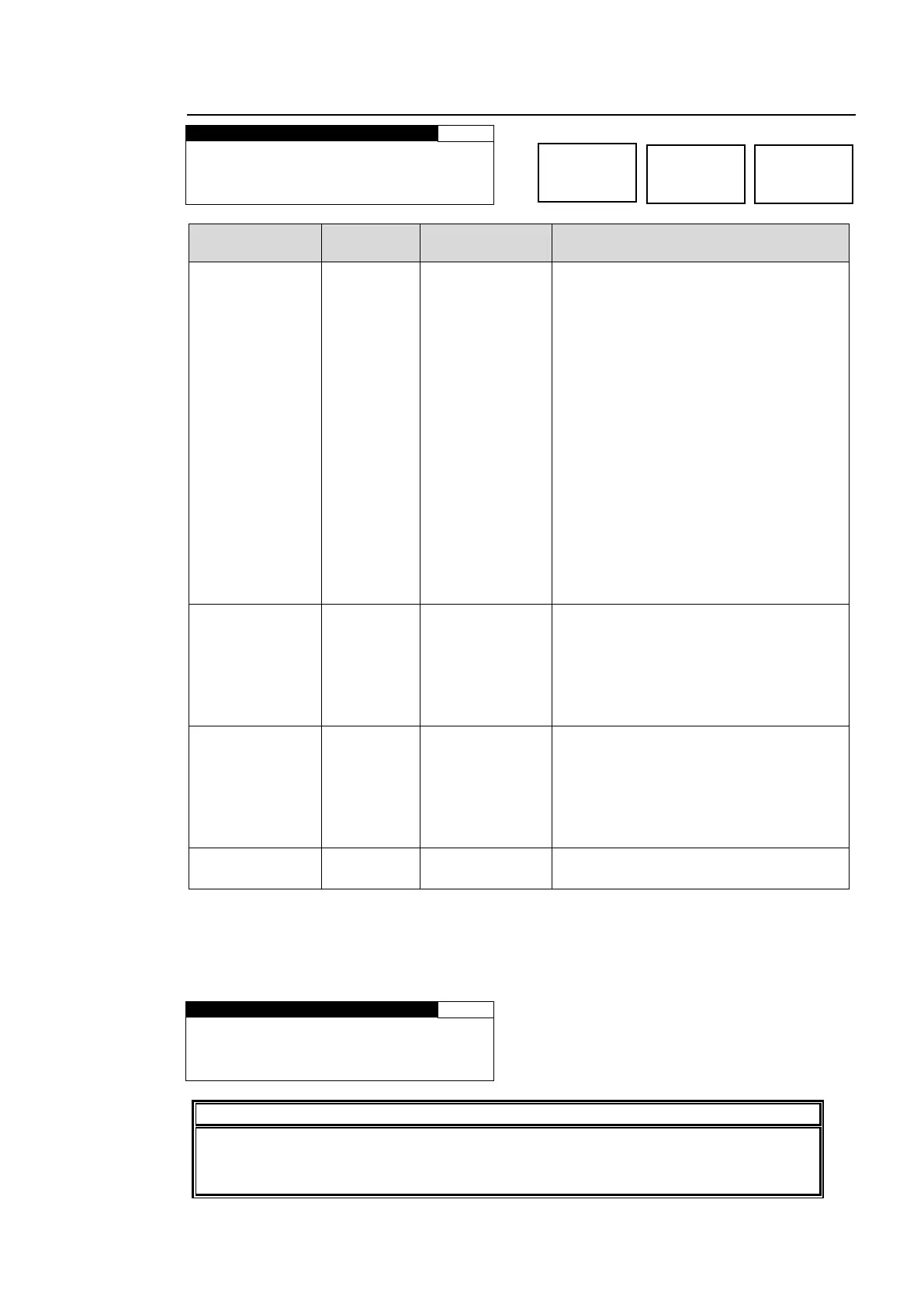
5-3-5. CONV IMPROVE
M O T I O N : A D A P T I V E
A N T I A L I A S H : N O R M A L
A N T I A L I A S V : N O R M A L
E N H A N C E : L E V E L 0
FIELD
ADAPTIVE
FRM(ODD 1st)
FRM(EVEN 1st)
FIELD: Generates a progressive scan
image from one field of an interlaced
scan image.
The created image has no motion
artifacts, but vertical resolution will be
reduced.
ADAPTIVE:
Detects whether there is motion or no
motion in the scene, and generate an
optimal progressive scan image.
FRM(ODD 1st):
Generates a progressive scan image
from two fields (odd/even) of and
interlaced scan image.
Suitable for the progressive segment
frame input of progressive scan signals.
FRM(EVEN 1st):
Generates a progressive scan image
from two fields (even/odd) of interlaced
scan image.
WEAK 8-1
NORMAL
STRONG1-8
Performs horizontal anti-aliasing for the
output video image.
WEAK 8 to STRONG 8 (low to high)
This setting cannot be changed if the
conversion is set to the formats indicated
as (BYPASS) in the CONV Conversion
Table in section 5-3-2.
WEAK 8-1
NORMAL
STRONG1-8
Performs vertical anti-aliasing for the
output video image.
WEAK 8 to STRONG 8 (low to high)
This setting cannot be changed if the
conversion is set to the formats indicated
as (BYPASS) in the CONV Conversion
Table in section 5-3-2.
Sharpens the output video image.
LEVEL 0 to 8 (low to high)
* Settings can be set for FS1 and FS2, respectively.
*1 ANTIALIAS and ENHANCE settings cannot be changed if CONV MODE is set to BY-PASS,
or the conversion is set to the formats indicated as (BY-PASS) in the CONV Conversion
Table (see section 5-3-2).
In both cases, the menu as shown below will be displayed.
A N T I A L I A S H : N O T A D J
A N T I A L I A S V : N O T A D J
E N H A N C E : N O T A D J U S T
Setting MOTION to FRM (ODD 1st) or FRM (EVEN 1st) for input signals other than
progressive segment frame inputs causes motion artifacts to appear. In such case,
change the MOTION setting to FIELD or ADAPTIVE.



 To Next Page