182
9-3-4. Audio Delay (SDI / AES / Analog)
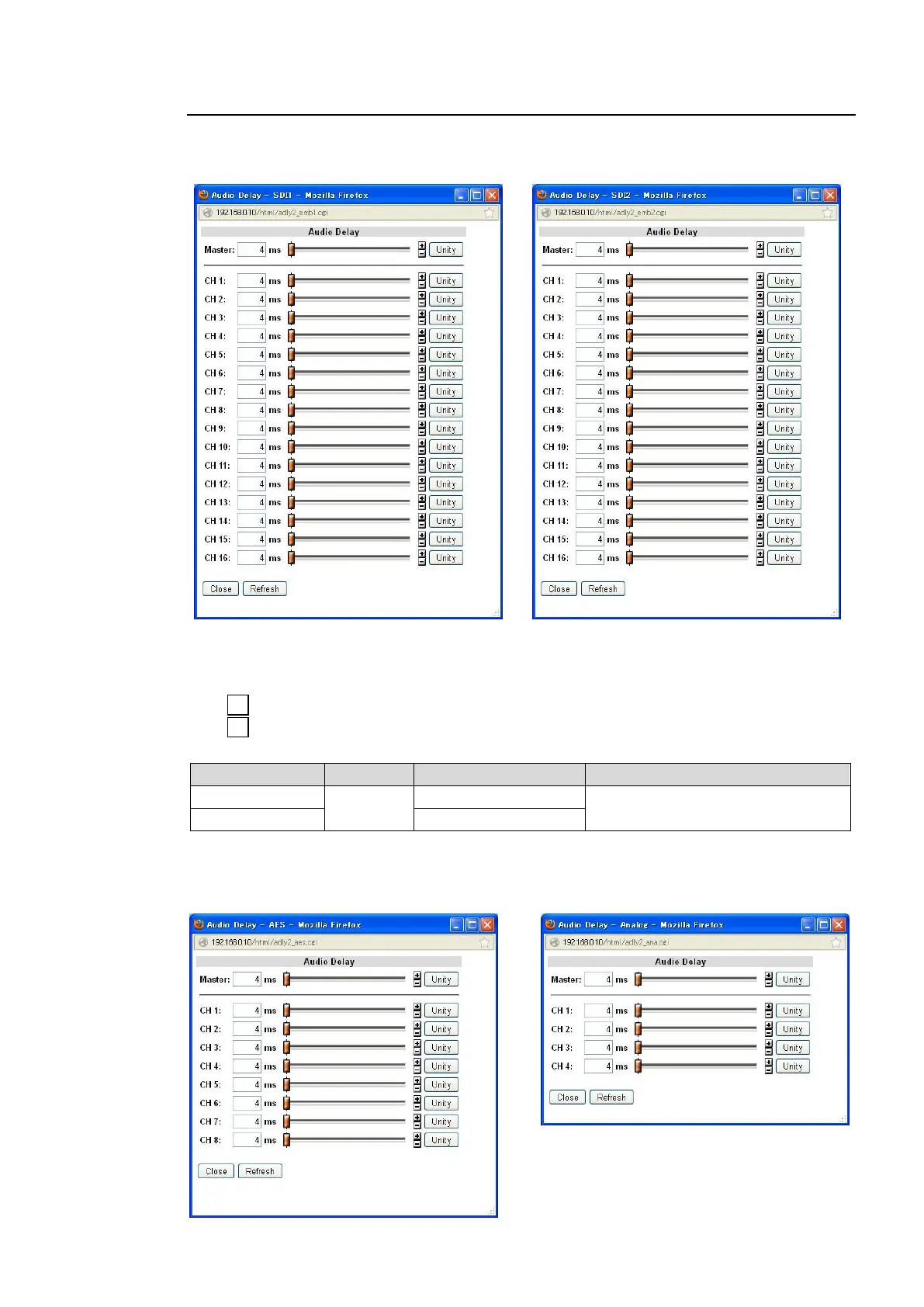
Clicking block (5) on the audio block diagram opens the Audio Delay dialog box.
SDI1, SDI2 Audio Delay
After completing the settings, click Close to close the dialog box.
Click Refresh to update the settings.
Click Unity to reset to the default settings.
Click to increase the value by the smallest steps.
Click to decrease the value by the smallest steps.
Audio Delay
Sets the delay for SOURCE channels.
*1 The total value of Master and individual channel cannot exceed the setting range. The
setting value will stop at the end of the range.
AES Audio Delay Analog Audio Delay



 To Next Page