98
6. AUDIO Settings
Make the menu buttons light up orange using the VIDEO/AUDIO button.
(Pressing the button while the buttons are lit green turns the lights orange.)
Afterwards, the audio menus displayed on the lower row on each menu button
can be selected.
6-1. SDI AUDIO Settings (SDI AUDIO)
Allows you to set FS1/FS2 embedded audio signal settings.
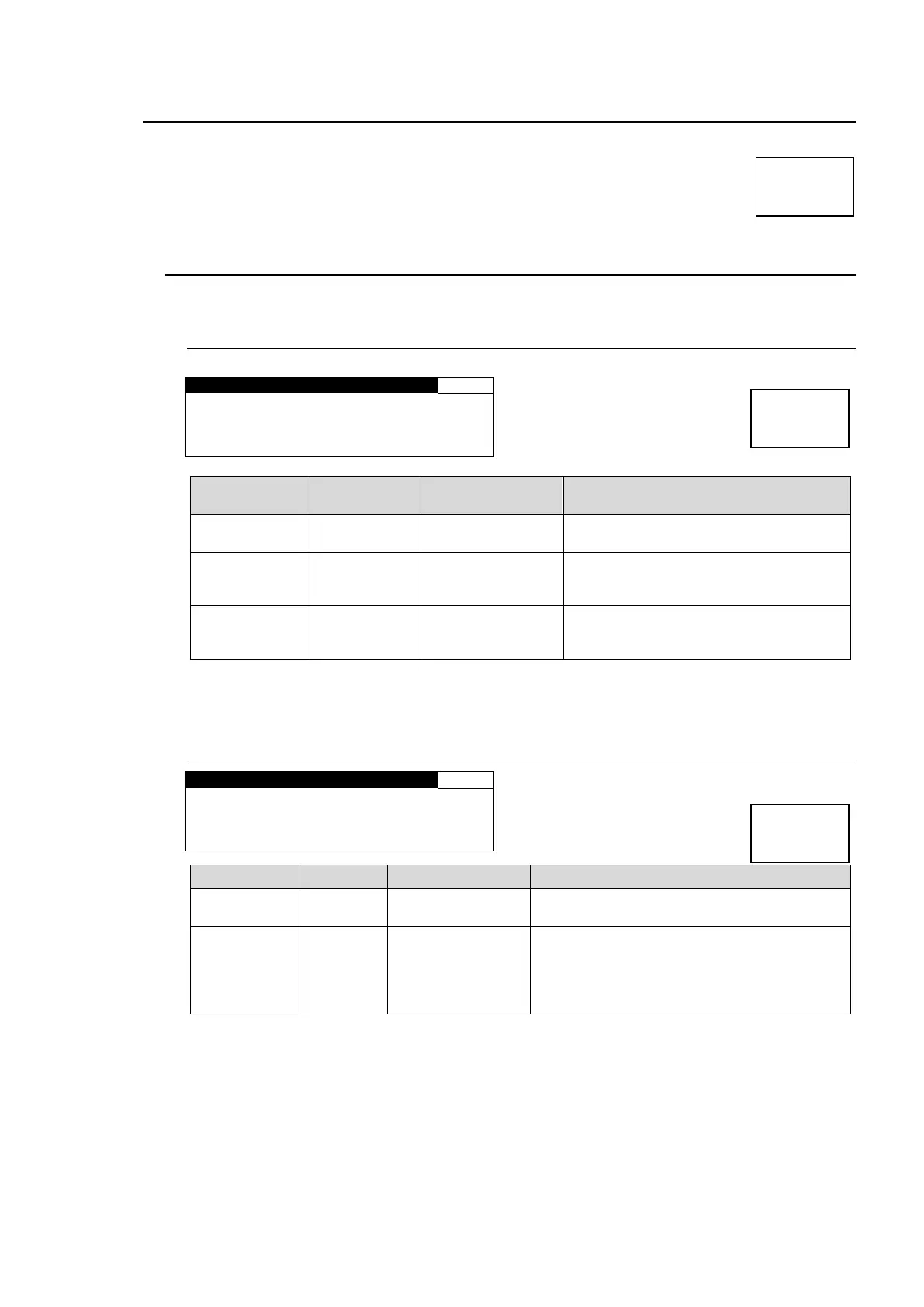
6-1-1. EMB1 IN GAIN
G A I N S E T : 0 . 0 d B
Selects an FS1 embedded audio
channel for which to adjust the gain.
-20.0 - +20.0 dB
(0.1 dB)
*1
Sets the input gain for the SDI embedded
audio channel that is selected under CH
SEL.
-20.0 - +20.0 dB
(0.1 dB)
Sets the offset to the input gain for all
channels CH1 to CH16 of SDI-embedded
audio.
*1 The total value of GAIN SET and MASTER should not exceed the setting range. If the
range is exceeded, the alert will be displayed as *20.0 dB or *-20.0 dB.
6-1-2. EMB1 OUT MONO
M O N O S U M : D I S A B L E
Selects a stereo pair of FS1 embedded
audio channels.
ENABLE: Outputs the stereo pair channels
selected under CH SEL as a mono sum.
(The signals of the selected pair channels
are added and divided by two to output from
each channel.)



 To Next Page