163
9-2-5. BY-PASS Setting
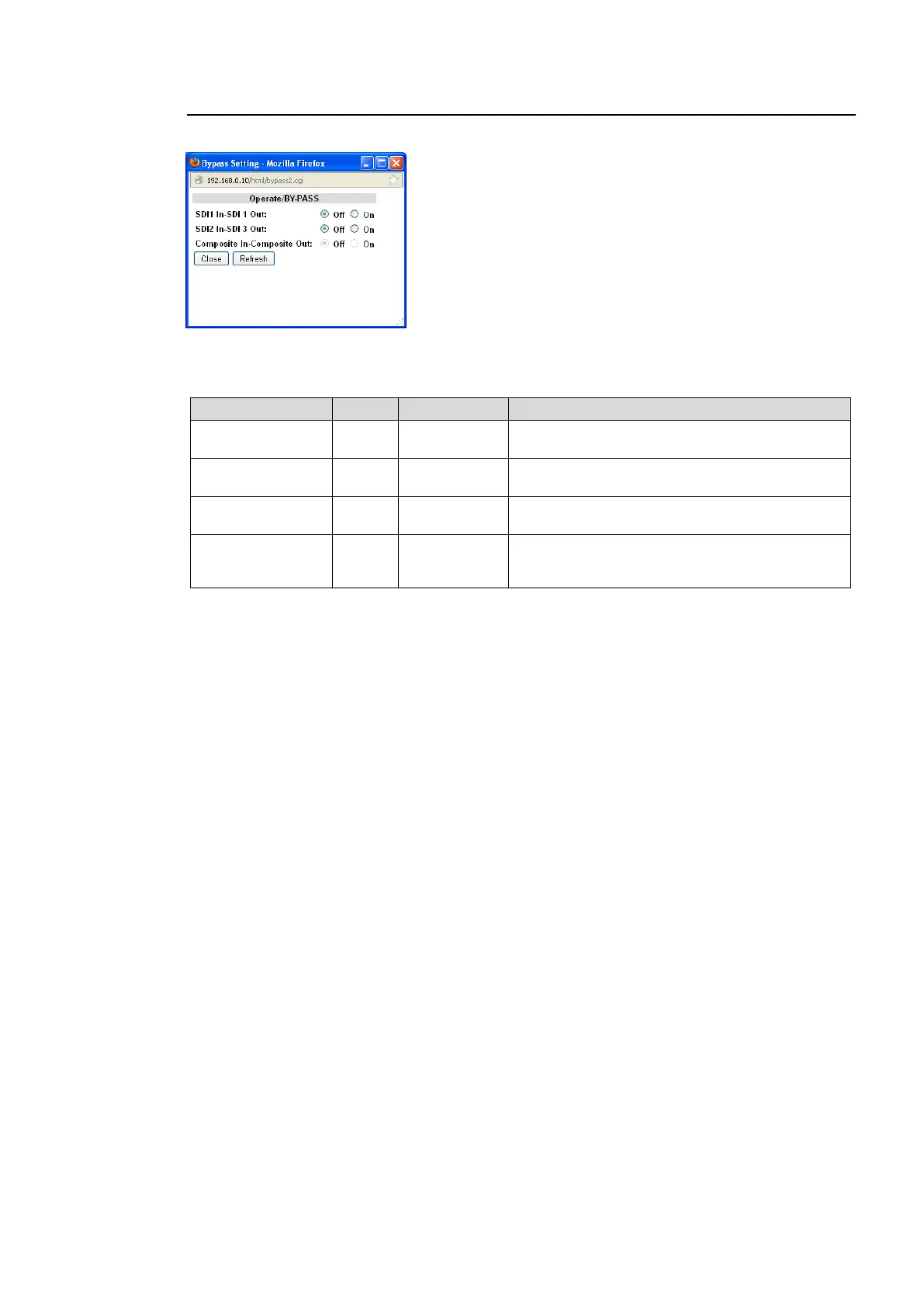
Clicking block (5) on the video block diagram opens the BY-PASS setting dialog box.
After completing the settings, click Close to close the dialog box.
Click Refresh to update the settings.
Operate BY-PASS
Setting to On bypasses SDI1 input signals to
SDI 1 output with a relay connection.
Setting to On bypasses SDI2 input signals to
SDI 3 output with a relay connection.
Composite In-
Composite Out
Setting to On bypasses composite input signals
to composite output with a relay connection.
Setting to On bypasses AIO input and output
connectors in option slot A/B with a relay
connection.



 To Next Page