161
9-2-3. Frame Delay
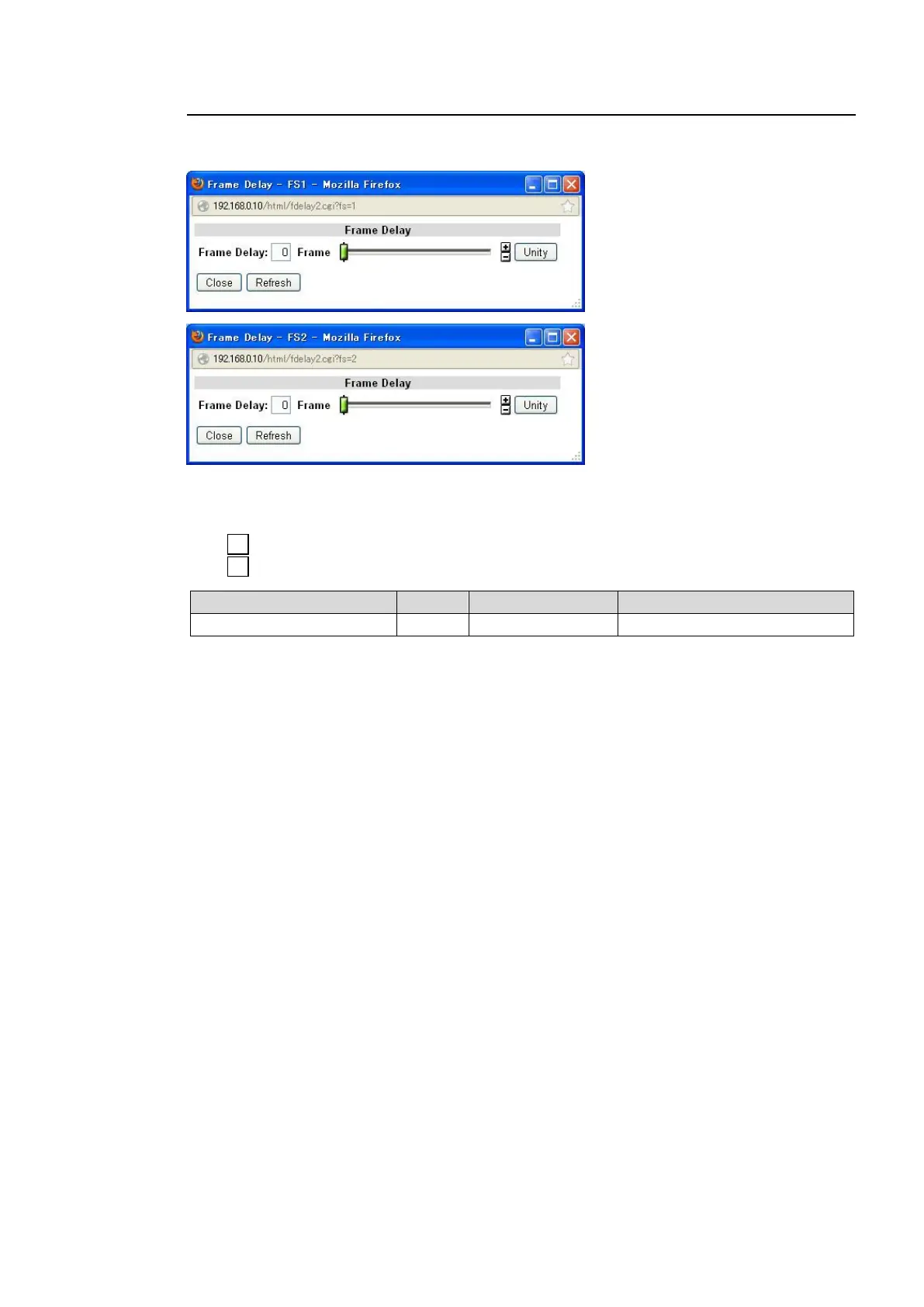
Clicking block (3) in the Video block diagram opens the Frame Delay setting dialog box for the
corresponding FS.
After completing the settings, click Close to close the dialog box.
Click Refresh to update the settings.
Click Unity to reset to the default settings.
Click to increase the value by the smallest steps.
Click to decrease the value by the smallest steps.
Sets the amount of frame delay.
Selecting Odd/Even for Forced Field, Synchro Mode to Frame Sync under FS Mode in 9-4-1
FS1/FS2 Video System, while 9-2-1 FS Input Select is set to Composite, and Frame Delay to
0 frame, Frame Delay will always reset to 1 frame. Set Frame Delay between 1 and 8 frames.
Also, Frame Delay cannot be set if Synchro Mode is set to Line Sync or AVDL under FS Mode
in section 9-4-1 “FS1/FS2 Video System”.



 To Next Page