113
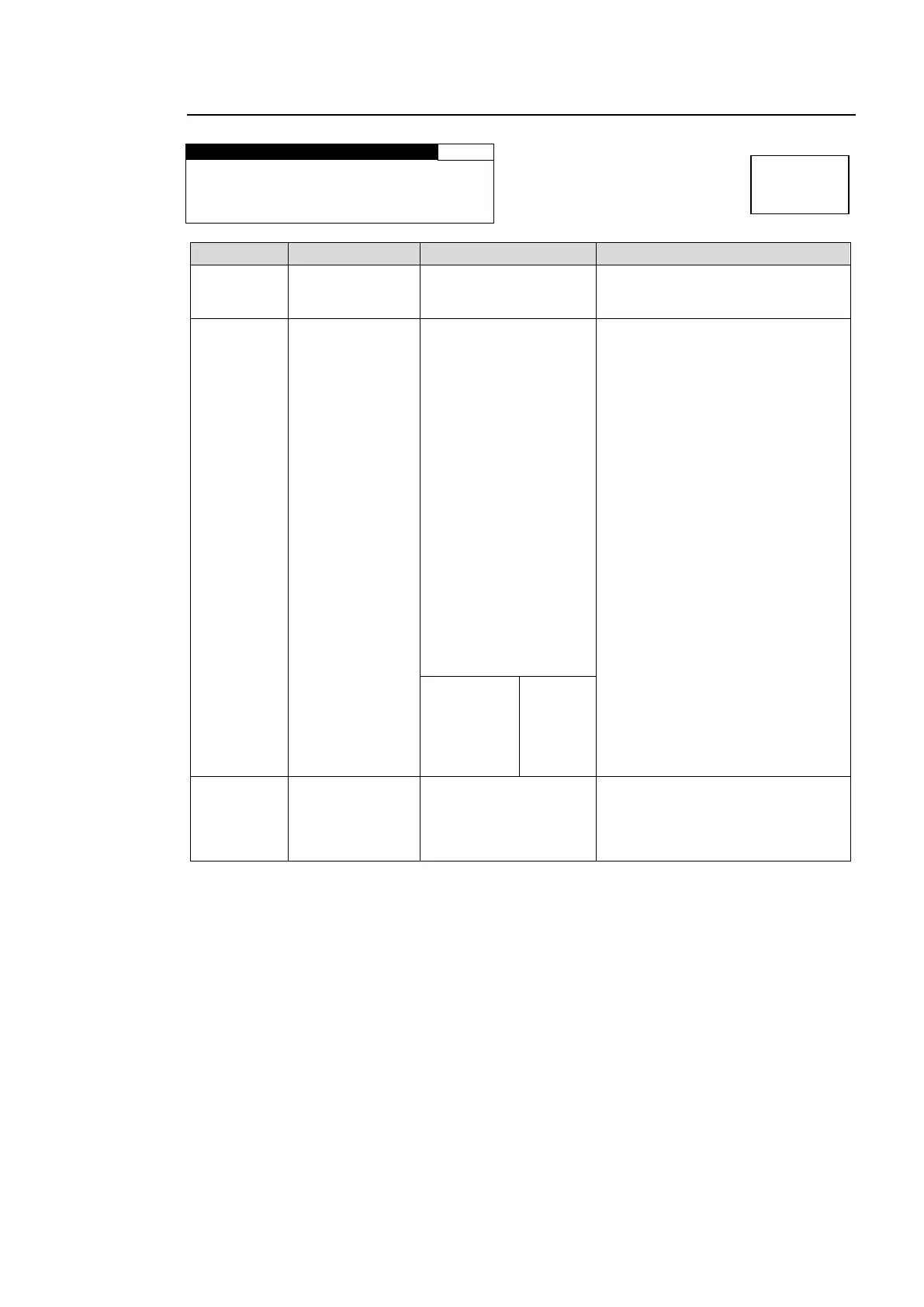
6-5-3. AES OUT REMAP
A S S I G N : A E S C H 1
Selects an AES audio channel to
output audio signal from CH1
through 8.
EMB1 CH1-16
EMB2 CH1-16
AES CH1-8
*1
ANALOG CH1-4
DOWN MIX1-L
DOWN MIX1-R
DOWN MIX2-L
DOWN MIX2-R
500Hz TONE
1KHz TONE
SILENCE
Dolby DECA CH1-8
*2
Dolby DMA-L
*2
Dolby DMA- R
*2
Dolby ENCA CH1-2
*3
Dolby DECB CH1-8
*4
Dolby DMB-L
*4
Dolby DMB- R
*4
Dolby ENCB CH1-2
*5
Selects an audio signal to be
output to the AES audio channel
selected under CH SEL.
LOUD1A
*6
LOUD2A
*6
LOUD1B
*7
LOUD2B
*7
Displays the source signal input
channel of the embedded audio
signal for EMB1 CH1-CH16, or
EMB2 CH1-CH16 selected under
ASSIGN.
*1 If the AES connector is set to be used for input, the selected AES channel will be displayed
with an “*“ as “*AES CH1“ and no audio signal will be output. To change AES I/O
settings, see section 6-2-4. “AES I/O SETUP“ for details.
*2 Not shown if the FA-95D-D or FA-95DE-E option is not installed in option slot A.
*3 Not shown if the FA-95DE-E option is not installed in option slot A.
*4 Not shown if the FA-95D-D or FA-95DE-E option is not installed in option slot B.
*5 Not shown if the FA-95DE-E option is not installed in option slot B.
*6 Not shown if the FA-95ALA option is not installed in option slot A.
*7 Not shown if the FA-95ALA option is not installed in option slot B.
Auto Channel Pairing for NON-PCM Audio Inputs
The FA-9520 recognizes NON-PCM audio input signals in L/R channel pair units, and adjusts
assignments according to the signal selected for the L channel.
L/R channel pairs are, such as CH1 and CH2, CH3 and CH4......CH15 and CH16 as an
example in EMB1.
The channel assignments that are changed by the adjustment will be shown with “*” as
“CH1:*EMB1 CH1”.



 To Next Page