38
5-2-2. BLACK LEVEL
RED, GREEN, BLUE
(RGB Black Level)
Adjusts the black level of R, G, and B
components separately.
GROUP ADJUST
(Group Adjustment)
Adjusts the black level of R, G, and B
components all together while
retaining the proportion of the
separately adjusted levels.
* Settings can be set for FS1 and FS2, separately.
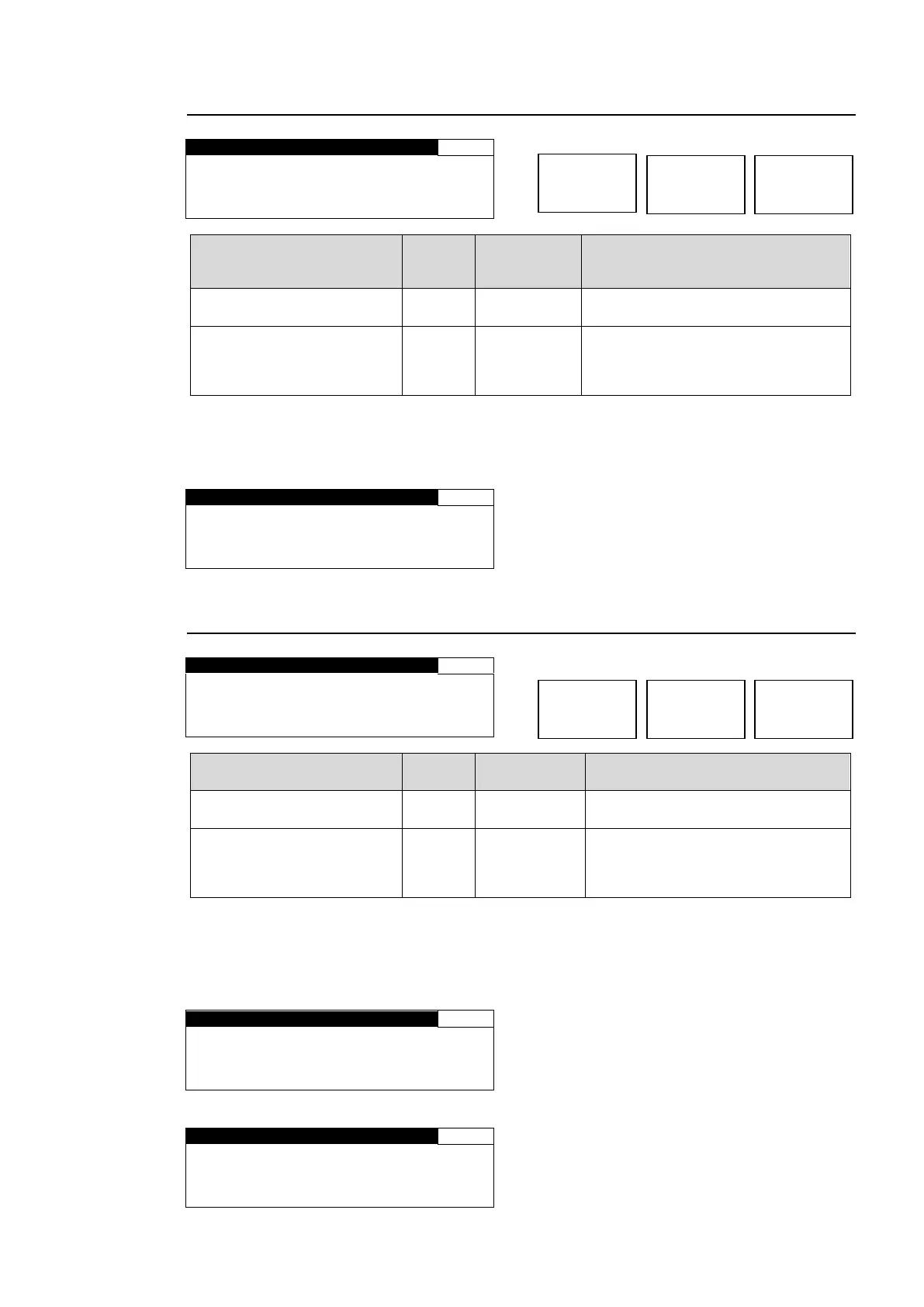
If MODE is set to SEPIA in the COLOR CORRECT (C.C.) menu (5-2-4), the menu as shown
below will be displayed.
R E D : N O T A D J U S T
G R E E N : N O T A D J U S T
B L U E : N O T A D J U S T
C . C M O D E I S S E P I A *1
*1 If AVO is enabled, the message “AVO IS USING IT” will be displayed.
5-2-3. GAMMA LEVEL
RED, GREEN, BLUE
(RGB Gamma level)
Adjusts the gamma level of R, G,
and B components separately.
GROUP ADJUST
(Group Adjustment)
Adjusts the gamma level of R, G,
and B components all together while
retaining the proportion of the
separately adjusted levels.
* Settings can be set for FS1 and FS2, separately.
If MODE is set to SEPIA in the COLOR CORRECT (C.C.) menu (5-2-4), the menu as shown
below will be displayed.
Only the value of GREEN can be changed.
The menu appears as shown below if AVO is enabled.
R E D : N O T A D J U S T
G R E E N : N O T A D J U S T
B L U E : N O T A D J U S T



 To Next Page