185
9-3-7. Audio Mapping
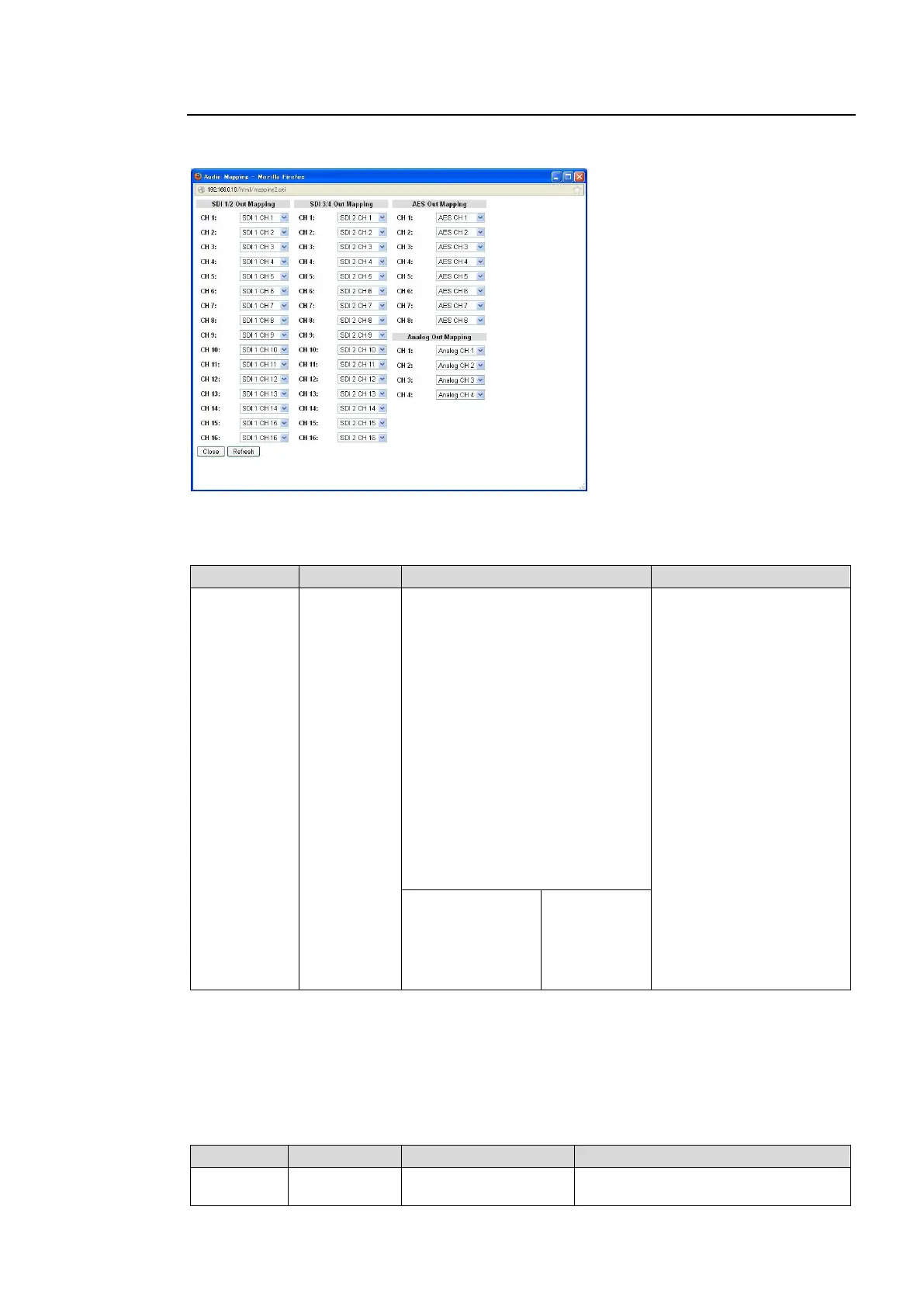
Clicking block (8) on the audio block diagram opens the Audio Mapping dialog box.
(See section 6-5. “AUDIO MAPPING (MAPPING)” for details.)
After completing the settings, click Close to close the dialog box.
Click Refresh to update the settings.
SDI1/2, 3/4 Out Mapping
SDI 1 CH1-16
SDI 2 CH1-16
AES CH1-8
ANALOG CH1-4
DOWN MIX1-L
DOWN MIX1-R
DOWN MIX2-L
DOWN MIX2-R
500Hz TONE
1KHz TONE
SILENCE
Dolby Decoder A CH1 to 8
*1 *2
Dolby Decoder A Downmix L
*1 *2
Dolby Encoder A CH1
*2
Dolby Encoder A CH2
*2
Dolby Decoder B CH1 to 8
*3 *4
Dolby Decoder B Downmix L
*3 *4
Dolby Encoder B CH1
*4
Dolby Encoder B CH2
*4
Selects an audio signal to
embed into respective
FS1/FS2 audio channels.
Loudness 1 A-
*5
Loudness 2 A-
*5
Loudness 1 B-
*6
Loudness 2 B-
*6
Left
Right
Center
LFE
Ls
Rs
*1 Selectable when the FA-95D-D option is installed in option slot A.
*2 Selectable when the FA-95DE-E option is installed in option slot A.
*3 Selectable when the FA-95D-D option is installed in option slot B.
*4 Selectable when the FA-95DE-E option is installed in option slot B.
*5 Selectable when the FA-95ALA option is installed in option slot A.
*6 Selectable when the FA-95ALA option is installed in option slot B.
AES Out Mapping
The same as SDI Out
1/2 3/4 Mapping
Selects an audio signal to output to
respective AES audio channels.



 To Next Page