135
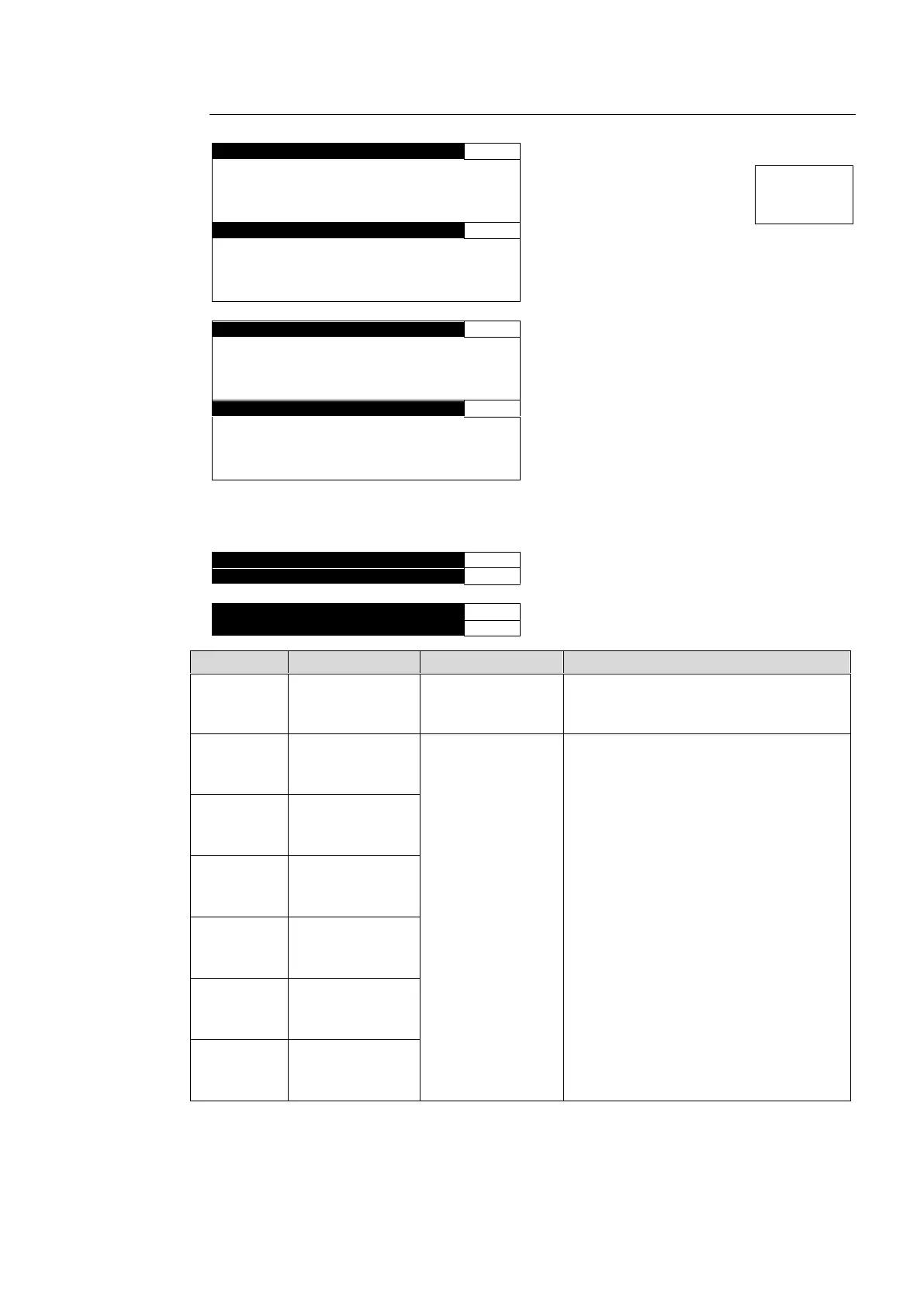
6-10-2-4. LOUDNESS CHANNEL ASSIGNMENT
∙ When installed in option slot A (Channel -1)
∙ When installed in option slot A (Channel -2)
Menu names and menu pages for the FA-95ALA in option slot B change as shown below.
∙ When installed in option slot A (Channel -1)
∙ When installed in option slot A (Channel -2)
MONAURAL
*3
STEREO
5.1 CH
Allows you to specify the audio mode of
the audio signal loudness level to be
measured and adjusted.
EMB1 CH 1-16
EMB2 CH 1-16
AES CH 1-8
ANALOG CH 1-4
DOWNMIX1-L, R
DOWNMIX2-L, R
Dolby DECA-1-8
*4
Dolby DMA-L, R
*4
Dolby DECB-1-8
*5
Dolby DMB-L, R
*5
Allows you to select an audio channel of
which loudness level to be measured
and adjusted.
EMB1: FS1 IN input audio channels
EMB2: FS2 IN input audio channels
AES: AES input audio channels
ANALOG: Input analog audio channels
DOWNMIX: Internally generated
downmixed audio channels
(See sec. 6-7. 6-8. DOWNMIX1, 2
SET)
Dolby DEC: Dolby decoder output
audio channels
(See sec. 6-10-1.FA-95D-D,
FA-95DE-E.)
Dolby DM: Dolby decoder downmixed
output audio channels
(See sec. 6-10-1.FA-95D-D,
FA-95DE-E.)
Invalid channels due to their Mode
settings will be indicated as “INVALID”.
*1 Default values of Channel-1 are “EMB1 CH1-6”, and Channel-2 are “EMB2 CH9-14”.
*2 The LFE channel is not subject to measurement, but to adjustment.
*3 *3 If MODE is set to MONAURAL, the output signal for LOUD 1/2 R selected in the SDI, AES
or Analog REMAPPING menu will be the same as that for LOUD 1/2-L.
*4 Shown if the FA-95D-D or FA-95DE-E is installed in option slot A.
*5 Shown if the FA-95D-D or FA-95DE-E is installed in option slot B.



 To Next Page