233
9-8-5. USER SETTING
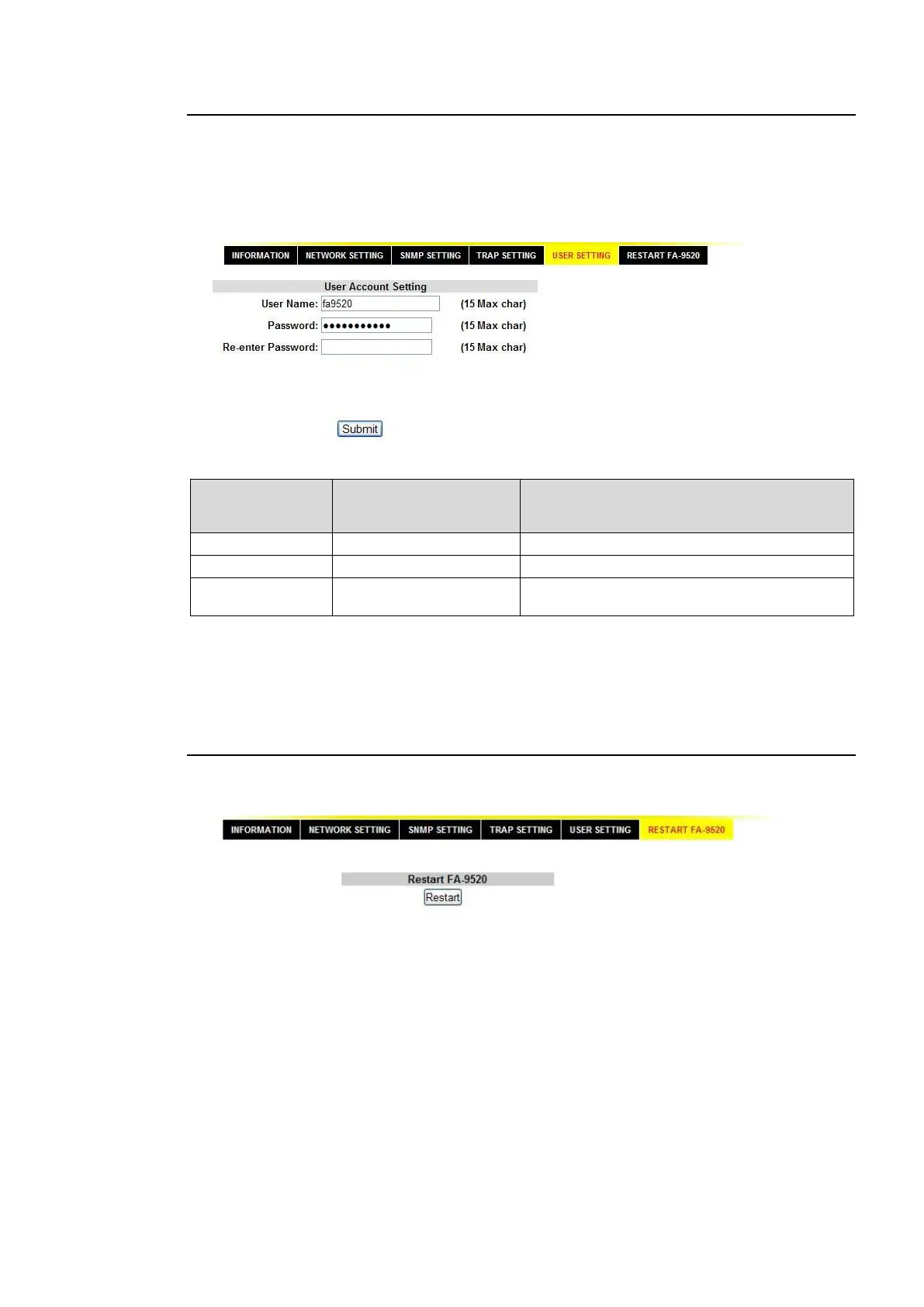
This page allows you to set the user name and password for accessing the FA-9520.
The default settings are:
User Name: fa9520
Password: foranetwork
Setting Range
(Alphanumeric and
symbolic characters)
Allows you to set the user name.
Allows you to set the password.
Allows you to confirm the password.
The authentication dialog box will not appear at the next login if the User Name and Password
setting boxes are left empty.
Changes will be applied after rebooting or 9-8-6 “Restart” is performed.
9-8-6. Restart
Click Restart to reboot the FA-9520. The FA-9520 performs the same operation as when it is
on. Note that the video and audio signals will be distorted while rebooting the FA-9520.



 To Next Page