EasyManua.ls Logo

FOR-A FA-9520 - Network Info; UNIT Ver

FOR-A FA-9520
280 pages
Print Icon
To Next Page IconTo Next Page
To Previous Page IconTo Previous Page
Loading...
147
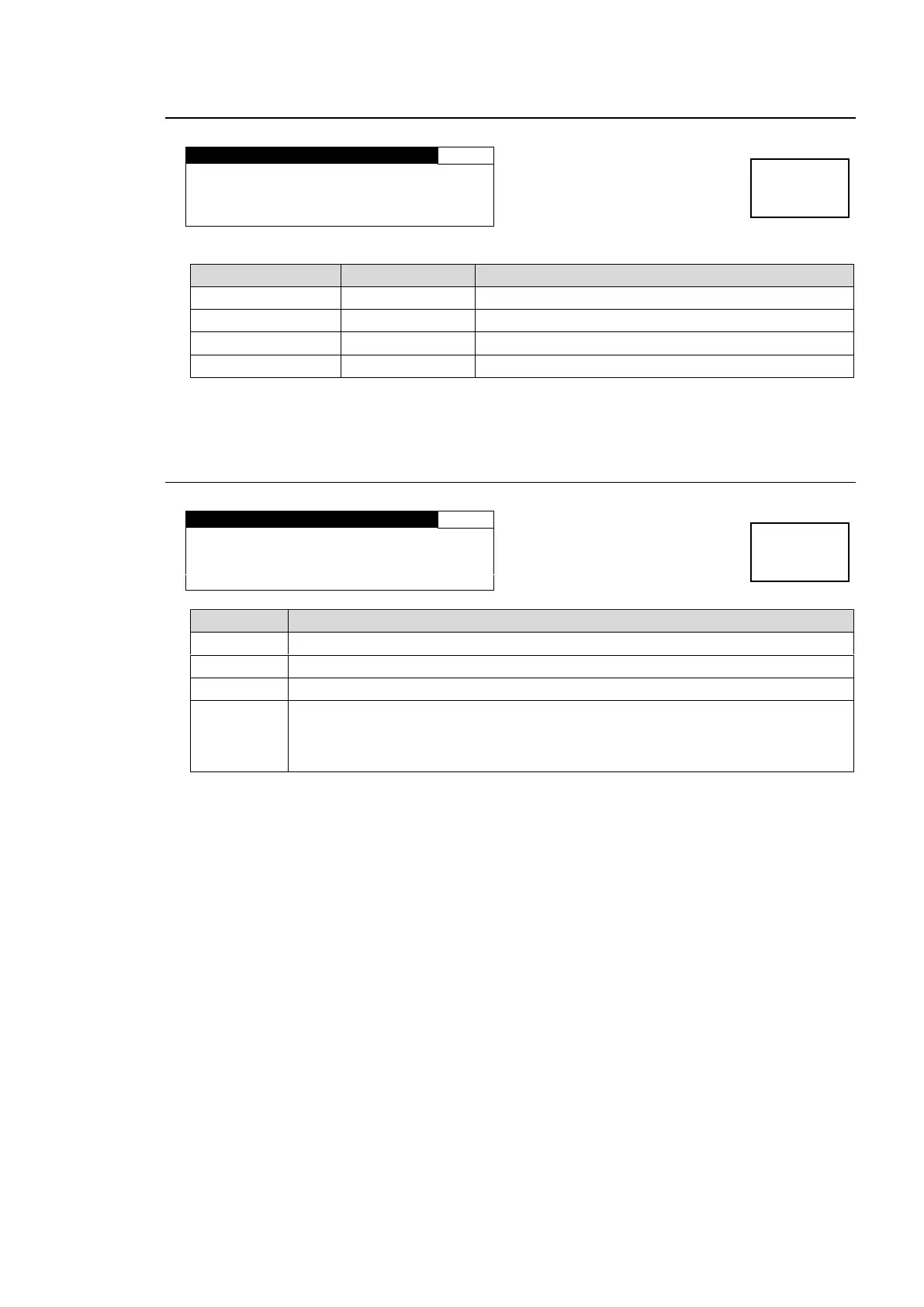
7-7. NETWORK INFO
N E T W O R K I N F O
297
NAME:FA- 9520
I P : 1 9 2 . 1 6 8 . 0 . 1 0
S U B : 2 5 5 . 2 5 5 . 2 5 5 . 0
G W : 0 . 0 . 0 . 0
Parameter
Default
Description
NAME
FA-9520
Displays the unit name.
IP
192.168.0.10
Displays the LAN PORT1 IP address.
SUB
255.255.255.0
Displays the LAN PORT1 subnet mask.
GW
0.0.0.0
Displays the LAN PORT1 gateway.
The NETWORK INFO settings can be changed on a web browser window on a computer.
See section 9-8-2 NETWORK SETTING for details.
7-8. UNIT Ver.
U N I T V e r .
2 98
F P G A 1 : 0 1 . 0 0
F P G A 2 : 0 1 . 0 0
F P G A 3 : 0 1 . 0 0
SOFT : 2 . 0 0 / 8 . 0 0
Parameter
Description
FPGA1
Displays the FPGA1 version information.
FPGA2
Displays the FPGA2 version information.
FPGA3
Displays the FPGA3 version information.
SOFT
Displays the FA-9520 operation mode software version information. (First 4
digits)
Displays the FA-9500 operation mode software version information. (Last 4
digits)

Menu button
STATUS
OTHER
Menu button
STATUS
OTHER

Table of Contents

Other manuals for FOR-A FA-9520

Related product manuals