EasyManua.ls Logo

FOR-A FA-9520 - Aes Src Mode; Emb1 Polarity; Emb2 Polarity

FOR-A FA-9520
280 pages
Print Icon
To Next Page IconTo Next Page
To Previous Page IconTo Previous Page
Loading...
122
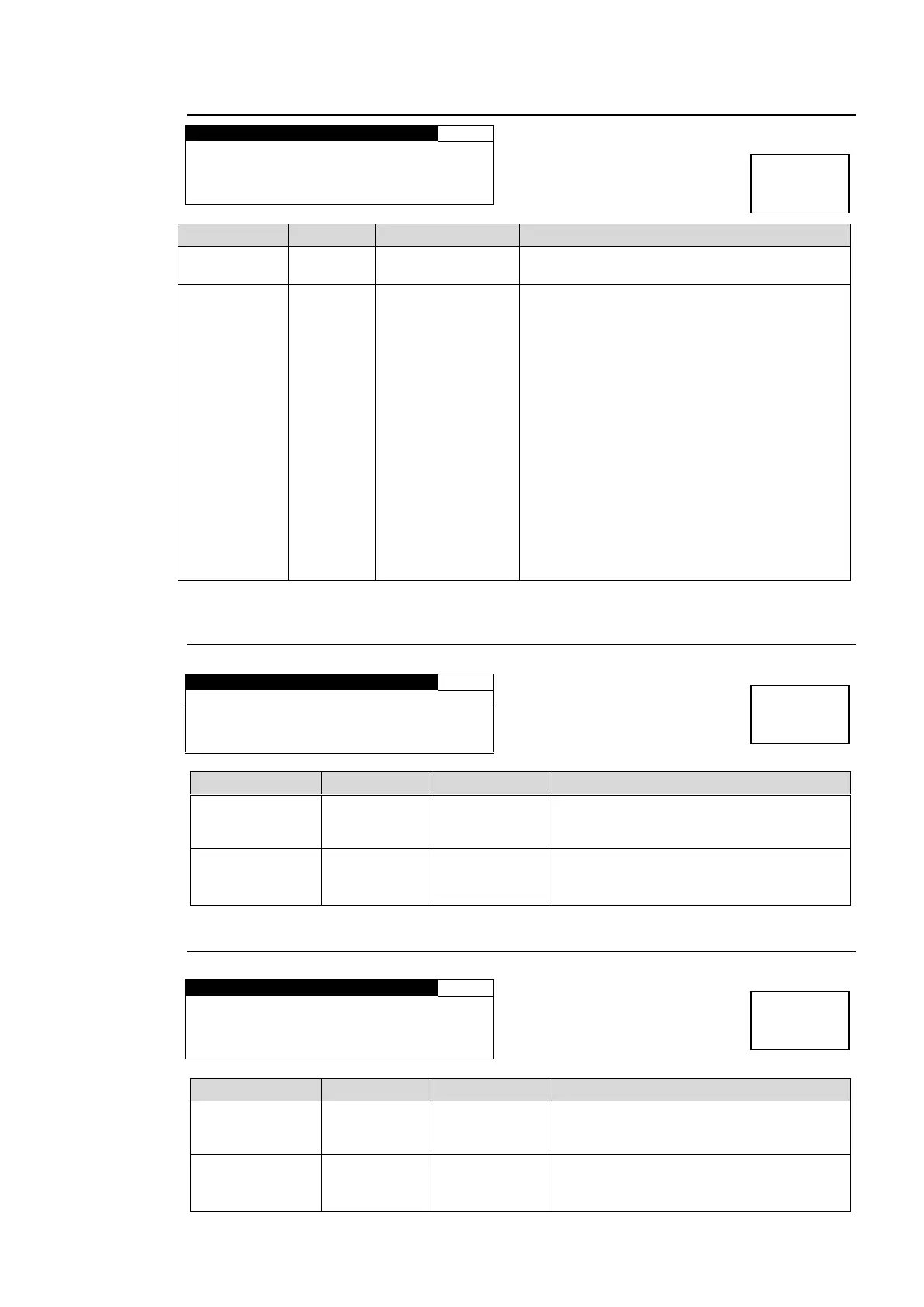
6-9-3. AES SRC MODE
A E S S R C M O D E
173
C H S E L : C H 1 / 2
S R C M O D E : S R C I N
Parameter
Default
Setting range
Description
CH SEL
CH1/2
CH1/2 - CH15/16
Selects a stereo pair of AES audio signals to
be set to pass or by-pass the SRC circuit.
SRC MODE
SRC IN
AUTO
BY-PASS
SRC IN
Sets the SRC circuit to pass or by-pass the
audio channel pair selected under CH SEL.
AUTO:
Sets the SRC circuit to pass signals. However,
NON-PCM audio signals will be by-passed.
BY-PASS:
Sets the SRC circuit to by-pass signals. Set to
By-pass to output asynchronous audio
signals. To embed the asynchronous audio
signals to SDI video signals, an audio clock
must be selected under (6-1-4) EMB1 OUT
CLOCK for the respective audio groups.
SRC IN:
Sets the SRC circuit to pass both PCM or
NON-PCM signals. Useful for the irregular
PCM signal with the NON-PCM audio channel
status indication. However, real NON-PCM
signals cannot be output properly.

6-9-4. EMB1 POLARITY
E M B 1 P O L A R I T Y
174
C H S E L CH1
P O L A R I T Y : N O R M A L
Parameter
Default
Setting range
Description
CH SEL
CH1
CH 1 - 16
Selects a channel from among FS1
embedded audio channels for which to
set polarity.
POLARITY
NORMAL
NORMAL
INVERT
Sets the polarity for the channel that is
selected under CH SEL.
INVERT: Reverses the polarity.
6-9-5. EMB2 POLARITY
E M B 2 P O L A R I T Y
175
C H S E L CH1
P O L A R I T Y : N O R M A L
Parameter
Default
Setting range
Description
CH SEL
CH1
CH 1 - 16
Selects a channel from among FS2
embedded audio channels for which to
set polarity.
POLARITY
NORMAL
NORMAL
INVERT
Sets the polarity for the channel that is
selected under CH SEL.
INVERT: Reverses the polarity.
Menu button
OUT SEL
MODE
Menu button
OUT SEL
MODE
Menu button
OUT SEL
MODE

Table of Contents

Other manuals for FOR-A FA-9520

Related product manuals