28
4. Front Panel Operation
4-1. Powering ON
Turn the power ON after all system connections are complete. The indicators on the front panel
light up during startup. When startup is complete, the indicators will go off and the VIDEO IN
STATUS menu showing the current input video and reference signal formats will be displayed.
S D I 1 : 1 0 8 0 / 5 9 i
C O M P O S I T E : 5 2 5 / 6 0
R E F E R E N C E : 5 2 5 / 6 0
If Logo data is stored:
A loading progress message is displayed in the menu display as shown below.
Logo data may take up to 2.5 minutes to load.
L O A D I N G L O G O D A T A . . .
4-2. Basic Operation
This section explains how to select menus and parameters.
Most of the menus can be controlled by these basic operations. However, some menus work
differently. See the descriptions given for each menu for details.
The FA-9520 has two modes for the menu operation: NORMAL mode, in which setting changes
immediately take effect, and LIVE SAFE mode, in which some settings request confirmation
before changes take effect. NORMAL and LIVE SAFE modes can be selected in the FRONT
OPERATION menu (sec. 7-4). Factory default is NORMAL mode. Menus that request a setting
confirmation are shown in the menu list in section 4-2-2. “Menu Buttons” with a black circle (●).
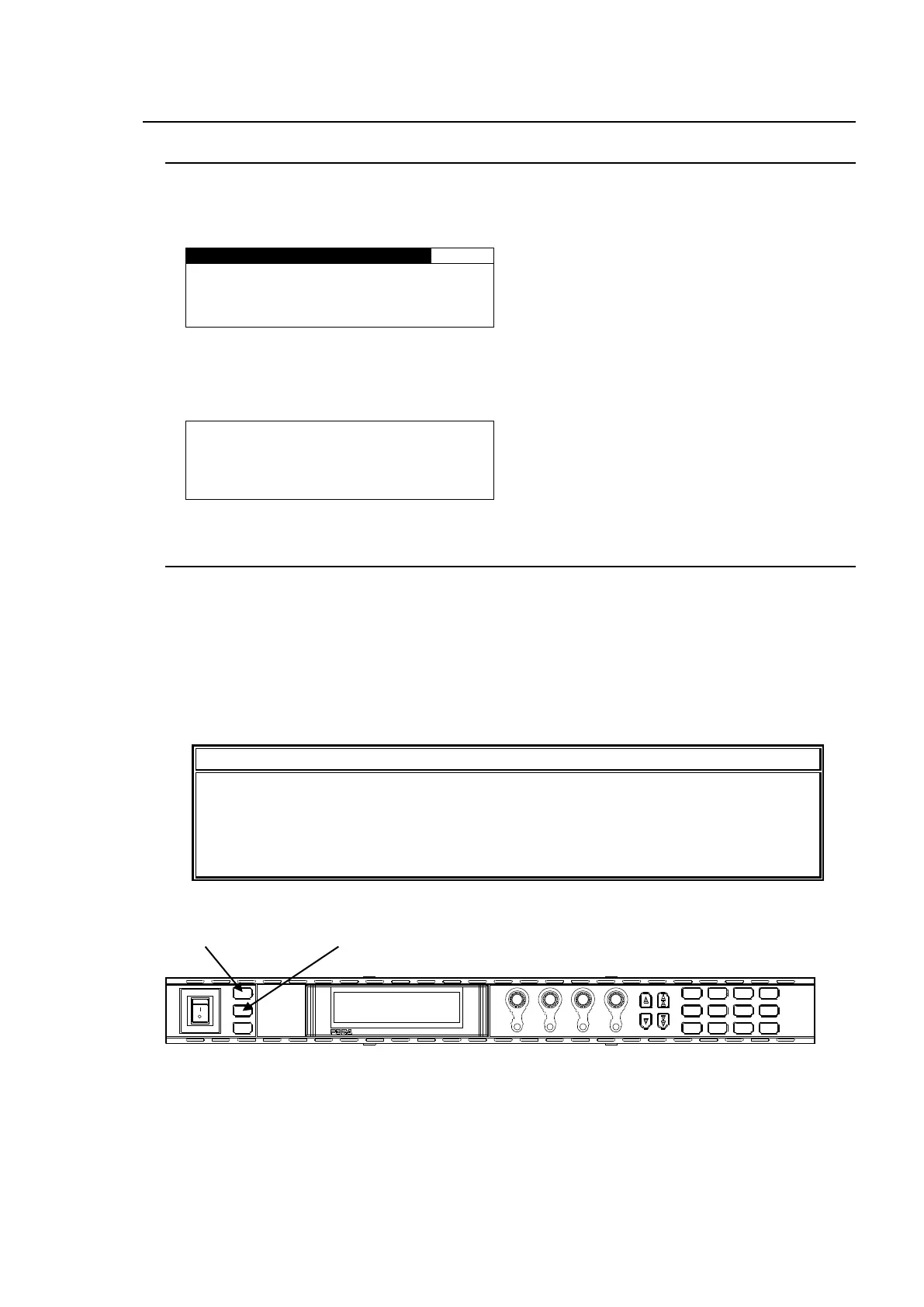
Make sure that the FS1/LOCK and FS2/LOCK button LEDs are lit green or unlit before
starting an operation. If FS1/LOCK and/or FS2/LOCK button LED(s) are lit orange, all
operations on the front panel for FS1 and/or FS2 except the LOCK button(s) are
disabled. Press and hold the FS1/LOCK and/or FS2/LOCK button(s) that are lit
orange to unlock the operations.
POWER
ON
OFF
PS1/LOCK
PS2/LOCK
EVENT
VIDEO IN
GENLOCL
REMOTE
AUDIO IN
FAN ALARM
DC POWER
F 1
F 2
F 3
F 4
F A - 9 5 2 0H D / S D F R A M E S Y N C HR ON I Z E R
DISPLAY
F 1
UN ITY
F 2
UN ITY UN ITY
F 3
F 4
UN ITY
PROCESS
SDI AUDIO
MAPPING
VIDEO OP
AUDIO OP
C C
A V O CLIP
DELAY
VIDEO SYS
AUDIO SYS
AES AUDIO
CONV 1
ANALOG
IN SEL
DOW NMIX
ST AT US
OTHER
CONV 2
MASTER
OUT SEL
M OD E
VIDEO
AUDIO



 To Next Page