EasyManua.ls Logo

FOR-A FA-9520 - Analog in Delay

FOR-A FA-9520
280 pages
Print Icon
To Next Page IconTo Next Page
To Previous Page IconTo Previous Page
Loading...
116
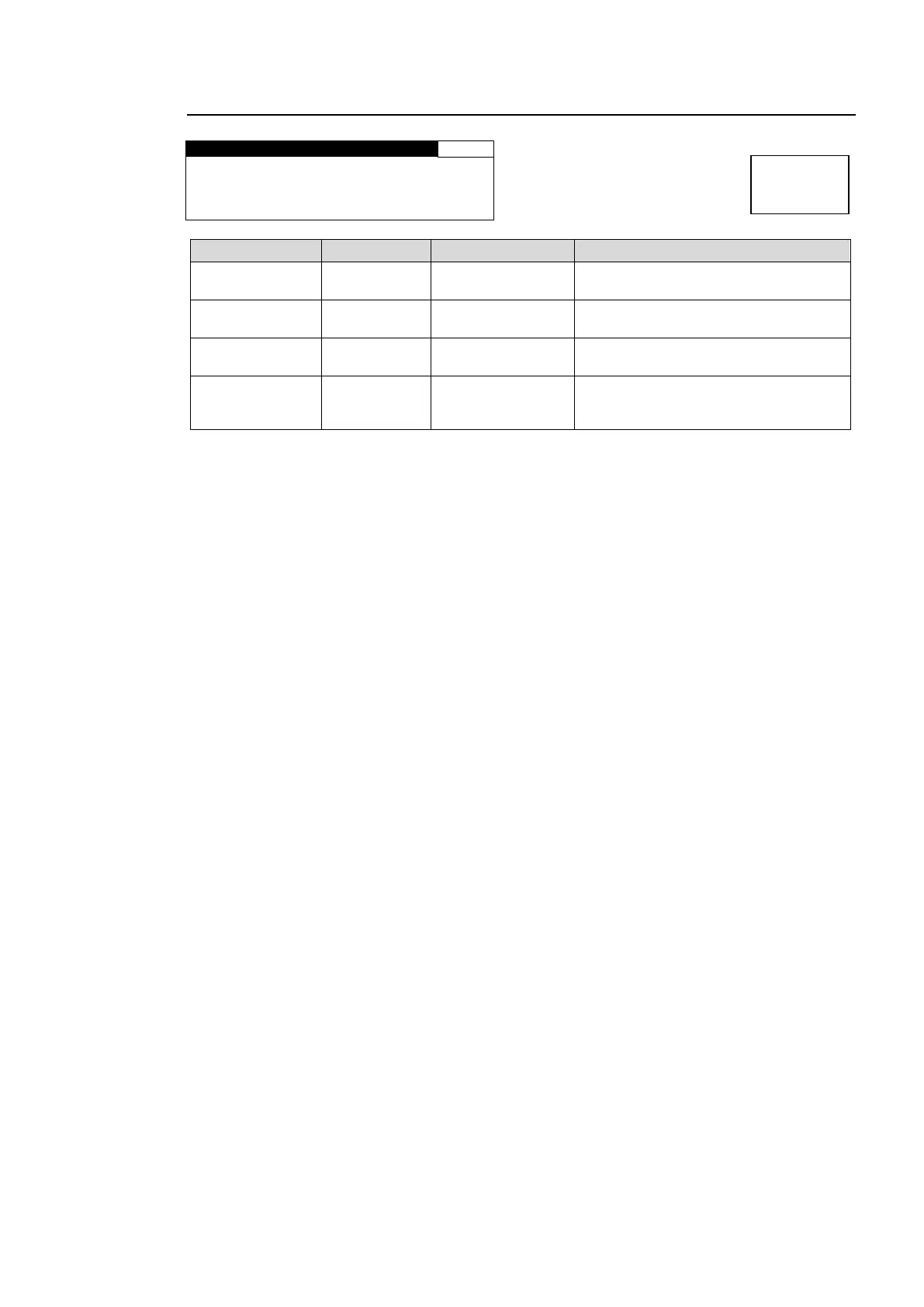
6-6-4. ANALOG IN DELAY
A N A L O G I N D E L A Y
154
C H S E L : C H 1
O F F S E T : 0 m s
M A S T E R : 4 m s
T O T A L : 4 m s
Parameter
Default
Setting range
Description
CH SEL
CH 1
CH1 CH4
Selects an analog audio channel for
which to set delay.
OFFSET
0msec
-996ms - 996ms
Sets the delay for the audio channel that
is selected under CH SEL.
MASTER
4msec
4ms - 1000ms
Sets the offset to the delay for all
audio channels CH1 to 4.
TOTAL
-
-
Displays the total amount of delay set
for the audio channel that is selected
under CH SEL. (OFFSET + MASTER)
Menu button
CLIP
DELAY

Table of Contents

Other manuals for FOR-A FA-9520

Related product manuals