134
6-10-2-3. LOUDNESS CONTROL SETTINGS
∙ When installed in option slot A (Channel -1)
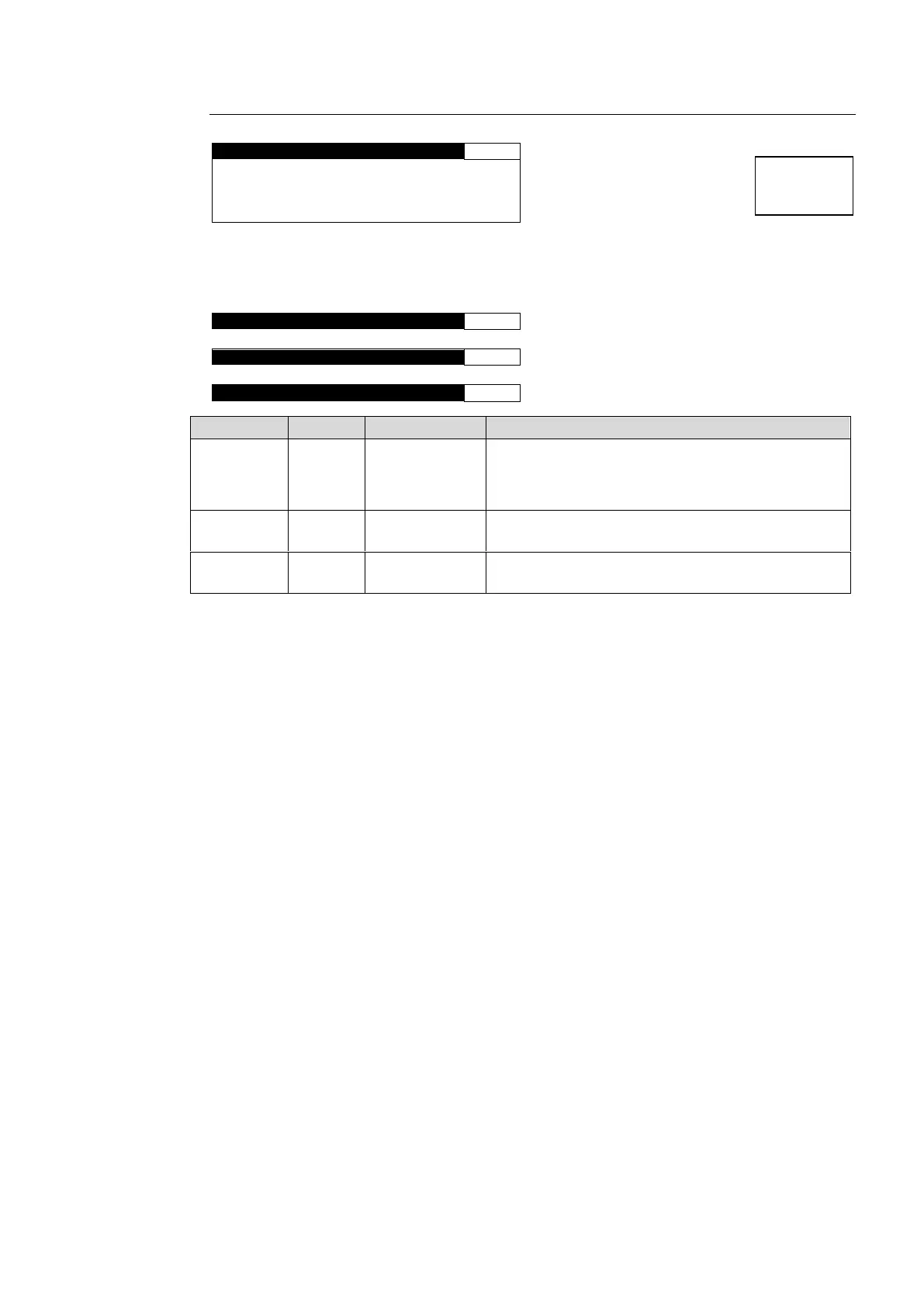
L O U D C T R L S E T 1 A
T A R G E T : - 2 4 . 0 + 0 . 0 L U
M I N G A I N : - 2 0 . 0 d B
M A X G A I N : 0 . 0 d B
Menu names and menu pages for the second channel of the FA-95ALA in option slot A,
and the first and second channels of the FA-95ALA in option slot B change as shown
below.
∙ Channel -2 of the FA-95ALA in option slot A
L O U D C T R L S E T 2 A
∙ Channel -1 of the FA-95ALA in option slot B
L O U D C T R L S E T 1 B
∙ Channel -2 of the FA-95ALA in option slot B
L O U D C T R L S E T 2 B
Allows you to set the target loudness level.
The target level specified by the standard that is
selected under the LOUDNESS STANDARD menu
(sec. 6-10-2-5) is displayed to the left.
Allows you to set the minimum gain (lower
threshold) to limit attenuation.
Allows you to set the maximum gain (upper
threshold) to limit magnification.



 To Next Page