67
5-8. VIDEO OPTION (VIDEO OP)
5-8-1. Logo Generator
The logo generator allows you to superimpose logos to FA-9520 outputs for each converter.
Run the FA-95 LG GUI, which can be downloaded from FOR-A’s website, on a PC to register
logos to the FA-9520 via Ethernet. See the FA-95LG GUI Operation Manual (downloaded with
the software) for details on logo management.
The VIDEO OP/AUDIO OP button LED flashes red while storing logo data to the FA-9520
from the FA-95LG GUI. Once the data is stored, it will be transmitted to the video memory.
The VIDEO OP/AUDIO OP button LED flashes green during this transmission. Do not turn
the power of the unit off while the button is flashing in order not to obstruct the data storage
process.
The FA-9520 front panel button/control operation, and web browser will be slowed
down while storing logo data using FA-95LG GUI. Complete necessary settings before
storing logo data.
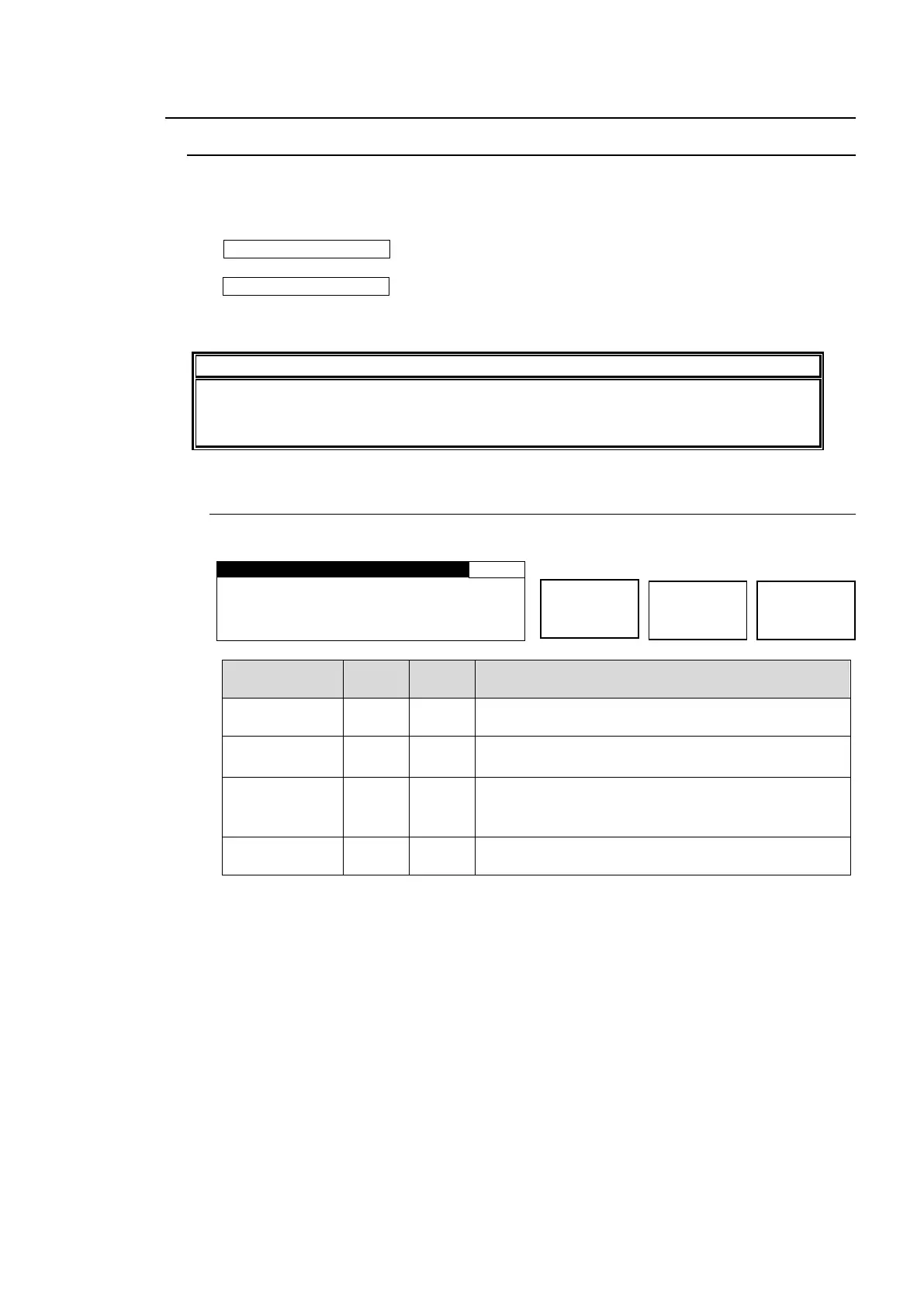
5-8-1-1. LOGO SELECT
Allows you to select a logo function mode for FS1 and FS2.
L O G O F O R M A T : H D 1 0 8 0
FS F O R M A T : 1 0 8 0 / 5 9 i
Selects a logo to be output to FS1 or FS2 output
signal.
Displays the registered name of the ID-selected logo.
Displays “-----“ if the logo is not registered.
Displays the format of the ID-selected logo.
Logo formats: SD 525, SD 625, HD 1080, HD 720
Displays “-----“ if the logo is not registered.
Displays the video format of the FS1 or FS2 output
signal.
*1 NAME and LOGO FORMAT can be registered for each logo ID via FA-95LG GUI. See
the separate FA-95LG GUI Operation Manual for details.
*2 The video format displayed under FS FORMAT and the logo format displayed under
LOGO FORMAT must match. Otherwise no logo will be displayed even if KEYER in
section 5-8-1-2 “KEYER SET” is turned On.



 To Next Page